Tachograph programmer CD400 - User manual – V2.00 r07 (9/01/2014) index
Protection code:
(****)
Conditions
not correct
Card 1
^
Protection code:
(****)
Card 1
#6
PIN code sent
Check tacho.
#6 PIN:D00000
^
TCO already in
Calibration mode
4.10. PIN code
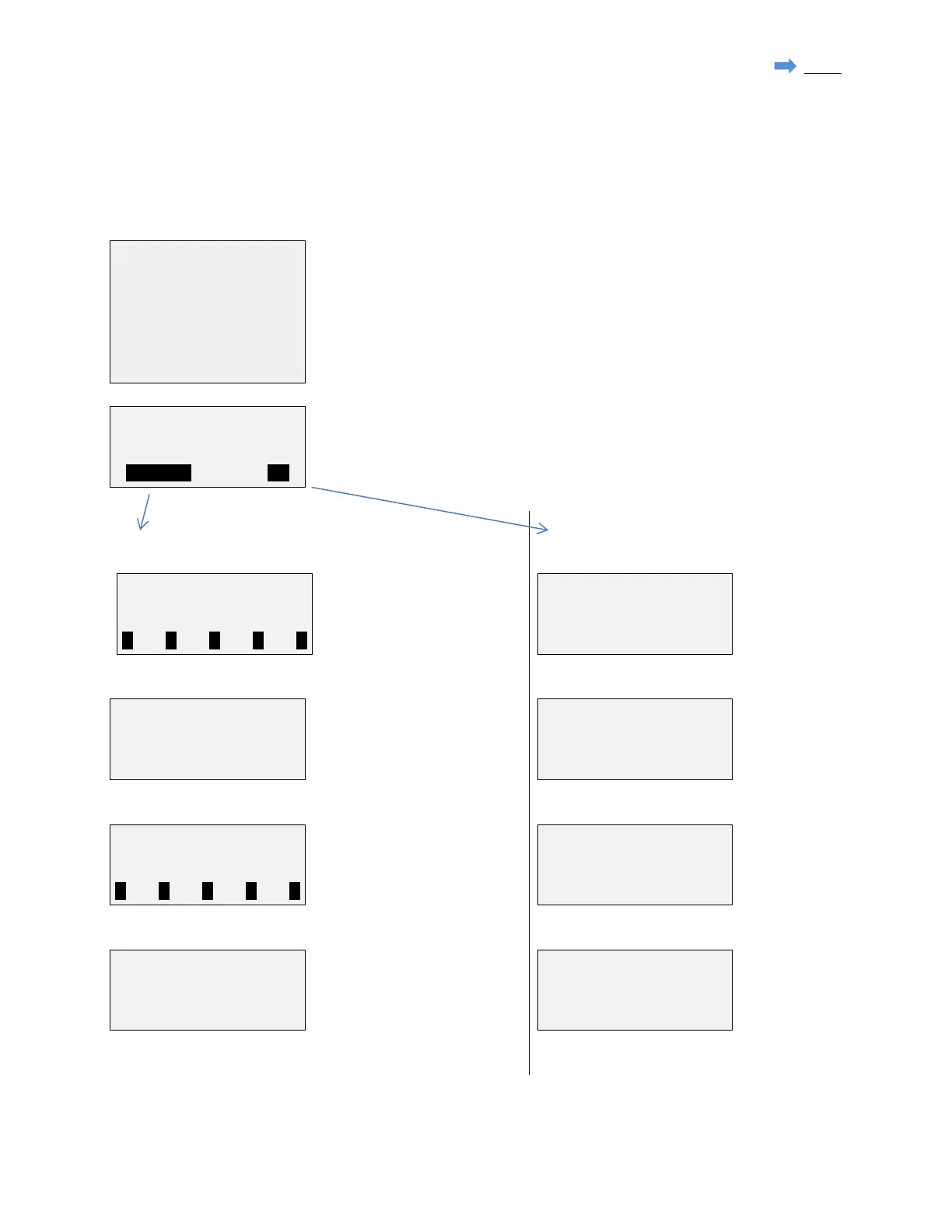
The "PIN code" function permits to send the workshop card PIN code to the tachograph automatically.
This function is available for the Digital tachographs (DTCO1381, SE5000 & EFAS)
Select the workshop card ID in the list (ie: name of owner) and press 'Ent'.
Press F1(MODIFY) to modify the data.
Press F3(Ok) to send the code.
MODIFY (card name, PIN code & protection code).
OK (send data).
Select the digit using the
'←' & '→' keys and set the
digit value using the '↑' &
'↓' keys. Then press 'Ent'.
protection code
and press 'Ent'
Adjust the PIN code length
using the '↑' and '↓' keys
and press 'Ent'.
PIN code has
been sent.
Check Tachograph.
Select the digit using the '←'
& '→' keys and set the digit
value using the '↑' & '↓'
keys. Then press 'Ent'.
The tachograph is
already in
calibration mode.
No PIN code required.
which will be required to be
able to send the PIN code.
The code can be from 1 to 4
digits long or can be left blank if not necessary.
The tachograph is
not ready to
receive the PIN
code (i.e. no card inserted).
→1.Card 1
2.Card 2
3.Card 3
4.Card 4
Card 1
#6 PIN:******
Page 22 sur 23


 To Next Page