Tachograph programmer CD400 - User manual – V2.00 r07 (9/01/2014) index
4.2 Measure K
This function is available only for the K1314/1318 and the FTCO 1319.
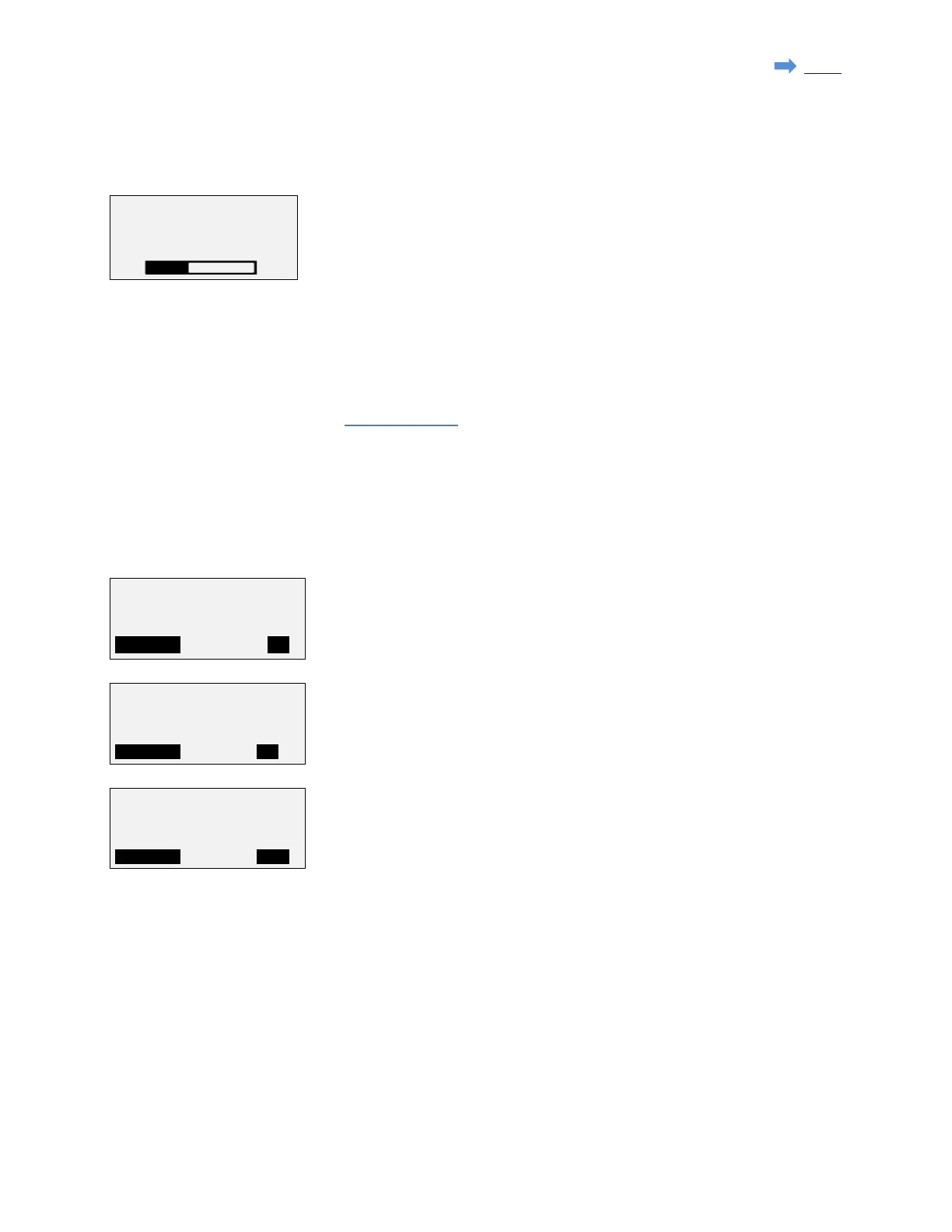
Measuring the K factor takes a few seconds.
The value is updated every time the progress bar is completed.
4.3. Parameters
The parameter list is available at: 3.2. Menu trees
4.4. Speed test
4.4.1 Manual
For the K1314/1318 the K reference is set to the last K measured if available,
otherwize it is set to 8000. For the other tachographs the K reference is set to the
K factor programmed in the tachograph.
If required, the K reference can be adjusted manually pressing 'F1' (MODIFY).
By default the speed is set to 60 km/h.
Press F1 (ON/OFF) to start/stop speed simulation.
The text "km/h" is blinking when the speed is currently simulated.
Pressing the '↑' and '↓' keys, will increase/decrease the speed by 1km/h steps.
Pressing the '←' and '→' keys, will increase/decrease the speed by 0.1km/h steps.
Press F1(MODIFY) to insert a new speed value.
K:0020
K = 8000 p/km
K:8000 p/km
K:8000 p/km
Page 17 sur 23


 To Next Page