14
cdvigroup.com
A22K
High Security Access Control 2-Door Module
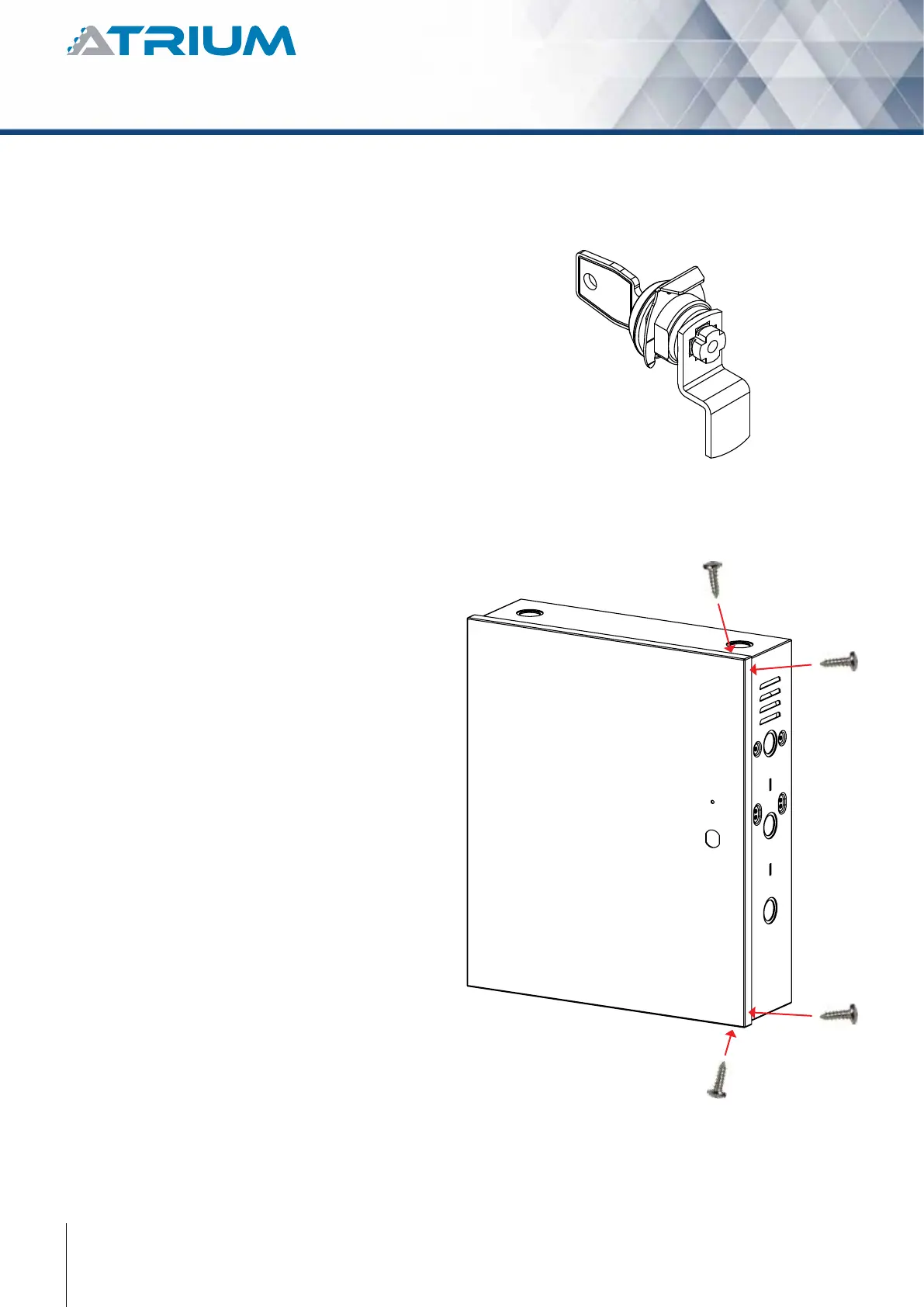
Installing the box lock allows to secure the box from
unauthorized access. Installation procedure:
1. Remove the box door knock-out.
2. Insert the lock in the hole.
3. Slide the “U” metal part into the lock
groove to secure the lock in place.
Alternatively or complementary to the box lock,
the box may be secured by xing the cover to
its base using screws.
However this should be done only once the
installation is completed.
1. Use the 4 screws supplied to secure
the box cover to its base as shown
in the following picture.



 To Next Page