6. Read Data from Phone
Click the Read phone icon.
• If connecting the phone via cable, the UFED informs you
which cable number to use. Find the cables in the cable
organizer, according to the numbers indicated on the cable.
• If connecting via Bluetooth, refer to Chapter 6 for details.
• If connecting via IrDA (Infrared), place the phone with its
infrared port directly in front of the UFED’s source or target
infrared port.
5. Smartphone / PDA Installation
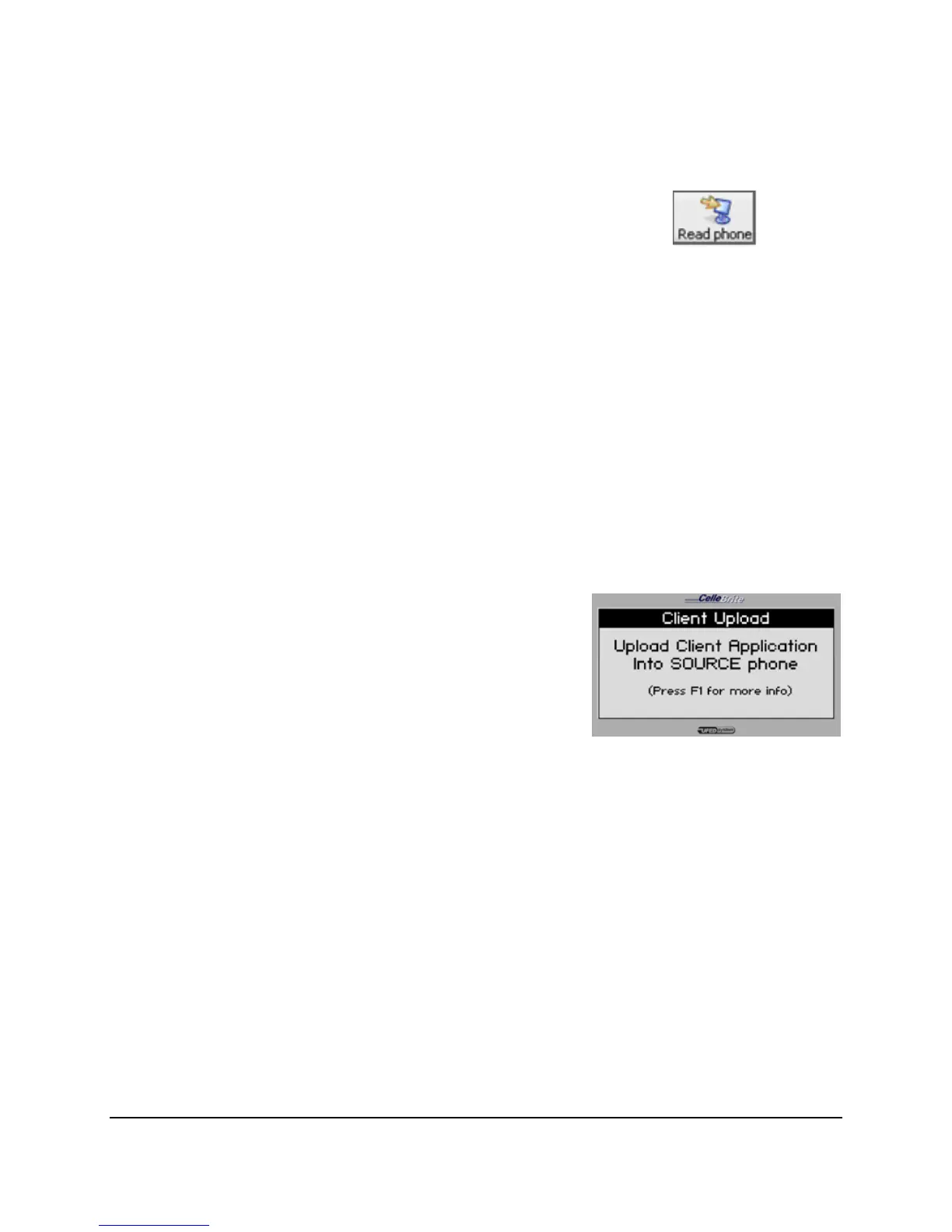
If the extracted phone is a Smart Phone
or PDA, you may need to install a client
application on the phone. (See Chapter
7)
Press ► to continue.
6. Transfer
The UFED now sends the extracted
data from its internal memory to the PC.
Transfer process is complete and you
may now disconnect the phone and the
PC from the UFED device.



 To Next Page