13
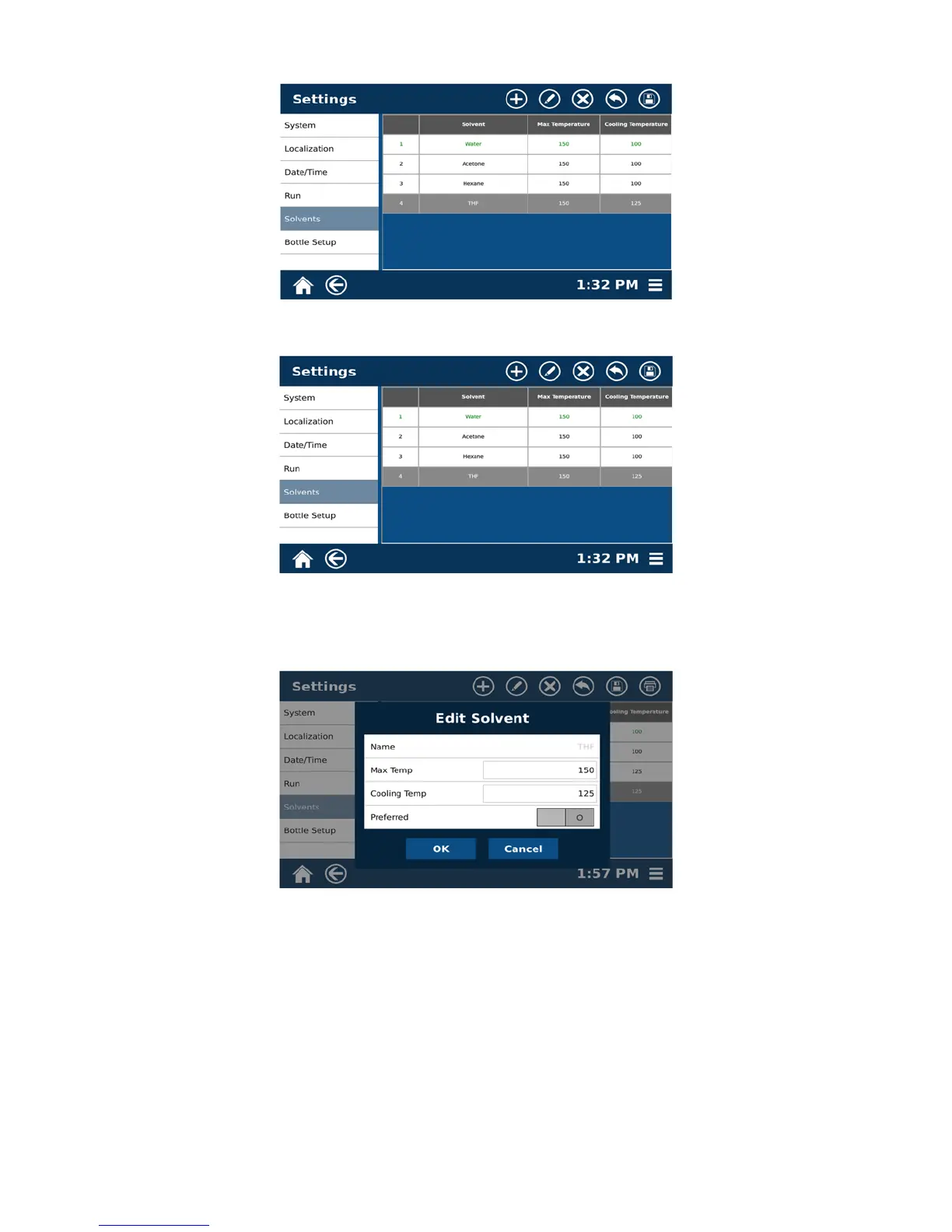
1.10 Select the icon for “Save.”
2. Edit the solvent.
2.1 Select “Menu,” “Settings,” “Solvents,” and the solvent to edit.
2.2 Select the edit icon at the top of the screen.
2.3 Make any desired changes to the Name, Max Temp and Cooling Temp.
2.4 Select “OK.”
2.5 Select the save icon at the top of the screen.



 To Next Page