119
Load Method
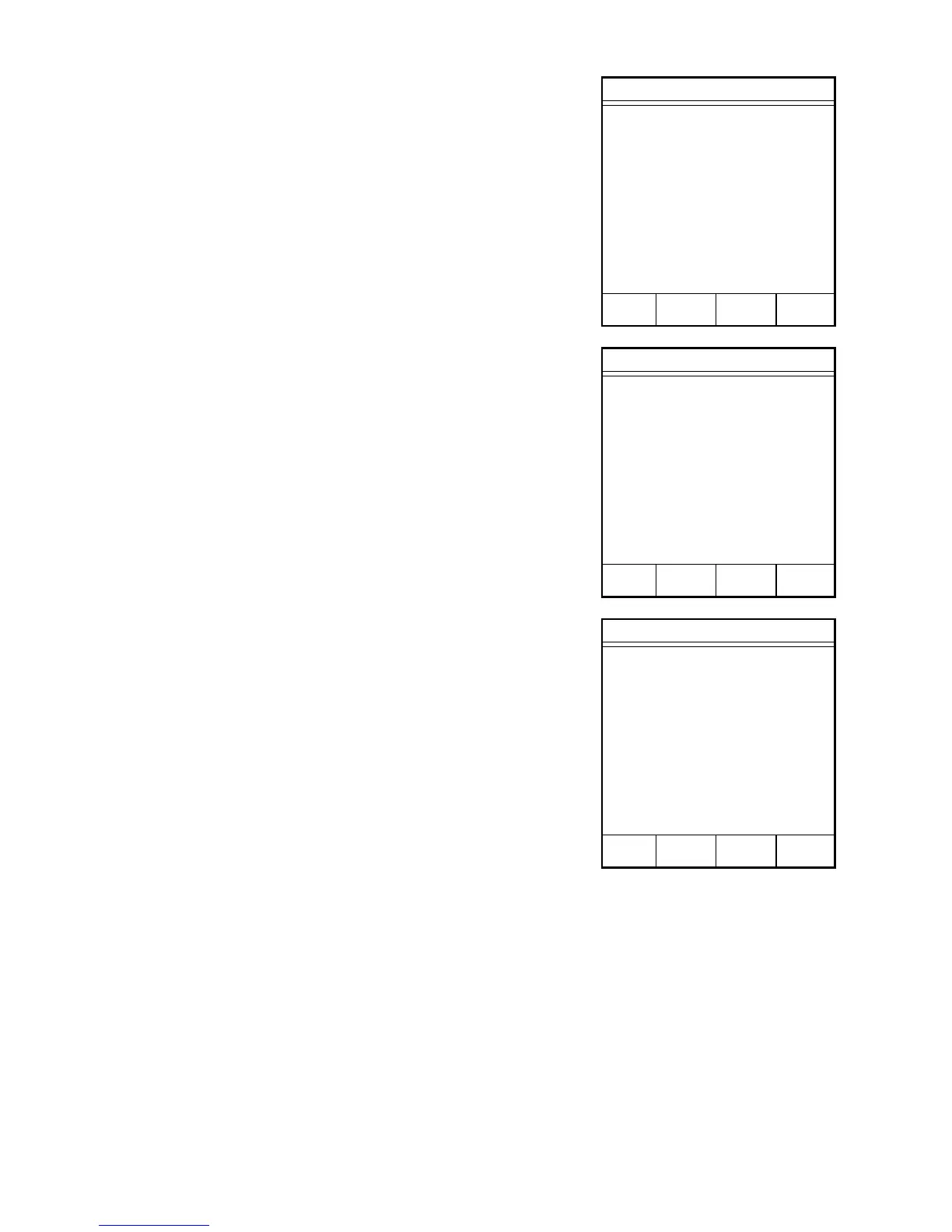
1. Press “3” to select and load a method for
use in an analysis.
2. Press the item number of the method to be
loaded.
When the CEM Main Menu returns to the screen,
the selected method will be displayed.
3. Press READY to display the initial screen
of the selected method.
Edit/Create Method
1. TEMP VERIFY
2. POWER TEST
3. STD SOLUTION
4. LATEX
5. WATER BASED CHEM
6. MEAT RAW
7. CHEESE
8. MILK
Press item number to select or
NEXT PAGE for more menu items.
NEXT
PAGE
CEM Main Menu
1. QUICK TEST
2. EDIT/CREATE METHOD
3. LOAD METHOD
4. SETUP
5. PRINT
6. STATISTICS
Press item number to select.
METHOD - QUICK TEST
CEM Main Menu
1. QUICK TEST
2. EDIT/CREATE METHOD
3. LOAD METHOD
4. SETUP
5. PRINT
6. STATISTICS
Press item number to select.
METHOD - XXXXXXXX



 To Next Page