123
The System Information screen is for
information purposes only. This screen provides
the system software version, the PIC software
version, the electrical line frequency, the type of
internal and external balance, etc.
19. Press the operation key below PREV
PAGE to return to the Setup screen.
20. Press “3” to activate the Printer screen.
21. Press “1” to toggle and select the “Internal”
printer or an external printer.
Note: If an external printer is selected, the
following screen will appear.
22. Press “1” to toggle and select the
applicable external printer – IBM, Epson,
Citizens, HP LaserJet or Canon Bubble.
23. Press “2” to toggle and select the
applicable printer pitch – 10, 12 or 17 cpi.
24. If applicable, press “3” to toggle and select
the quality of print – Draft or NLQ (Near
Letter Quality).
25. Press the operation key below PREV
PAGE to return to the Setup screen.
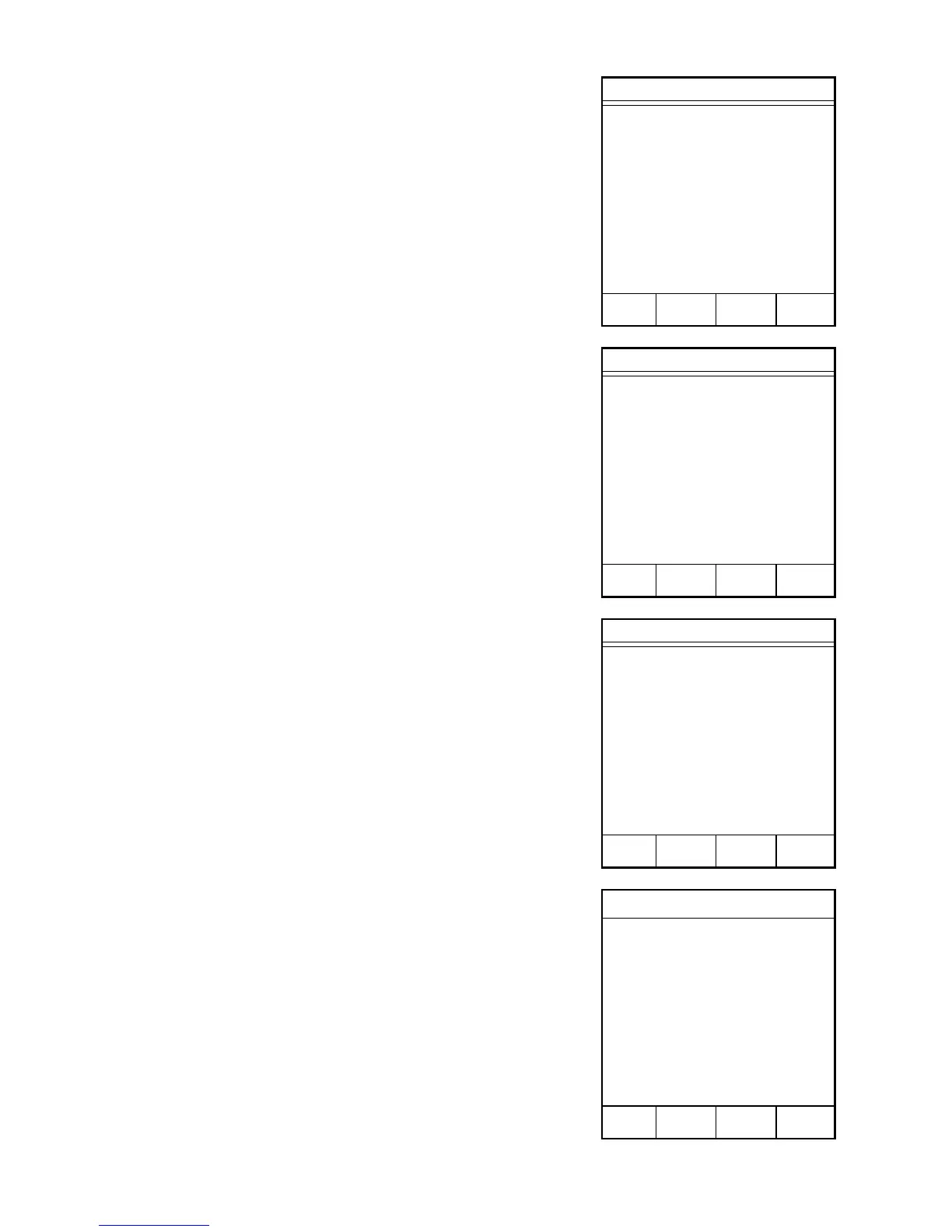
System Information
UNIT SN xxxxxx
SOFTWARE VER: xxxxx
PIC SOFTWARE VER: x.xx
LINE FREQUENCY: xx Hz
INTERNAL BALANCE: xxxxxxxx
EXTERNAL BALANCE: xxxxxx
PRINTER: INTERNAL
MAG TIME: xxxxx:xx
SYSTEM TIME: xxxxx:xx
COVER COUNT: xxx.x
MAIN PREV
MENU PRINT PAGE
Setup
1. SYSTEM OPTIONS
2. SYSTEM INFORMATION
3. PRINTER
4. COM PORT
5. CONTRAST
6. CLOCK
7. CALIBRATION
8. SECURITY
Press item number to select.
NEXT
PAGE
Printer
1. PRINTER: INTERNAL
Press item number to select.
MAIN PREV
MENU PAGE
Printer
1. PRINTER: XXX
2. PITCH: XX cpi
3. QUALITY: XXXXX
Press item number to select.
MAIN PREV
MENU PAGE



 To Next Page