133
89. Press “3” to access the Serial Options
screen.
Note: The Serial Options screens (4) are for use
when connecting the SMART System
5
to a PC. If
the instrument is connected to a PC, the “Results
Data” in the first options screen should be turned
“on.” The additional information presented in the
Serial Options screens should be turned “on” or
“off” based on methods being performed and the
data desired to be sent to the PC.
90. Press the applicable number(s) to turn the
data results “on” or “off.”
91. Press the operation key below NEXT PAGE
to access additional serial data options.
92. Press the applicable number(s) to turn the
data results “on” or “off.”
93. Press the operation key below NEXT PAGE
to access additional serial data options.
94. Press the applicable number(s) to turn the
data results “on” or “off.”
95. Press the operation key below NEXT PAGE
to access additional serial data options.
96. Press the operation key below MAIN
MENU to return to the CEM Main Menu.
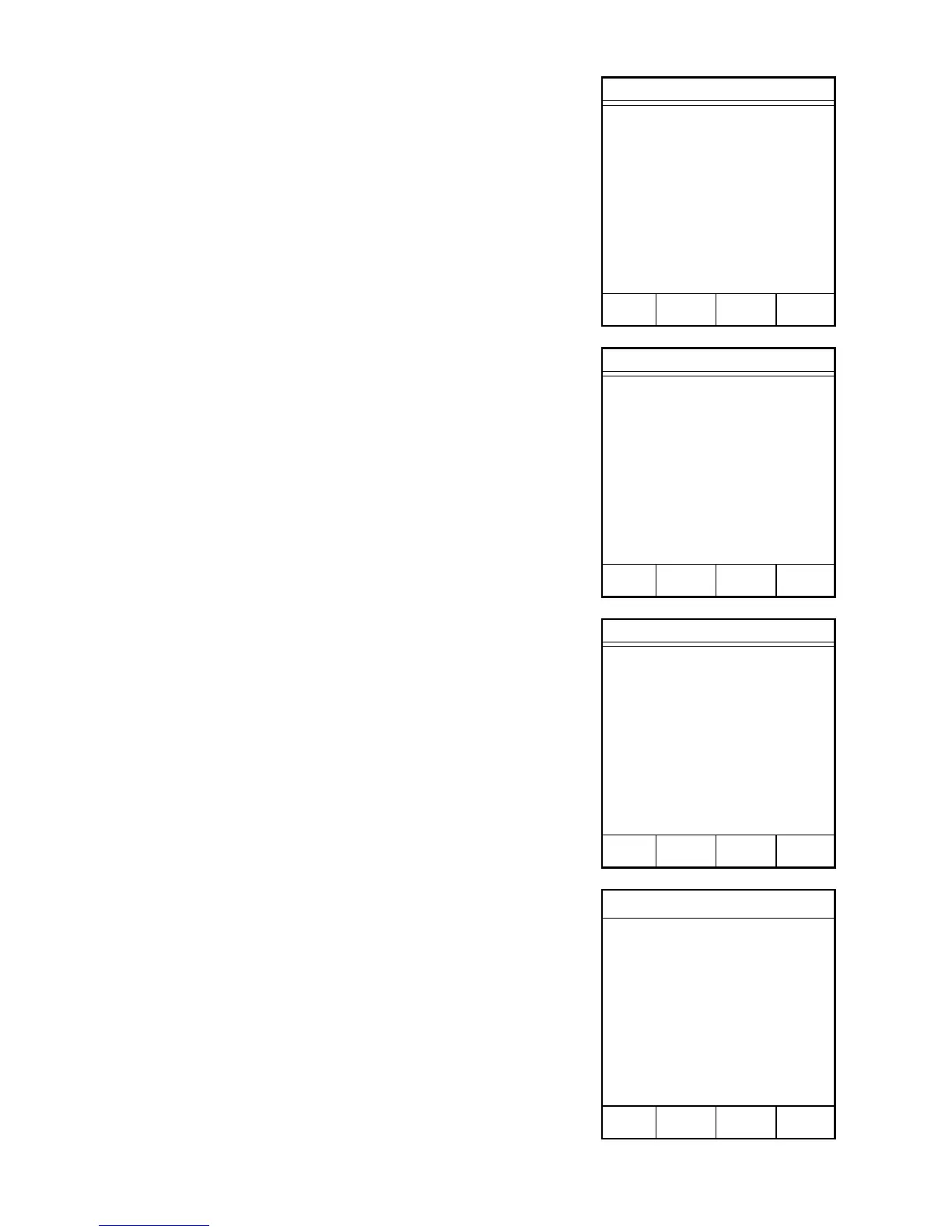
SERIAL DATA OPTIONS
1. RESULTS/DATA: OFF
2. TIME STAMP: ON
3. COMPANU NAME: ON
4. METHOD NAME: ON
5. SAMPLE ID: ON
6. RUN MODE: ON
7. RUN OPTION: ON
8. % DRY POWER: ON
Press item number to select or
NEXT PAGE for more menu items.
MAIN PREV NEXT
MENU PAGE PAGE
SERIAL DATA OPTIONS
1. % REDRY POWER: ON
2. DRY TIME: ON
3. REDRY TIME: ON
4. % MOISTURE: ON
5. % SOLIDS: ON
6. % FAT: ON
7. % PROTEIN: ON
8. % MAX TEMP: ON
Press item number to select or
NEXT PAGE for more menu items.
MAIN PREV NEXT
MENU PAGE PAGE
SERIAL DATA OPTIONS
1. % MOISTURE BIAS: ON
2. % FAT BIAS: ON
3. % ASH + CARB: ON
4. INITIAL WEIGHT: ON
5. FINAL WEIGHT: ON
6. END WEIGHT: ON
7. DIFF WEIGHT: ON
8. INIT LIQUID VOL: ON
Press item number to select or
NEXT PAGE for more menu items.
MAIN PREV NEXT
MENU PAGE PAGE
Setup
1. COMPANY NAME
2. DELETE METHOD
3. SERIAL OPTIONS
4. UNIT SN
5. CALIBRATE Intelli-Temp
Press item number to select.
PREV
PAGE



 To Next Page