51
Moisture/Solids - Wastewater - TSS
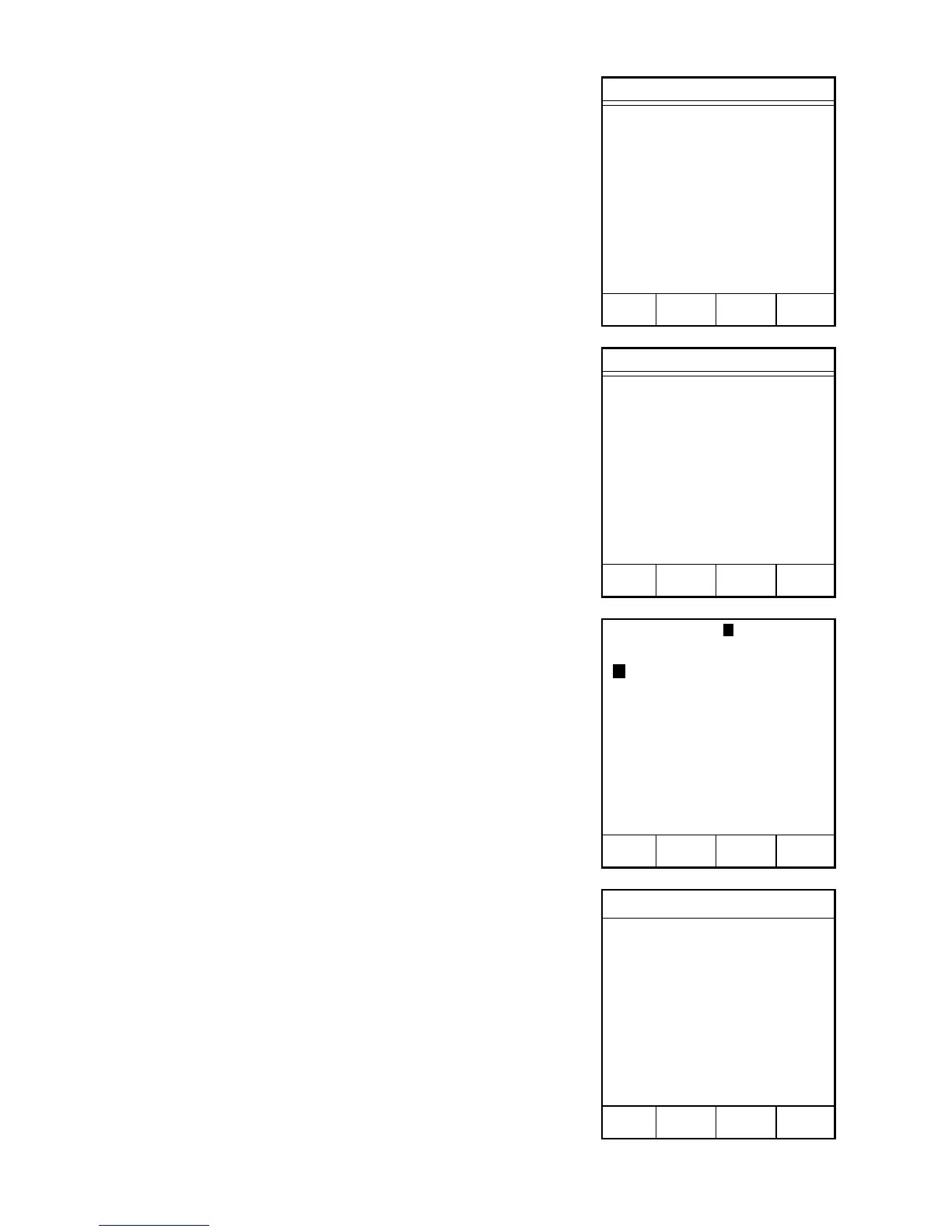
1. With the CEM Main Menu displayed, press
“2” to activate the Edit/Create Method
screen.
2. Press “1” to create a new method.
3. Using the operation keys below the arrows,
select the first letter or number of the
method name.
4. Press ENTER.
Note: If the method name utilizes numbers only,
use the numeric keypad to enter the numbers for
the name.
5. Continue using the operation keys below
the arrows to select each letter or number of
the method name. Press ENTER after each
selection until the entire method name is
selected.
6. Press READY.
7. Press “1” to toggle and select “Moisture/
Solids.”
8. Press “2” to toggle and select “Constant
Weight” or “Set Time.”
9. Press READY.
CEM Main Menu
1. QUICK TEST
2. EDIT/CREATE METHOD
3. LOAD METHOD
4. SETUP
5. PRINT
6. STATISTICS
Press item number to select.
METHOD - XXXXXXXX
METHOD NAME:
0 1 2 3 4 5 6 7 8 9 A B
C D E F G H I J K L M N
O P Q R S T U V W X Y Z
Space Delete
Highlight choice, press ENTER.
Press READY to continue.
Edit Method
1. CALCULATION MODE:
MOISTURE/SOLIDS
2. TIME PARAMETER:
CONSTANT WEIGHT
Press item number to select.
Press READY to continue.
MAIN PREV
MENU PAGE
➞
➞
➞
➞
Edit/Create Method
1. NEW METHOD
2. TEMP VERIFY
3. POWER TEST
4. STD SOLUTION
5. LATEX
6. WATER BASED CHEM
7. MEAT RAW
8. CHEESE
Press item number to select.
NEXT
PAGE



 To Next Page