36
Quick Test
1. POWER: XXX%
2. RUN TIME: XX:XX min:sec
3. MAX TEMP: XXX C
4. MIN WT RANGE: X.XX g
5. MAX WT RANGE: 4.00 g
6. WT COMPENSATION: OFF
Input max wt range, press ENTER.
Entry: 04.00
CONSTANT
WEIGHT
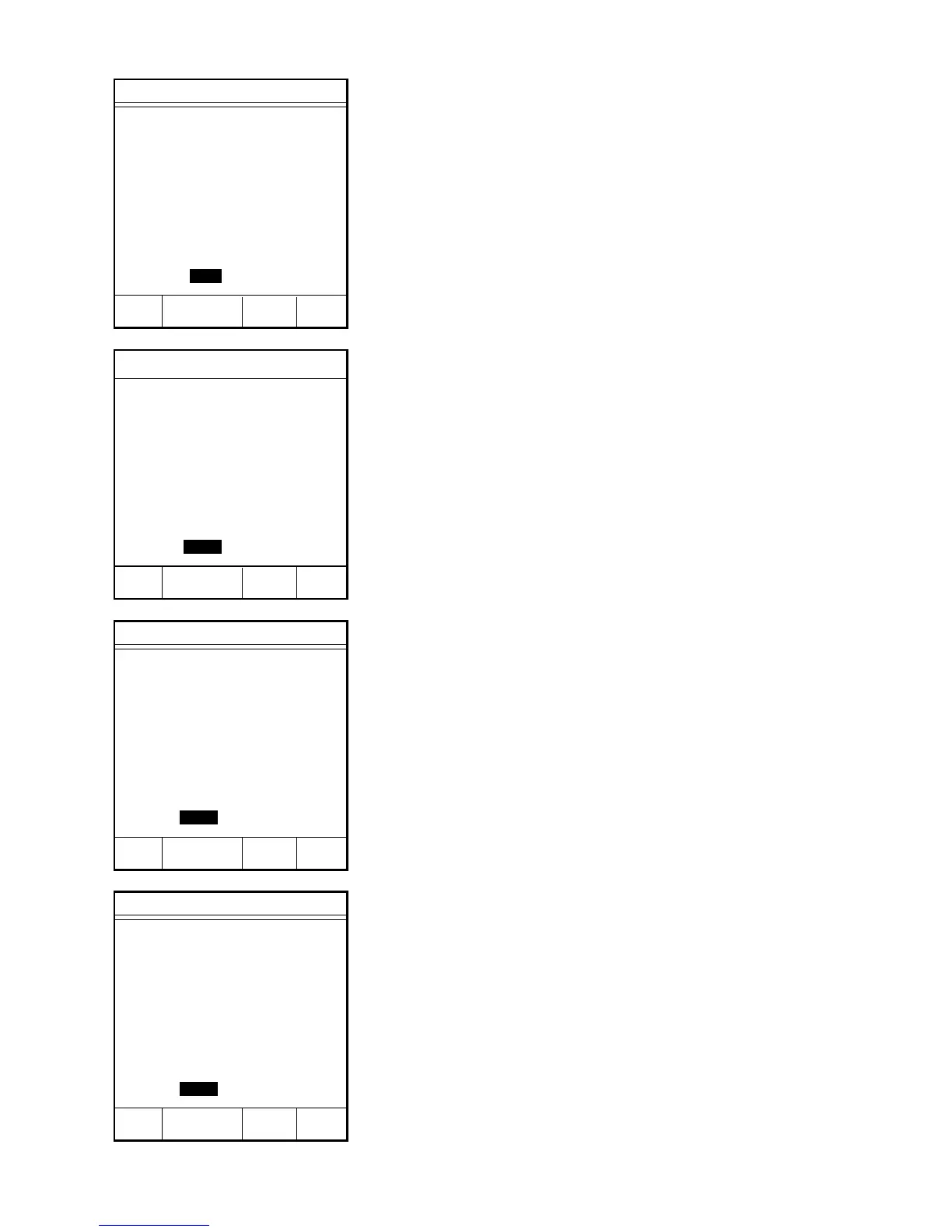
Quick Test
1. POWER: XXX%
2. RUN TIME: XX:XX min:sec
3. MAX TEMP: XXX C
4. MIN WT RANGE: 2.00 g
5. MAX WT RANGE: 4.00 g
6. WT COMPENSATION: OFF
Input min wt range, press ENTER.
Entry: 02.00
CONSTANT
WEIGHT
Quick Test
1. POWER: XXX%
2. RUN TIME: 00:00 min:sec
3. MAX TEMP: 110 C
4. MIN WT RANGE: 2.00 g
5. MAX WT RANGE: 4.00 g
6. WT COMPENSATION: OFF
Input run time, press ENTER.
Entry: 00:00
CONSTANT
WEIGHT
6. Press “2” to select and enter the sample
drying time.
7. Using the numeric keys, enter the run time
(1 sec. - 99 min. 59 sec.).
8. Press ENTER.
9. Press “3” to select and enter maximum
temperature. If using the default value of
110°C, omit step 10.
10. Using the numeric keys, enter the
maximum temperature (0 - 300 °C) of the
instrument during the analysis.
11. Press ENTER.
12. Press “4” to enter a minimum weight
range. If using the default minimum weight
range of 2.00 g, omit step 13.
13. Using the numeric keys, enter the
minimum weight range of the sample (0 -
50 g).
14. Press ENTER.
15. Press “5” to enter a maximum weight
range. If using the default maximum
weight range of 4.00 g, omit step 16.
16. Using the numeric keys, enter the
maximum weight range of the sample (0 -
50 g).
17. Press ENTER.
Quick Test
1. POWER: XXX%
2. RUN TIME: XX:XX min:sec
3. MAX TEMP: 110 C
4. MIN WT RANGE: 2.00 g
5. MAX WT RANGE: 4.00 g
6. WT COMPENSATION: OFF
Input max temp, press ENTER.
Entry: 110
CONSTANT
WEIGHT
➞
➞
➞
➞



 To Next Page