83
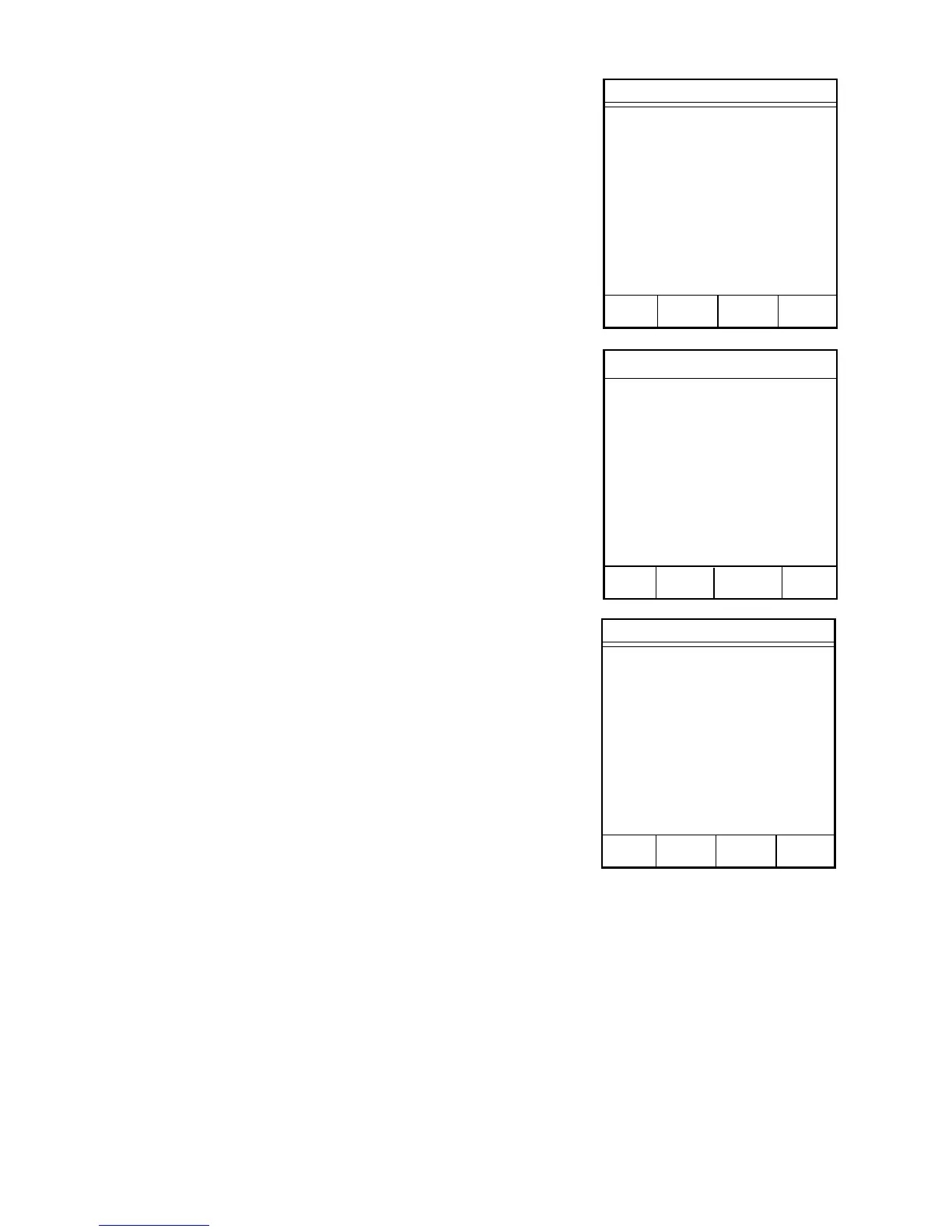
The Sample Weight Data screen displays the
initial weight, the final weight and the
differential weight.
36. Press the operation key below PREV
PAGE to return to the Data Results screen.
37. Press the operation key below PRINT to
print the analysis results either on the
internal printer or an external printer, if
installed.
Note: Press READY to analyze additional
samples using the same method.
38. Press the operation key below MAIN
MENU to end the analysis and return to the
CEM Main Menu screen.
Sample Weight Data
Initial Wt: xx.xxxx g
Final Wt: xx.xxxx g
Diff Wt: xx.xxxx g
Press READY to continue.
MAIN PREV
MENU PAGE
Data Results
Sample ID: xxxxxxxxx
Dry Time: xx:xx
Moisture: xx.xx%
Solids: xx.xx%
Press READY to continue.
MAIN FORM SAMPLE
MENU FEED WEIGHTS PRINT
CEM Main Menu
1. QUICK TEST
2. EDIT/CREATE METHOD
3. LOAD METHOD
4. SETUP
5. PRINT
6. STATISTICS
Press item number to select.
METHOD - XXXXXXXX



 To Next Page