Page 22
Manual Shut-Down
To manually shut down the XTrac perform the procedure as follows;
I. press and hold Learn Button.
II. whilst continuing to hold down the Learn Button, press and hold Run
Button.
III. XTrac will have entered Shut-Down Mode once the LED extinguishes.
5.4.3 Solar power
An optional Solar Power kit is available. Contact Centurion Systems for
further information
5.4.4 Warning buzzer
An audible buzzer will;
a. Single “beep” every 30 seconds to indicate that the power supply is not
active.
b. Double “beep” every 30 seconds to indicate that the power supply is
not active and that remaining battery voltage is low therefore Shut-
Down is imminent.
5.5 Control box
The Control Box houses most of the controls from which the XTrac may be
adjusted and functionality customized to suit individual requirements
Most commonly used functionality controls are accessible from within the
Courtesy Lamp Cover
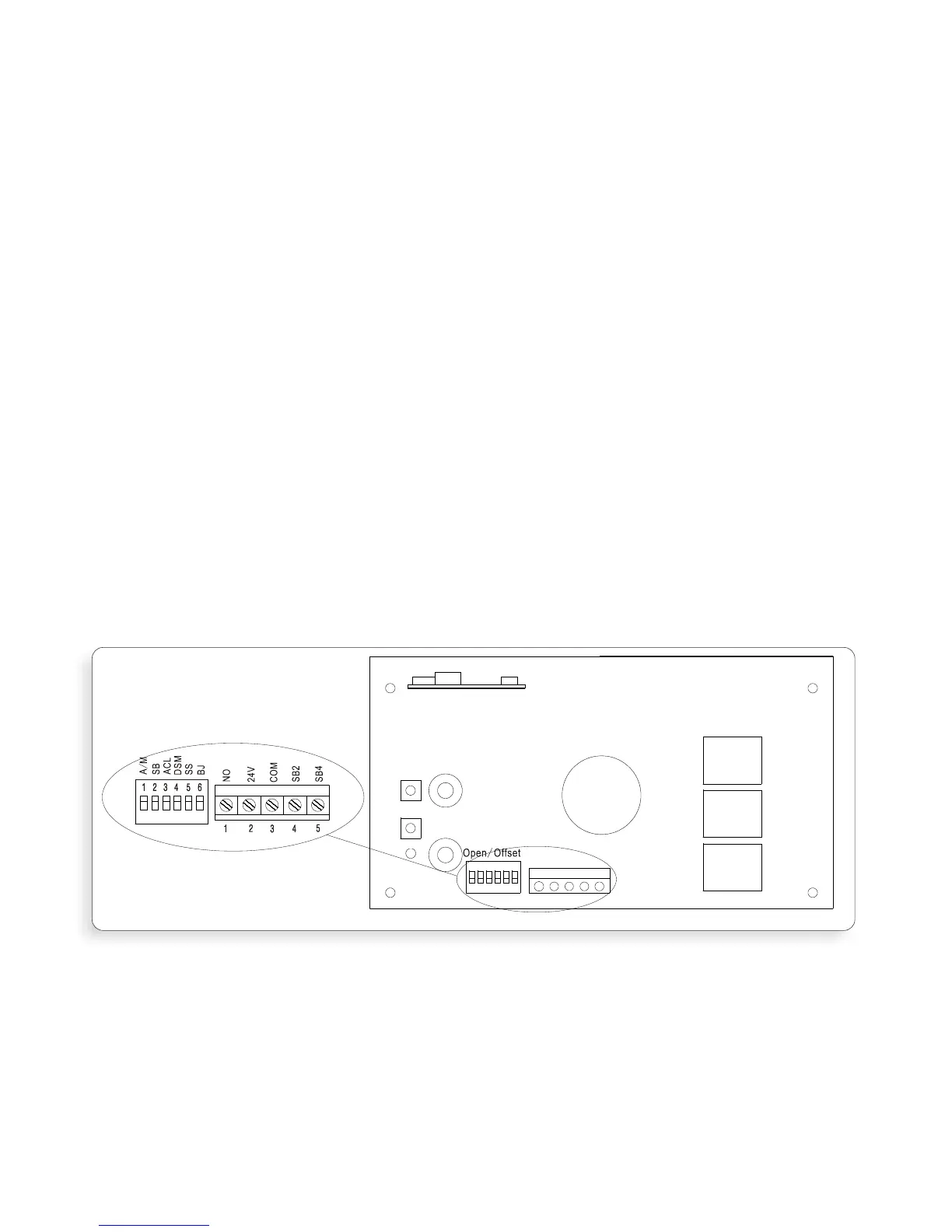
Less commonly used controls are accessible by removing both the Courtesy Lamp
and Control Box Covers to expose the Control Board
Removal and Replacement of Courtesy Lamp and Control Box Covers
Important Note: The control board and power supply contain high voltage
components. Coming into contact with these components may cause
severe injury or death. Always switch of the XTrac and un plug the power
cord BEFORE removing the main Control Box cover. The Control Box cover
should only be removed buy a suitably qualified technician
Remove Courtesy Lamp and Control Box covers as follows;
I. Switch off XTrac at power point and unplug the power cord.
II. open the Courtesy Lamp cover by pulling it down at the finger recess point
(Figure.18-A).
Figure 17
Light bulb
Close/Speed
Learn
RUN
LED



 To Next Page