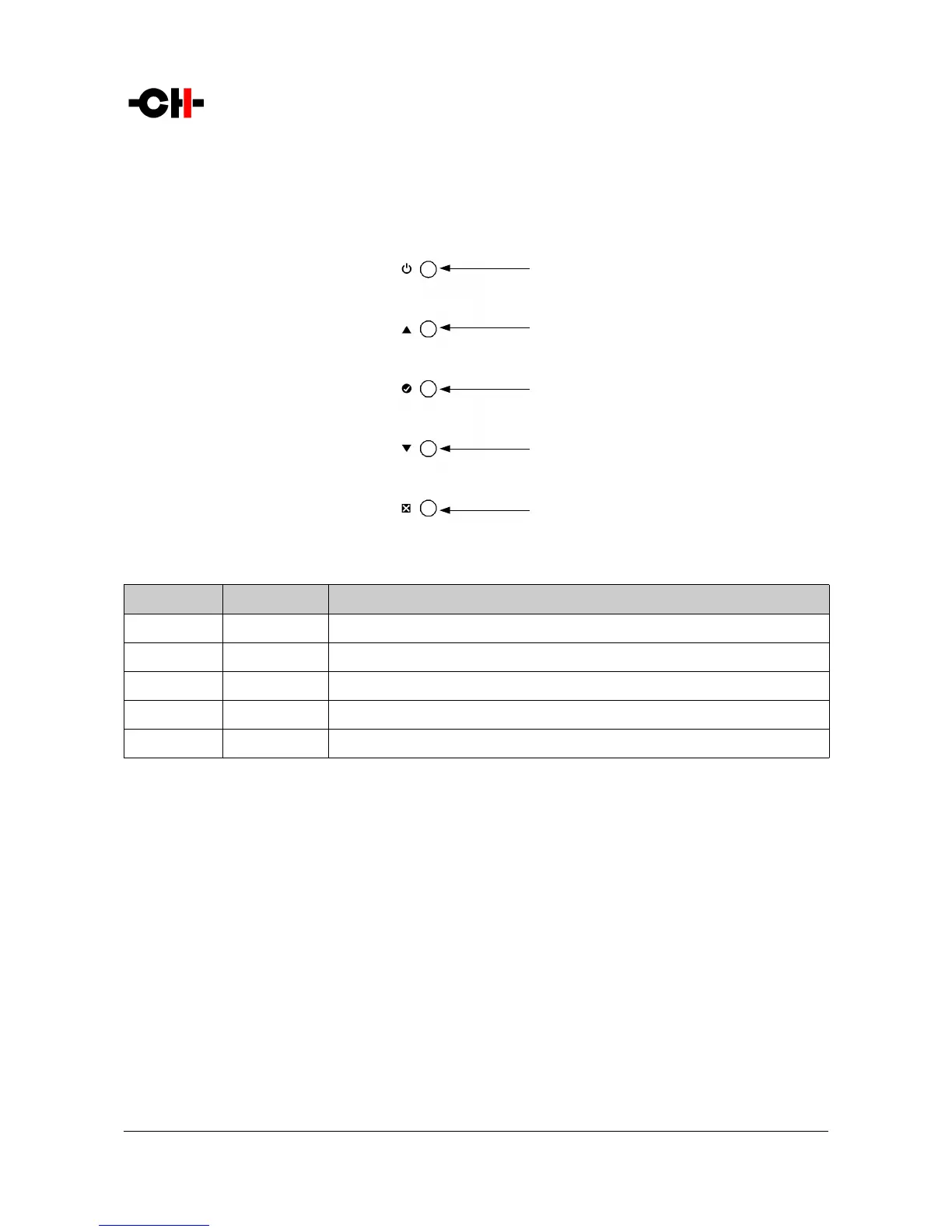
6.2 Front panel push-buttons
The push-buttons located on the front panel of the P1 unit allow the user to access the unit's settings through a series of menus.
Front panel push-buttons
Button number Button symbol Description
1
S
Standby (long push) / Mute/Unmute (short push)
2
N
Up
3
R
OK
4
O
Down
5
Q
Cancel
Front panel push-buttons description
6.3 Operating modes
The P1 phono stage has three operating modes: Normal mode, Shortcut modes and Menu mode. Normal mode is used to access the
main P1 controls whereas Menu mode is used to fully configure the unit. Shortcuts mode is designed for quick access to selected
Menu mode items. Shortcuts are user programmable and most Menu mode items can be selected as Shortcuts.
6.3.1 Normal mode
Normal mode is used for standard phonostage functions. When powered-on, the P1starts in Normal mode. The display looks as
follows:
Rev 1.1 P1 User Manual 19



 To Next Page