25
NOTE: 12 flash for current sense 3ph only. Error codes take priority over normal MAS LED operation. Error codes will repeat on the MAS every
1.5 seconds until cleared. There may be more than one error present, but only the highest priority will flash. If the highest error is cleared, the
next highest will flash. All errors self-correct when corrective action is taken and a reset is not needed.
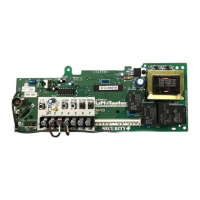
NOTE: After a power cycle, the board will flash a series of lights, and then flash the firmware Rev. on the MAS light. The firmware revision will
always be flashed as X.Y.; e.g. current version is 8.12 which would flash as; 8 blinks, pause, one blink, pause, 12 blinks. The firmware version is
printed on the label of each L5 board. These blinks should not be confused with an error code which would continue to flash repeatedly.
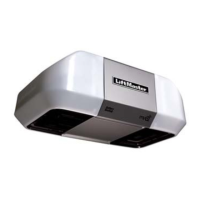
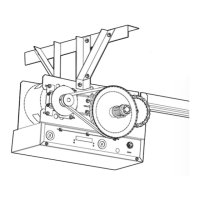
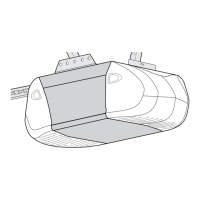
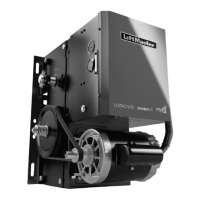
LiftMaster Logic 3.0, 4.0, and 5.0 Operators incorporate a self-diagnostic feature built into the MAS LED. In
addition to indicating when routine maintenance is due, the MAS LED can be used to troubleshoot problems with
the operator.
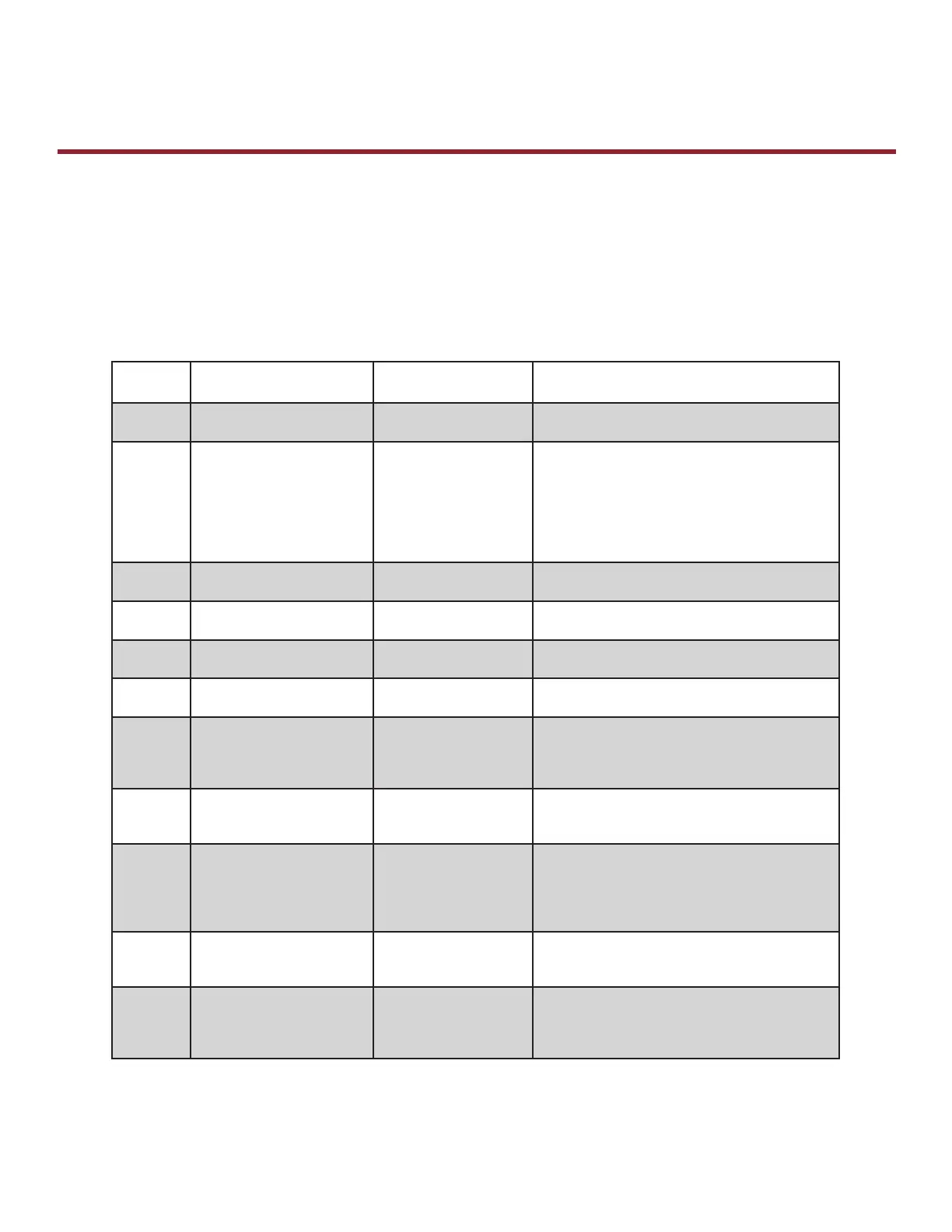
If the MAS LED on the logic board or 3-button control station is fl ashing on and off rapidly, the Maintenance Alert
System has been triggered and service is due on the operator. If the MAS LED fl ashes 2 or more times in a row
followed by a pause, an operator error has occurred. To view the errors, turn the selector dial to DIAGNOSTIC
and press the OPEN button. To view the individual error codes (if more than one exists) press CLOSE. It is
possible to have more than one error at a time. Use the chart below to determine the error.
ERROR
CODE
DESCRIPTION SYMPTOM SOLUTION
1 blink MAS triggered (cycles or
months)
Normal operation Reset MAS.
2 blinks No RPM input during opening
or closing
The door only responds
to constant pressure
commands.
OR
No operator movement for
3-Phase Operator.
Clutch is slipping; adjust clutch, or verify RPM sensor
connection or replace RPM sensor.
NOTE: To relearn the RPM sensor, move the door with
a constant pressure command. The door will stop
once relearned and normal operation will resume.
OR
Replace 3-Phase Power Board.
3 blinks (MRT) Maximum Run Time
has timed out
The door stops before
reaching the desired time
Check the operator for any faults (e.g., bad limit switch),
program the Max Run Timer OR reset to factory defaults.
4 blinks Obstruction sensed on closing Operator will reverse to
OPEN position
Remove obstructions or realign photoelectric sensor.
5 blinks A button is stuck (longer than
2 minutes)
The control station will not
respond
The control station must be fi xed or replaced before
it will be recognized as an input.
6 blinks Invalid option card plugged
into option card receptacles
Option card will not
function properly
Refer to accessories (page 63) for list of supported
option card(s).
7 blinks LiftMaster Monitored
Entrapment Protection (LMEP)
device faulted or removed for
greater than 2 minutes
Normal operation (5
second constant pressure
override required to close)
Cleared when entrapment protection device is
cleared or connected.
8 blinks Brownout detected Operator will run as
long as enough power is
present
1. Check AC line for voltage.
2. Check transformer secondary for low voltage. Too many
accessories may be connected to the transformer.
9 blinks Motor movement at invalid
time
Operator will continue
to function normally for
5 operations and then
default to a constant
pressure mode
Check relays and the drive circuitry to insure that
they are turning off. Operator must run correctly for
two starts for the error to be cleared.
10 blinks Operator was not in programming
mode when the motor phase
jumper was changed.
The phase will not change Enter programming mode and move phase jumper to
change phase.
12 blinks
(3 Phase
Only)
Current sense fault. Motor moves for limited
cycles, then motor no
longer moves.
1. Check current sense wiring connection.
2. Cycle operator power after wiring has been corrected.
OR
Replace 3-Power Power Board
B
Error Codes
Industrial Duty Logic Operators









 To Next Page