32
B
Medium Duty Logic Operators
Programming
TIMER-TO-CLOSE
Timer-to-Close feature enables the Medium Duty Logic Operator to close from the open limit after a preset time,
adjustable from 5 to 60 seconds in 5 second increments.
To Program
Begin with the door in a fully closed position.
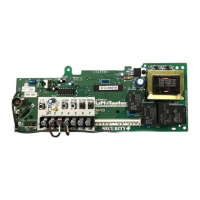
1) Press and release the LEARN button to enter program mode (LED will light).
2) Press and release the TTC button.
3) Every press and release of the STOP button will add 5 seconds to the Timer-to-Close.
Example: 30 second TTC = 6 presses of the STOP button.
4) Press and release the TTC button to exit the programming mode. The LED will fl ash once per 5 seconds of timer
setting.
The TTC will become active after completion of the next open cycle.
NOTE: The LED does not indicate the timer is running.
To Verify The Timer-To-Close (TCC) Setting
1) Press and hold the LEARN button (LED will light).
2) Press and release the TCC button.
3) Press and release the TTC button a second time. The LED will fl ash once per 5 seconds of timer setting.
Clear The Timer-To-Close (TCC)
1) Press and release the LEARN button (LED will light).
2) Press and hold the TCC button for 6 seconds.
3) Release the TTC button (LED will go out). The TTC will no longer be active.
Timer Defeat
The TTC can be temporarily disabled by pressing a STOP button. TTC will become enabled after the next open
command.
D14
COM INTRLK STOP
LED
OPENCLOSE
TTC
LEARN
1
LMEP1 LMEP2
234567
STOP CLOSE OPEN
R27
AUX ANT
^^^^
AUX ANT
AUX ANT
D14
COM INTRLK STOP
LED
OPENCLOSE
TTC
LEARN
1
LMEP1LMEP2
234567
STOP CLOSE OPEN
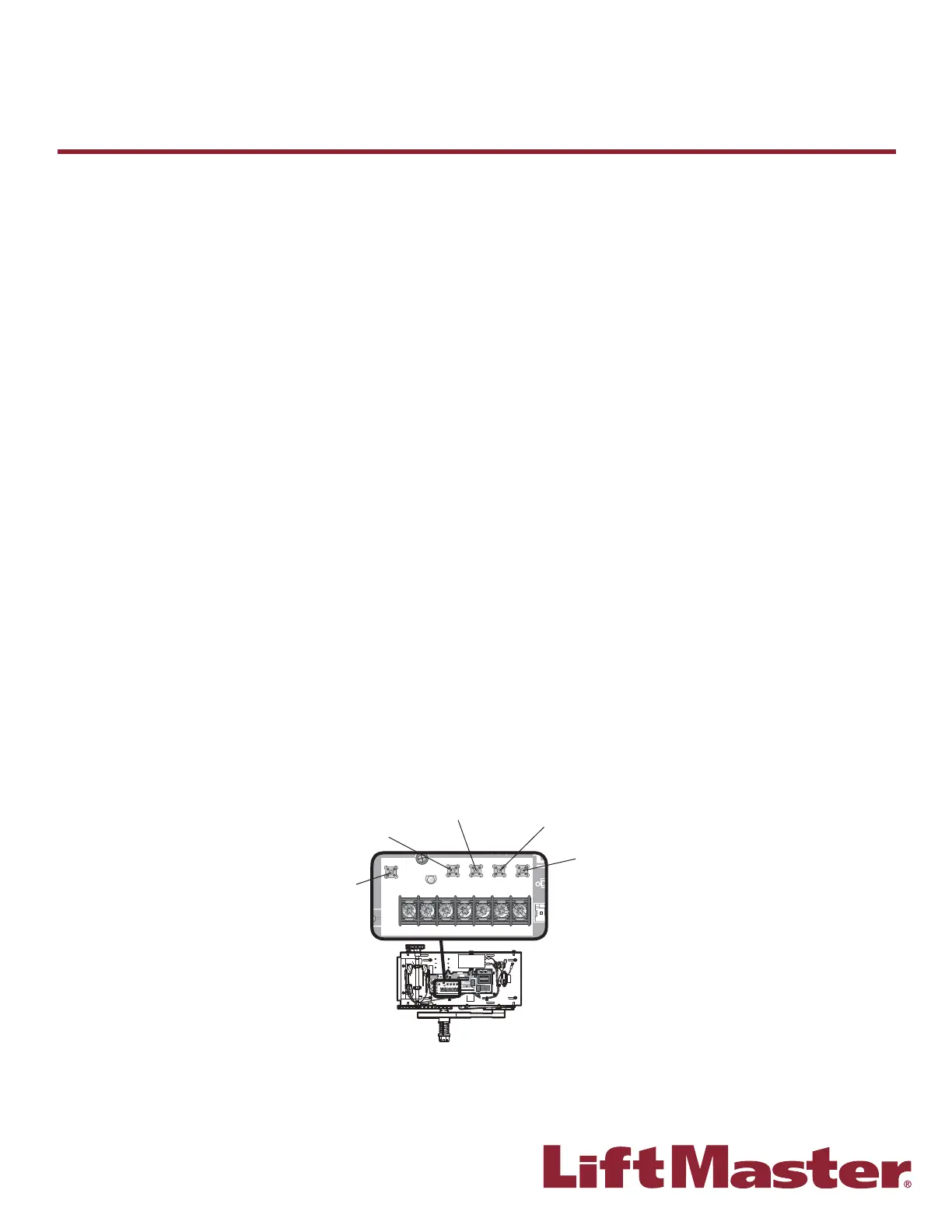
LEARN Button
STOP Button
OPEN Button
CLOSE Button
TTC Button









 To Next Page