6
Basic Troubleshooting
Check Incoming Voltage
Check the incoming power voltage to ensure readings are within 10% of the rated voltage. For example, a 115VAC-
rated power line should read between 103.5 to 126.5VAC. Continue to monitor voltage as the operator is activated
through one cycle. Voltage drops occur, but should not drop more than 5% under load from the non-functioning
position, +/- 10% at startup and +/- 5% while the operator is running. Low voltages can cause damage to components
and cause functionality issues.
NOTE: The installation of a dedicated circuit is required for achieving optimal voltage.
Check The Overload
Look at the overload button (when present) on the outside or inside of the electrical box. To confi rm if the overload has
been tripped, press the overload button. If the overload has been tripped, look for a short or bad wire in the operator.
Resetting the overload will only fi x the problem temporarily. LiftMaster recommends the cause of the overload be
identifi ed and resolved. Logic operators are equipped with a thermal overload and will automatically reset themselves.
After the operator cools it must be run a full cycle.
Check Any Interlock Switches
Check any interlock and/or disconnect switches for full activation. Manually activate any interlock switches to verify
proper motion of the switch and use a multimeter across the switch leads to verify proper electrical output. The output
should show a closed circuit (low resistance) when the door is ready to be activated.
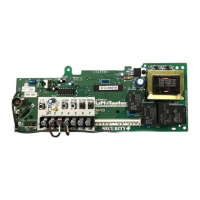
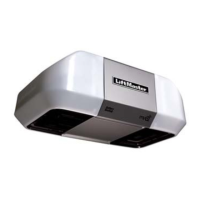
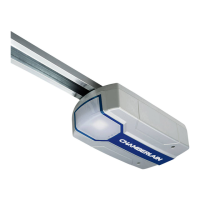
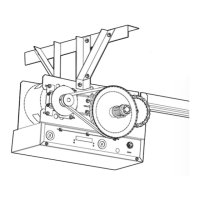
All of the above testing is generic for Logic 3.0, Logic 4.0, Logic 5.0, Medium Duty Logic and Mechanical operators.
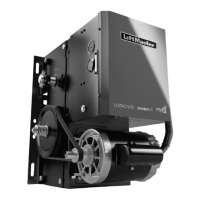
Mechanical operators are also known as Contactor or Electro-Mechanical operators. Effi ciency in troubleshooting
operators differs from this point. Logic operators have many LEDs and special controls to speed up diagnosis. For a
Mechanical operator, refer to Section C. For Logic 3.0, 4.0, 5.0 operators, continue on to Section B.
A









 To Next Page