25
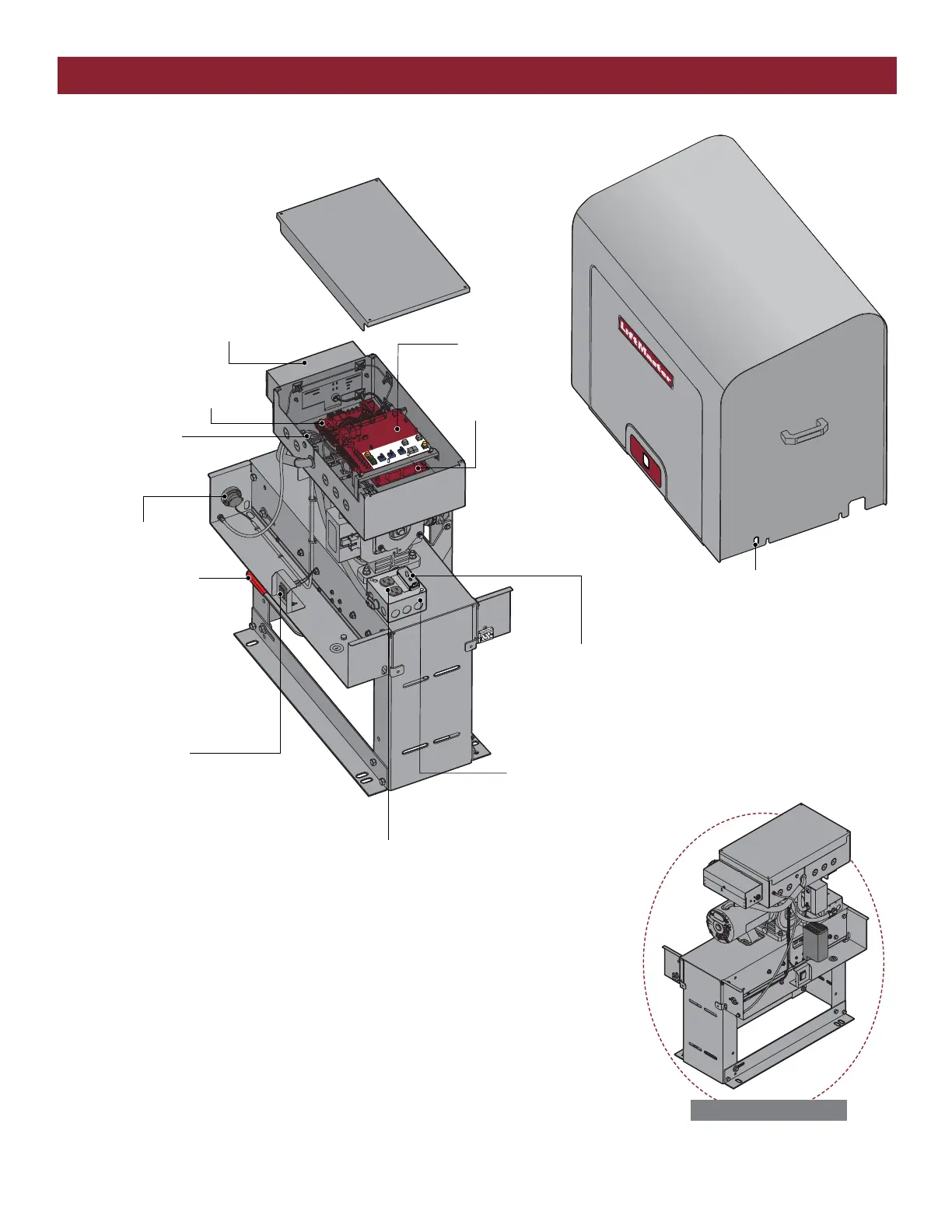
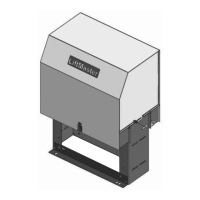
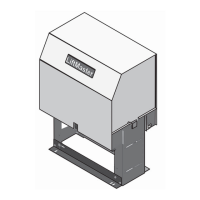
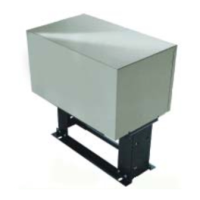
OPERATOR OVERVIEW
MANUAL RELEASE
HANDLE
Pull the manual release
handle to manually open
and close the gate.
JUNCTION BOX
ACCESSORY POWER OUTLET
(For 120 Vac, Single Phase Only)
EXPANSION BOARD
Pages 31-34
AC POWER SWITCH WITH LOCKOUT COVER
The AC power switch on the operator will turn the incoming
power ON or OFF.
CONTROL BOARD
Pages 26-30
COVER
RESET BUTTON
•
Press the reset button to stop a moving
gate during a normal open/close cycle,
like a stop button.
• Press the reset button once while the
gate is in open position to disable the
Timer-to-Close. The gate will stay in the
open position. To restart the
Timer-to-Close either press the reset
button or activate the gate with a
programmed remote control.
• Press the reset button to shut off the
alarm and reset the operator.
LIMIT SWITCHES
Page 22
POWER BOARD
OPERATOR ALARM
Page 44
TERMINAL BLOCK
For additional
accessory wiring.
Page 35
OPTIONAL LOCKS
Location for additional locks
(not provided).
SL585505U with HEATER
NOTE: The heater can only be turned off
from the thermostat next to the heater.



 To Next Page