RSR-000886-000 (1) Page 11 of 40
Step 2. After removing fiber, unplug finger switch cord by pulling plug
away from unit.
Step 3. Remove the new assembly from the protective foam
packaging.
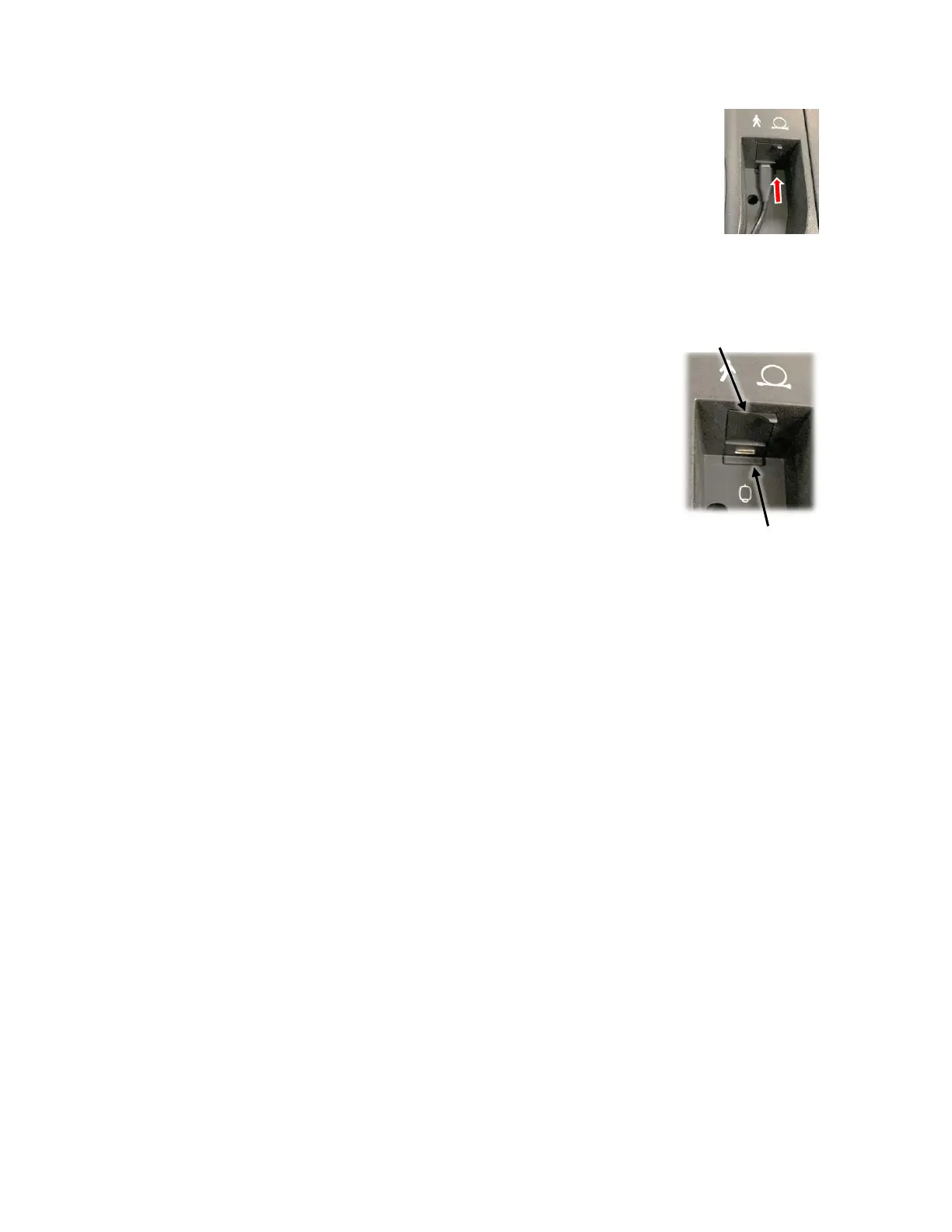
Step 4. Secure the finger switch connector by carefully pushing it
into the finger switch port (Figure 13).
Step 5. Remove the protective dust cap from the end of
the new optical fiber cable.
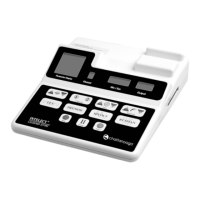
Step 6. Open the hinged door covering the emission port and
insert the fiber tip straight into the emission port
(Figure 14). Twist the metal connector clockwise onto
the threaded emission port until tight.
Emission port
(behind hinged cover)
Finger Switch port
(USB-C port)











 To Next Page