Getting started with i70+
10
Cancel the change you make on a function.
Works as a Power button:
Press and hold this button for 3 seconds to
turn on or turn off the receiver.
Works as a Enter button:
Advance to next screen.
Make change to the selected character or
field.
Confirm the change you make on a function.
Confirm the changes you make on a screen.
Works as a Reset button:
Hold Fn button, and press this button for 5
times continuously to reset the mainboard.
For more information about the front panel and relevant operations, see 3. Front
panel operation.
2.2.2 Lower housing
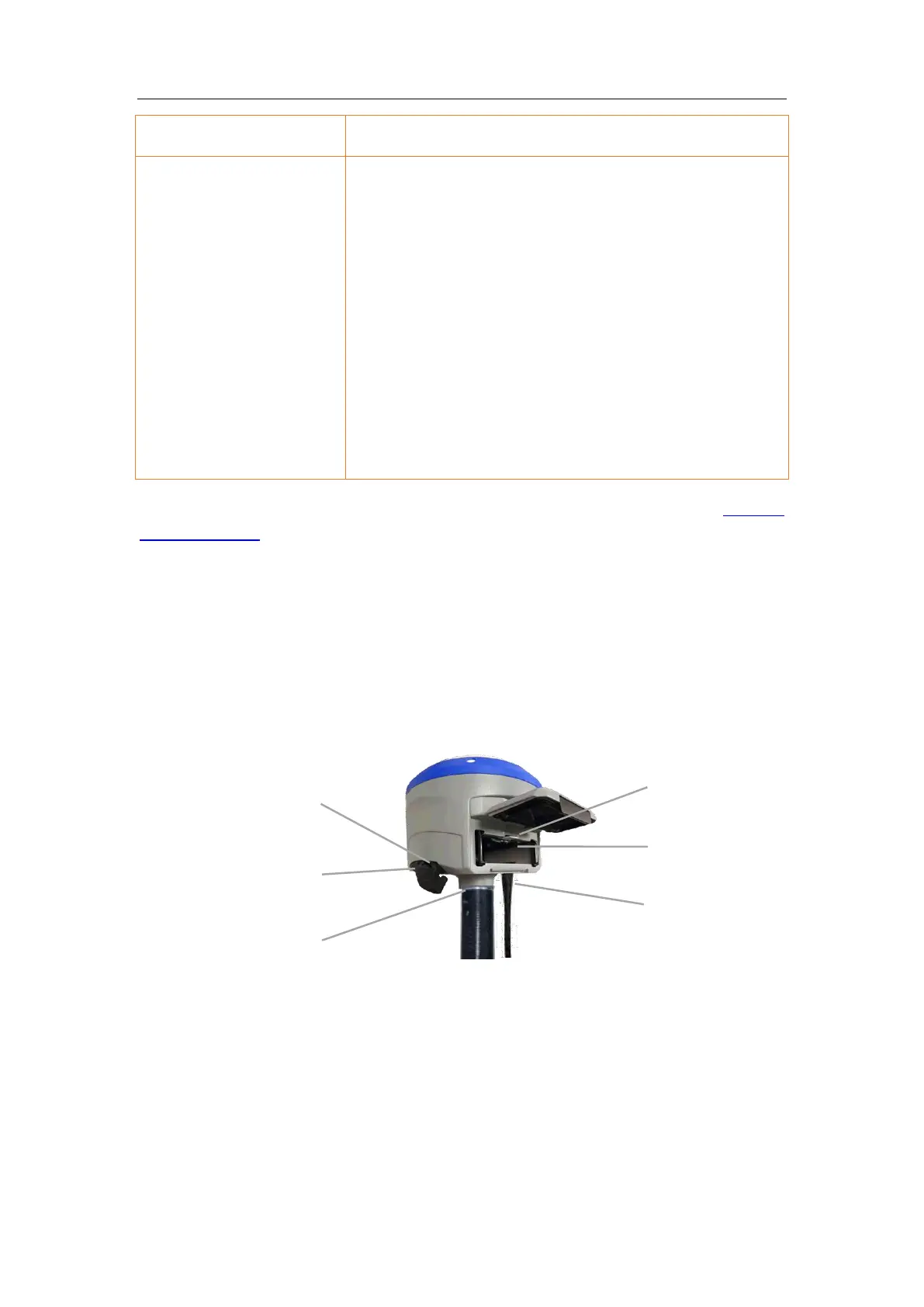
The lower housing contains one SIM card slot, two battery compartments, one TNC
radio antenna connector, two communication and power ports, one 5/8-11 threaded
insert, and two nameplates.
TNC radio
antenna
connector
USB communication
and power in port
IO serial
communication and
power in port



 To Next Page