Configuring through a web browser
49
6.3.1 Description
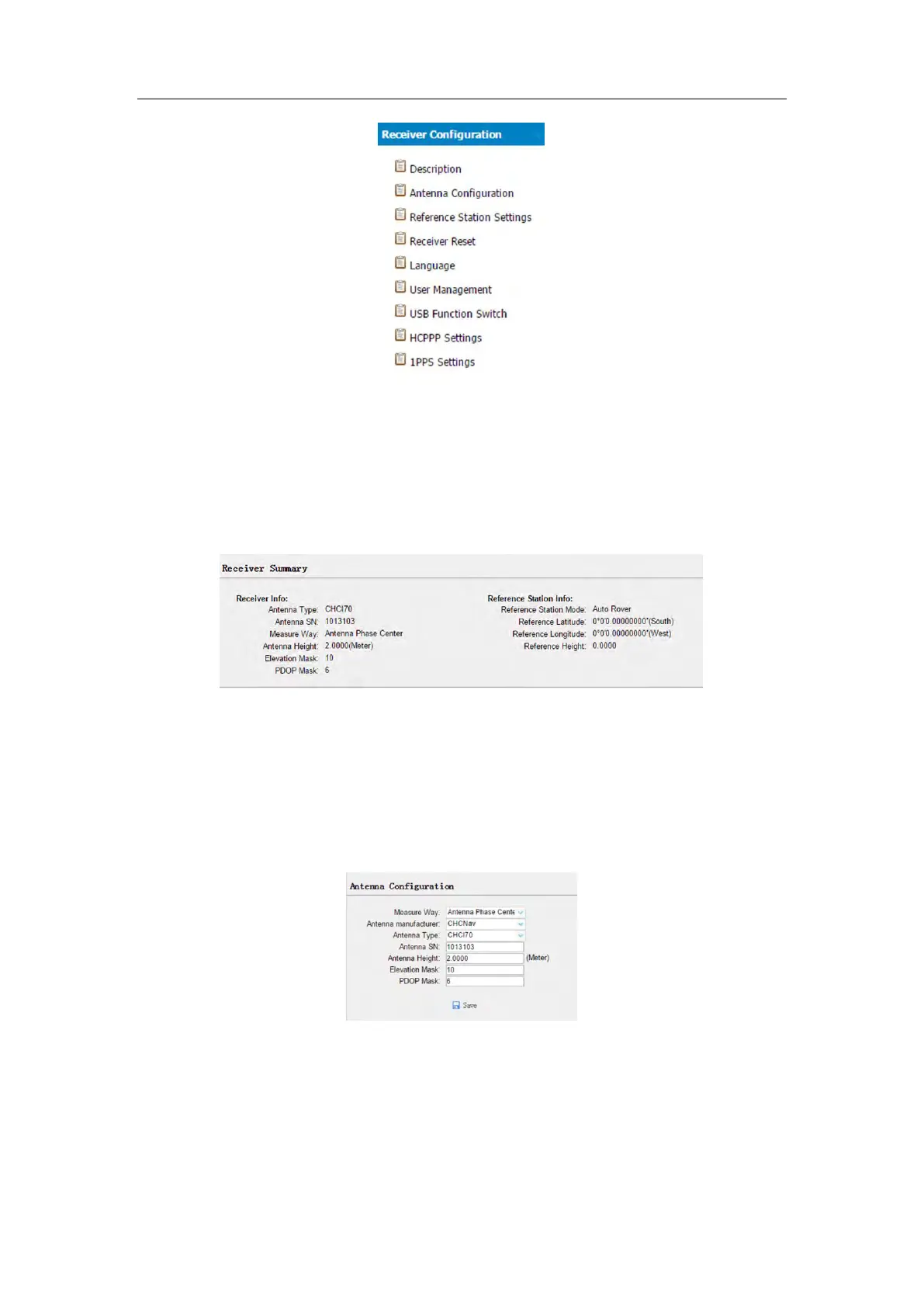
This submenu shows the receiver information and reference station information,
including antenna related information, elevation mask angle, reference station work
mode and position, etc.
6.3.2 Antenna Configuration submenu
Use this screen to configure all of the items relating to the GNSS antenna. You must
enter the correct values for all antenna-related fields, as the choices you make
significantly affect the accuracy for logged data and broadcast correction data:
6.3.3 Reference Station Settings submenu
Use this screen to configure settings such as the station coordinates and the



 To Next Page