Getting started with i70+
21
2.7.2 Connecting via Bluetooth with LandStar 7 software
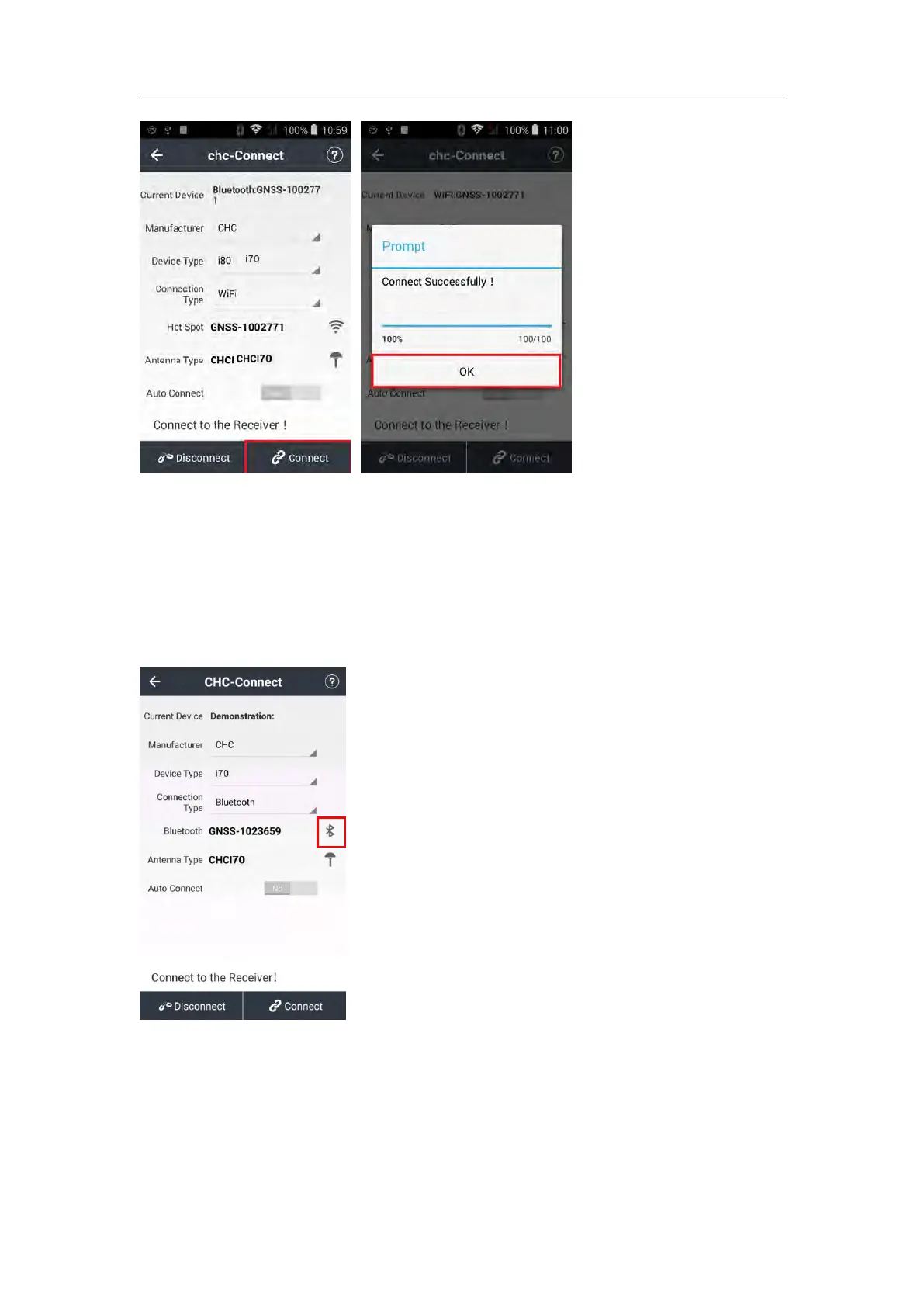
Turn on the controller → run LandStar 7 → go to Config main menu → tap Connect.
In the Connect screen, select CHC for the Manufacture field, i70+ for Device Type
field, Bluetooth for Connection Type field.
Tap the Bluetooth Manager and turn on the Bluetooth function to search bluetooth
device around → select the target device in the list.



 To Next Page