Configuring through a web browser
57
4. To download a file, left-click the name of the target file → download the file
according to the prompts.
6.5 IO Settings menu
Use the IO Settings menu to set up all receiver outputs and inputs. The receiver can
output CMR, RTCM, Raw data, Ephemeris data, GPGGA, GPGSV, on TCP/IP, UDP, serial
port, or Bluetooth ports.
6.5.1 IO Settings submenu
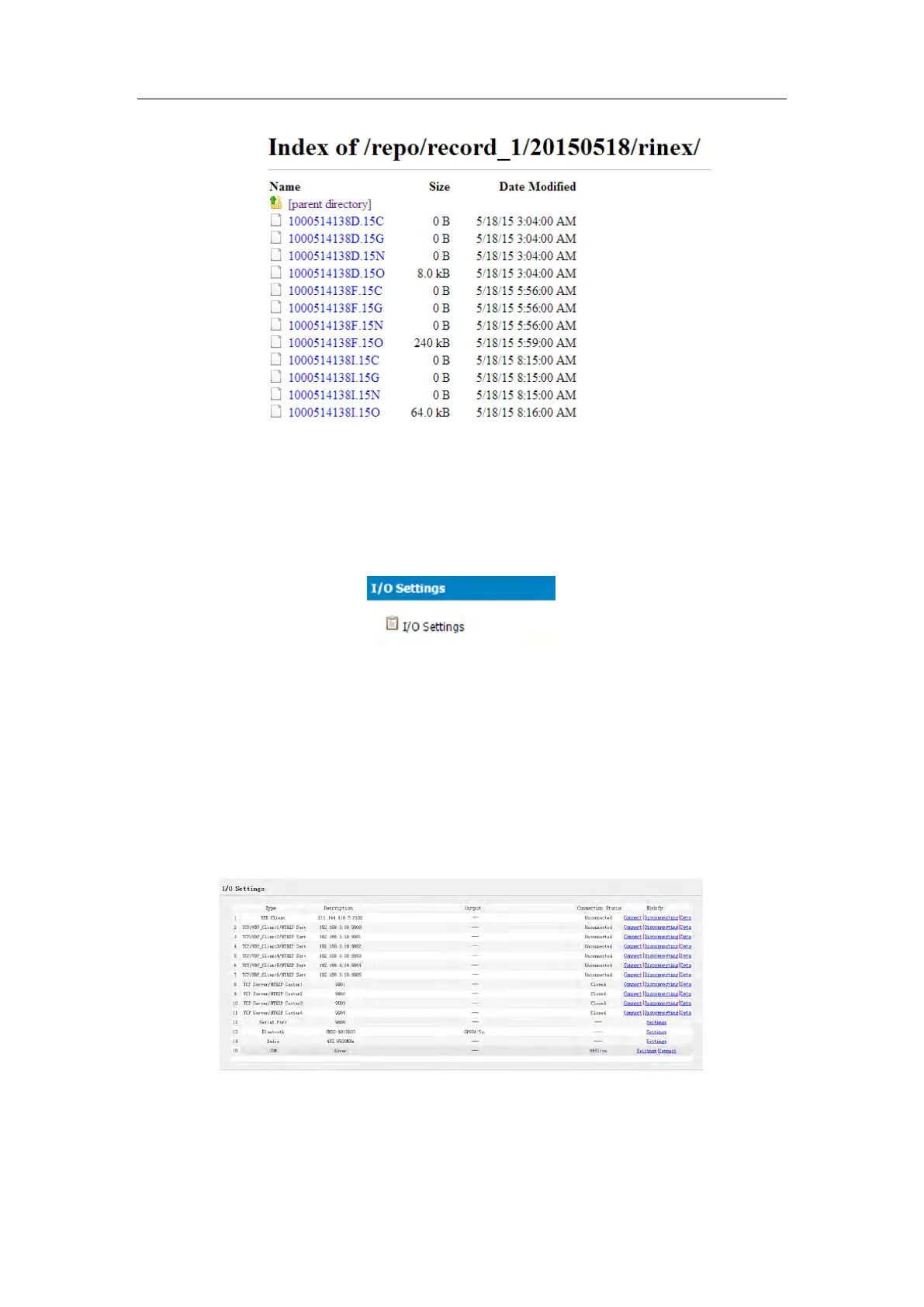
The following figure shows an example of the screen that appears when you select
this submenu.
In this submenu, users can configure 6 types of input and output settings.



 To Next Page