CHCNAV i93 GNSS USER GUIDE
|
2023-04
P
a
g
e
|
10
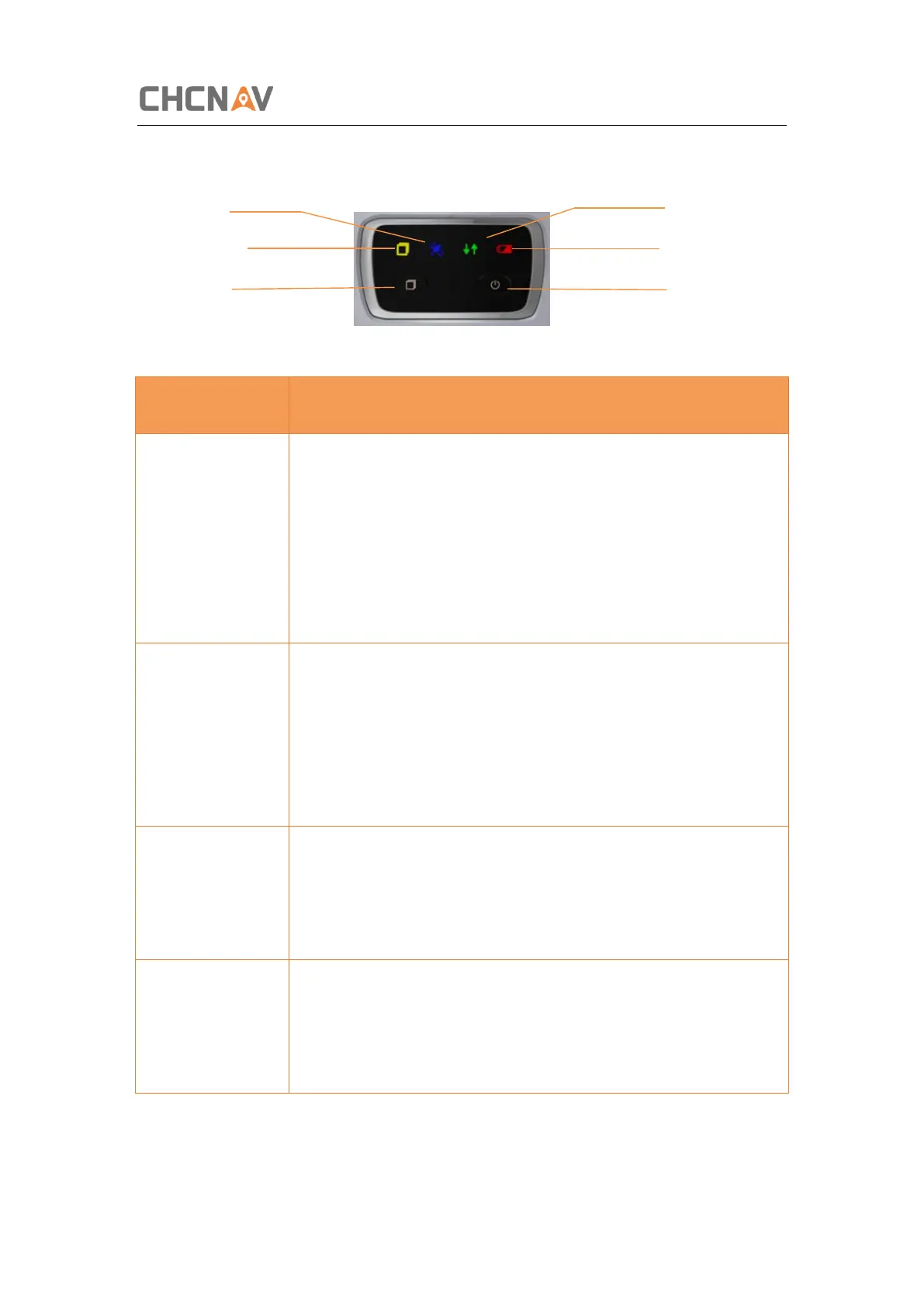
The front panel contains two indicator LEDs and two buttons.
Satellite LED Correction LED
Static LED Power LED
FN Button Power Button
Correction LED
(Yellow/Green)
Indicates whether the receiver is transmitting/receiving
differential data.
As a Base station: successfully transmitting differential
data, flash yellow light.
As a Rover station: successfully receiving differential data
from Base station will flash yellow light when it is single or
float, flash green light when it is fixed.
Shows the number of satellites that the receiver has
tracked.
When the receiver is searching satellites, the blue LED
flashes once every 5 seconds.
When the receiver has tracked N satellites, the blue LED
will flash N times every 5 seconds.
Under normal conditions red power light
The power light shows orange when charging
The power light shows green when fully charged
Flash means static is on.



 To Next Page