Equipment Setup and Operation
CHCNAV i93 GNSS USER GUIDE
|
2023-04
P
a
g
e
|
61
4.4.4 Data Download Submenu
In this submenu, users can download the data files that recorded in the internal storage
through the internal FTP site. Please note that Chrome, EDGE and Firefox version higher than
year 2020 version remove the FTP support through the browser.
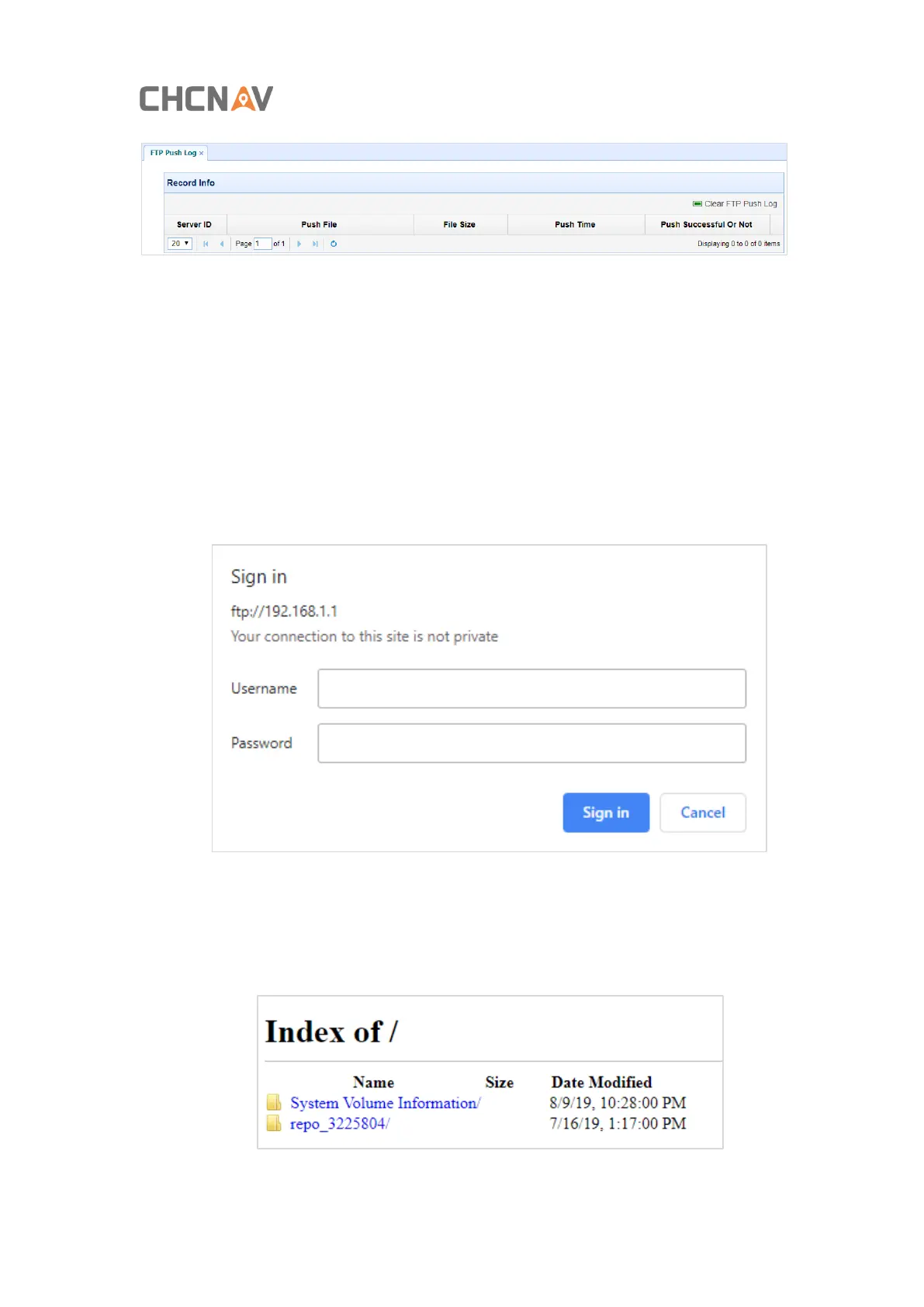
1. Click this submenu, and then the log on dialogue box will prompt you to enter a user
name and password:
The default logon account for the internal FTP site is:
➢
User name: ftp
➢
Password: ftp
2. Click the directory named as “repo” to view and download the files currently stored
on the receiver:
3. To find the file need to be downloaded, click the name of data logging session → the



 To Next Page