Equipment Setup and Operation
CHCNAV i93 GNSS USER GUIDE
|
2023-04
P
a
g
e
|
42
3.5.2 Modeling mode
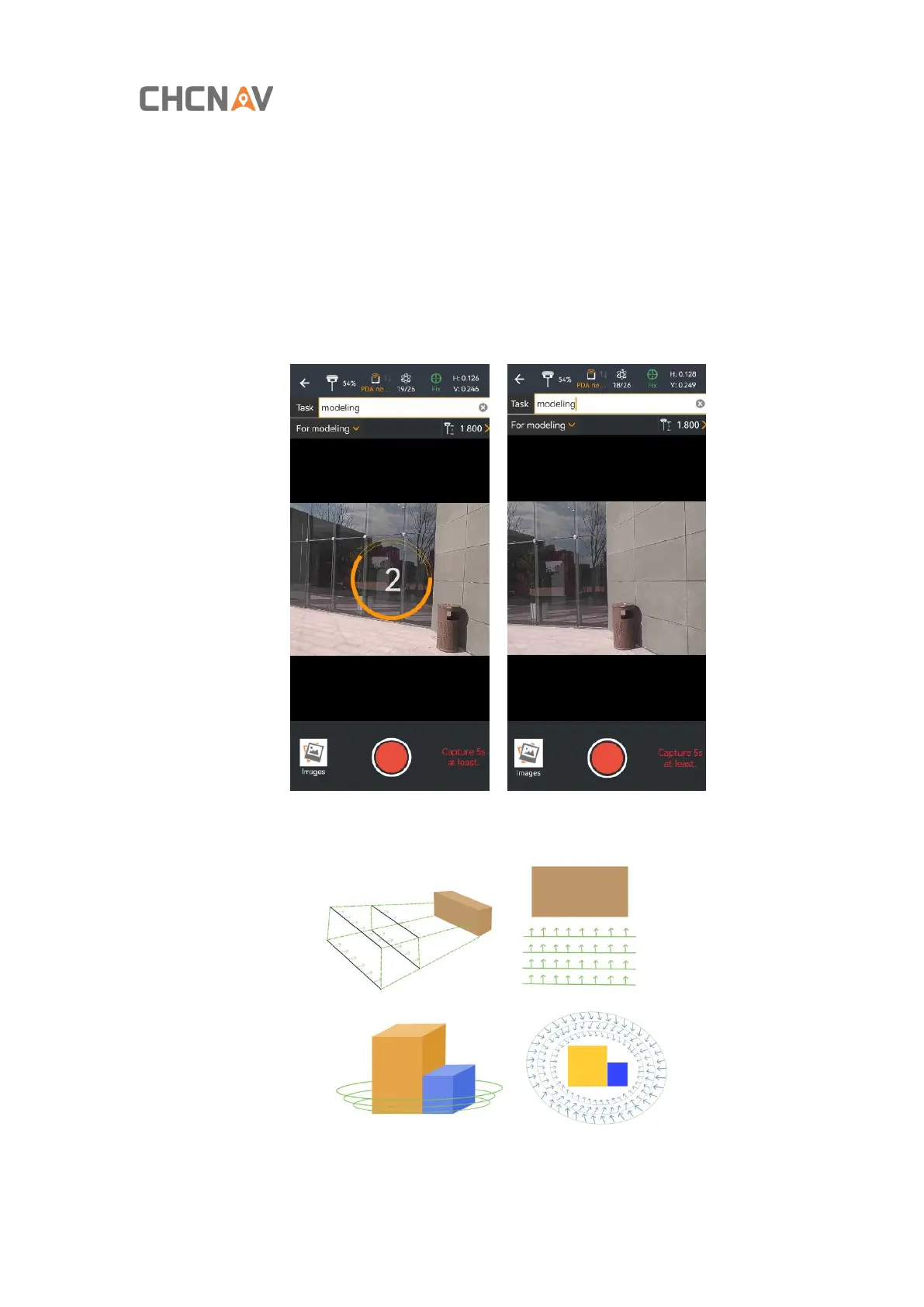
Modeling mode means that video surveys can be taken from multiple angles, distances and heights of the
target to be surveyed, and then the observed image data can be exported and later imported into the
modeling software for modeling.
(1) The same operation with the point mode, finish the IMU initialization;
(2) Choose the Modeling mode;
(3) Create a new task, and aim at which building you want to model, click the button to record the video;
Note: When filming, keep a constant speed, the length of the video should not be less than 5 seconds, the



 To Next Page