Equipment Setup and Operation
CHCNAV i93 GNSS USER GUIDE
|
2023-04
P
a
g
e
|
41
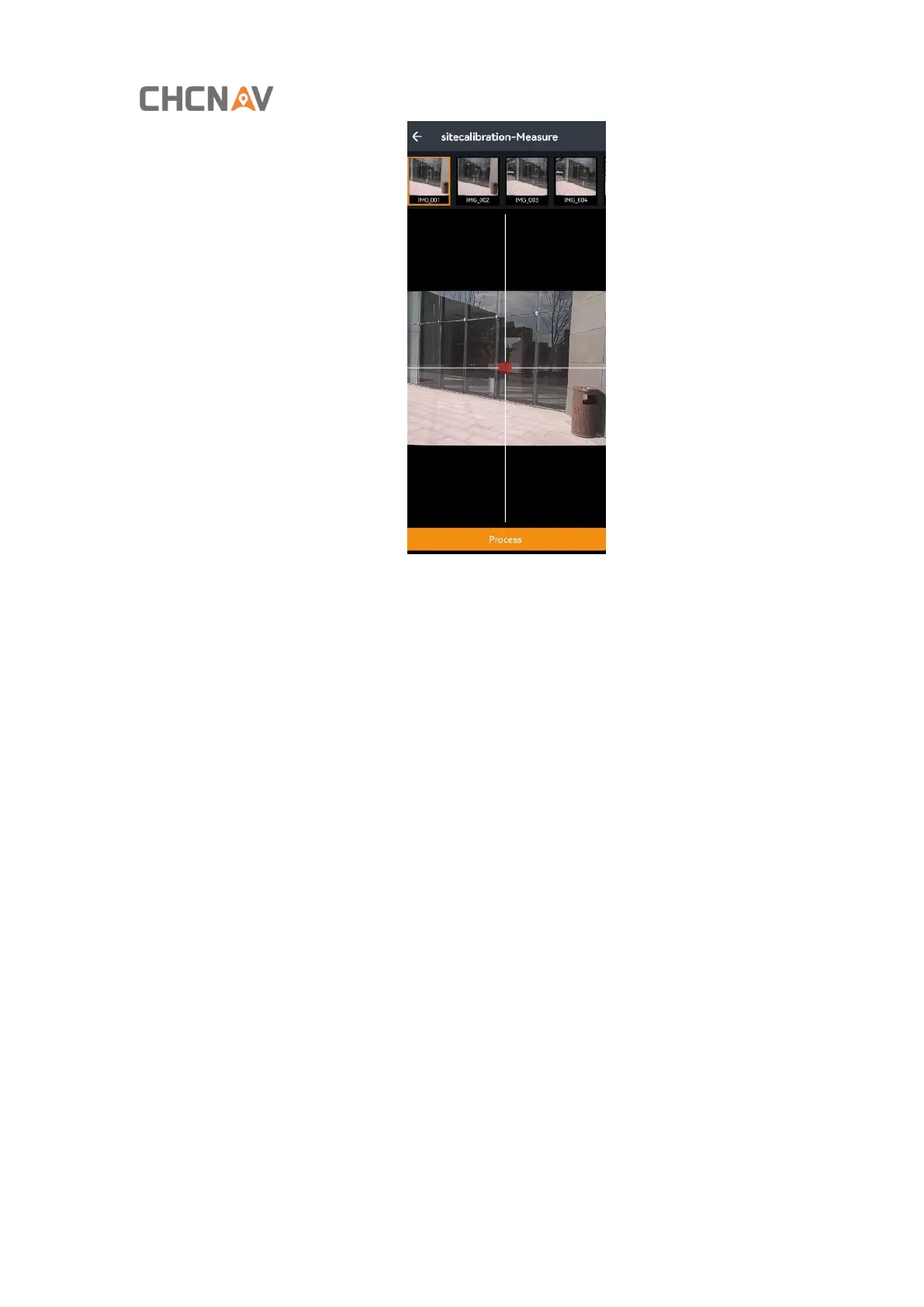
Note: The 2D quality represents the resolution accuracy of the surveyed point. Capturing the same point
position on multiple photos will improve the accuracy of the surveyed point, and the 2D value of the point
decreases gradually.
(6) Click [Save] and enter the point name to save the surveyed points in the point management. After
saving successfully, you can click on the point library and go to the point management to view the
coordinates you just saved. If additional points are needed, you can continue to select points for solving
and saving data.



 To Next Page