Equipment Setup and Operation
CHCNAV i93 GNSS USER GUIDE
|
2023-04
P
a
g
e
|
40
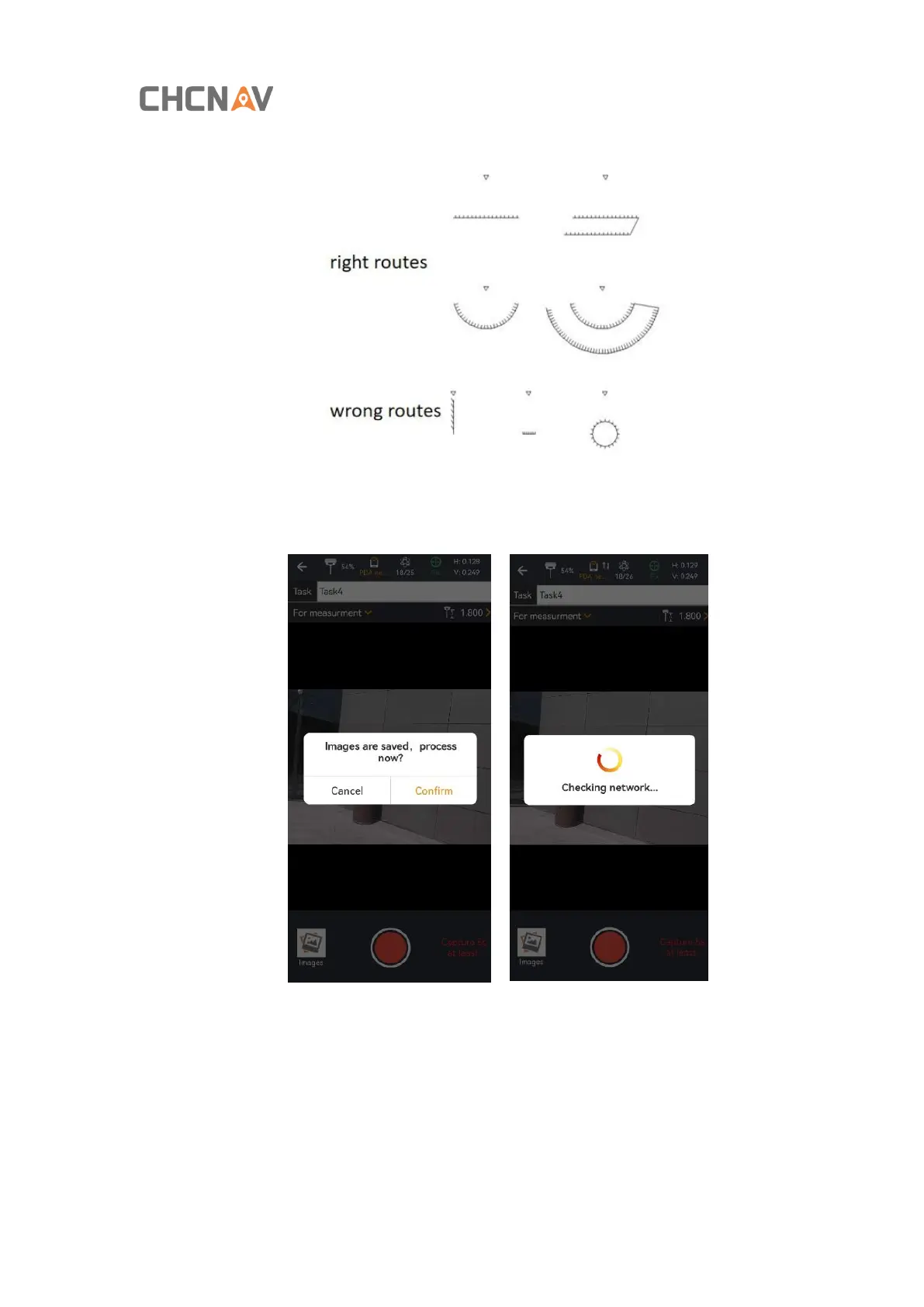
route of walking can refer to the following picture, walking in a straight line or around the shooting.
(4) Click the icon of End Recording to finish recording and confirm the solved data, and the software will
automatically perform data solving;
(5) Select the photo which the point to be surveyed is located, capture the corresponding point location,
click [Select], and the latitude, longitude and plane coordinates of the point will be displayed below.



 To Next Page