CHCNAV i93 GNSS USER GUIDE
|
2023-04
P
a
g
e
|
23
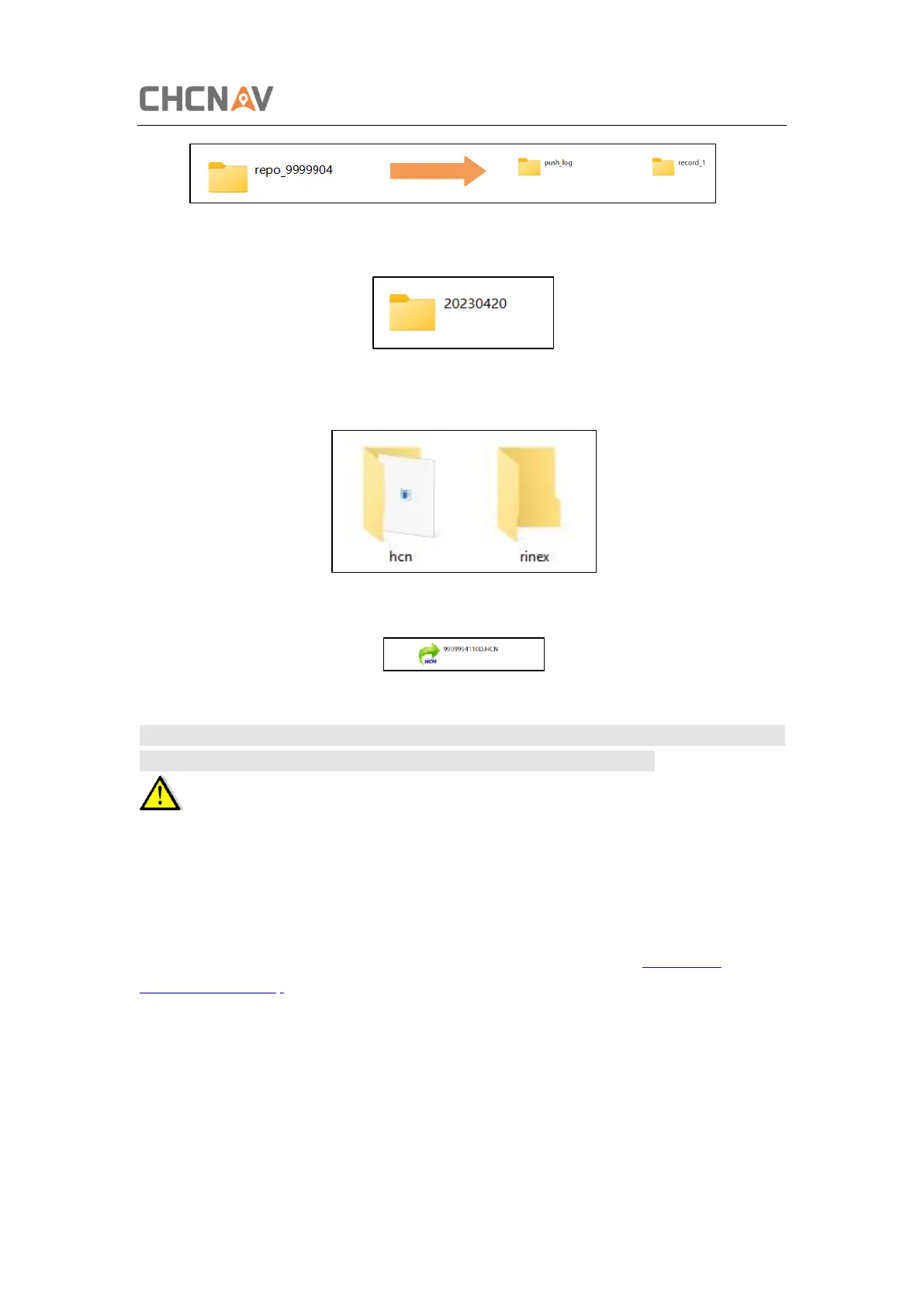
(5) Double click the folder that you have configured to store the static data, you will see the
folder(s) created by the i93 system automatically and named by the date which is decide by
GPS time when you start to log data.
(6) Select the destination folder and double click it, two folders named as different data
format (hcn and rinex) will be displayed.
(7) Select the data format that you configured to save the static data, you will find the static
raw data.
N otes: Fo r hcn files, the name o f the file is represented as XX XXXXDD D NN, where XXXXX X is
the SN o f the receiver, D DD is day o f year, and NN is the reco rding sessio n.
WARNING – The static data will be saved in the first logging session, the “record_1”
folder, by default. Old files will be deleted if the storage space is full. If you configure not to
auto delete old files when the memory is low, the receiver will stop data logging.
2.7.2 Web Server Download
The procedures of downloading logged data through web server refer to 5.4.4 D ata
D ownlo ad Submenu.



 To Next Page