Creating an Access Control Policy
Next Generation Security Gateway Guide R80.20 | 143
Best Practices for Efficient rule Matching
Place rules that check the source, destination, and port (network rules) higher in the Rule
Base.
Reason: Network rules are matched sooner, and turn on fewer inspection engines.
Place rules that check applications and content (Data Types) below network rules.
Do not define a rule with
Any
in the Source and in the Destination, and with an Application or a
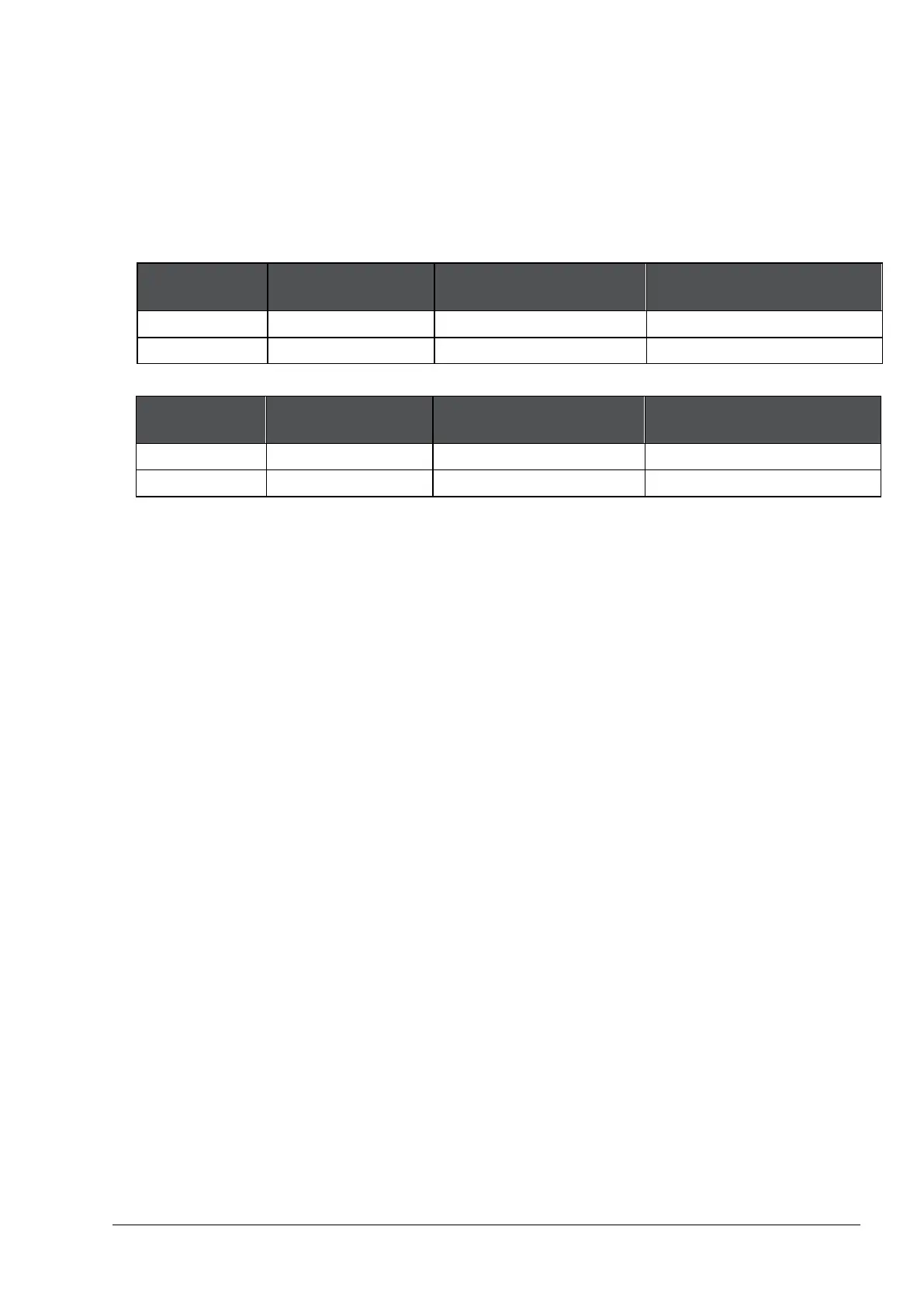
Data Type. For example these rules are not recommended:
Source Destination Services &
Content
Any Any Facebook
Any Any
Credit Card numbers
Instead, define one of these recommended rules:
Source Destination Services &
Content
Any Internet Facebook
Any Server
Credit Card numbers
Reason for 2 and 3: Application Control and Content Awareness rules require content
inspection. Therefore, they:
• Allow the connection until the Firewall has inspected connection header and body.
• May affect performance.
For rules with Data Types (on page 131): Place rules that check File Types higher in the Rule
Base than rules that check for Content Types.
Reason: File Types are matched sooner than Content Types.
To see examples of some of these best practices, see the Unified Rule Base Use Cases (on page
134) and Creating a Basic Access Control Policy (on page 109).
Installing the Access Control Policy
On the Global Toolbar, click Menu > Install Policy.
The Install Policy window opens showing the Security Gateways.
If there is more than one Policy package: From the Policy drop-down list, select a policy
package.
Select Access Control. You can also select other Policies.
If there is more than one gateway: Select the gateways on which to install the Policy.
Select the Install Mode:
• Install on each selected gateway independently - Install the policy on each target gateway
independently of others, so that if the installation fails on one of them, it doesn't affect the
installation on the rest of the target gateways.
Note - If you select For Gateway Clusters, if installation on a cluster member fails, do not
install on that cluster, the Security Management Server makes sure that it can install the
policy on all cluster members before it begins the installation. If the policy cannot be
installed on one of the members, policy installation fails for all of them.








 To Next Page