Command Line Reference
Next Generation Security Gateway Guide R80.20 | 342
cplic put
Description
Installs one or more Local licenses on a Check Point computer.
Note - You get the license details in the Check Point User Center.
Syntax
cplic [-d] put [{-o | -overwrite}] [{-c | -check-only}] [{-s | -select}] [-F <Output
File>] [{-P | -Pre-boot}] [{-k | -kernel-only}] -l <License File> [<Host>]
Expiration Date
Signature
SKU/Features
Parameters
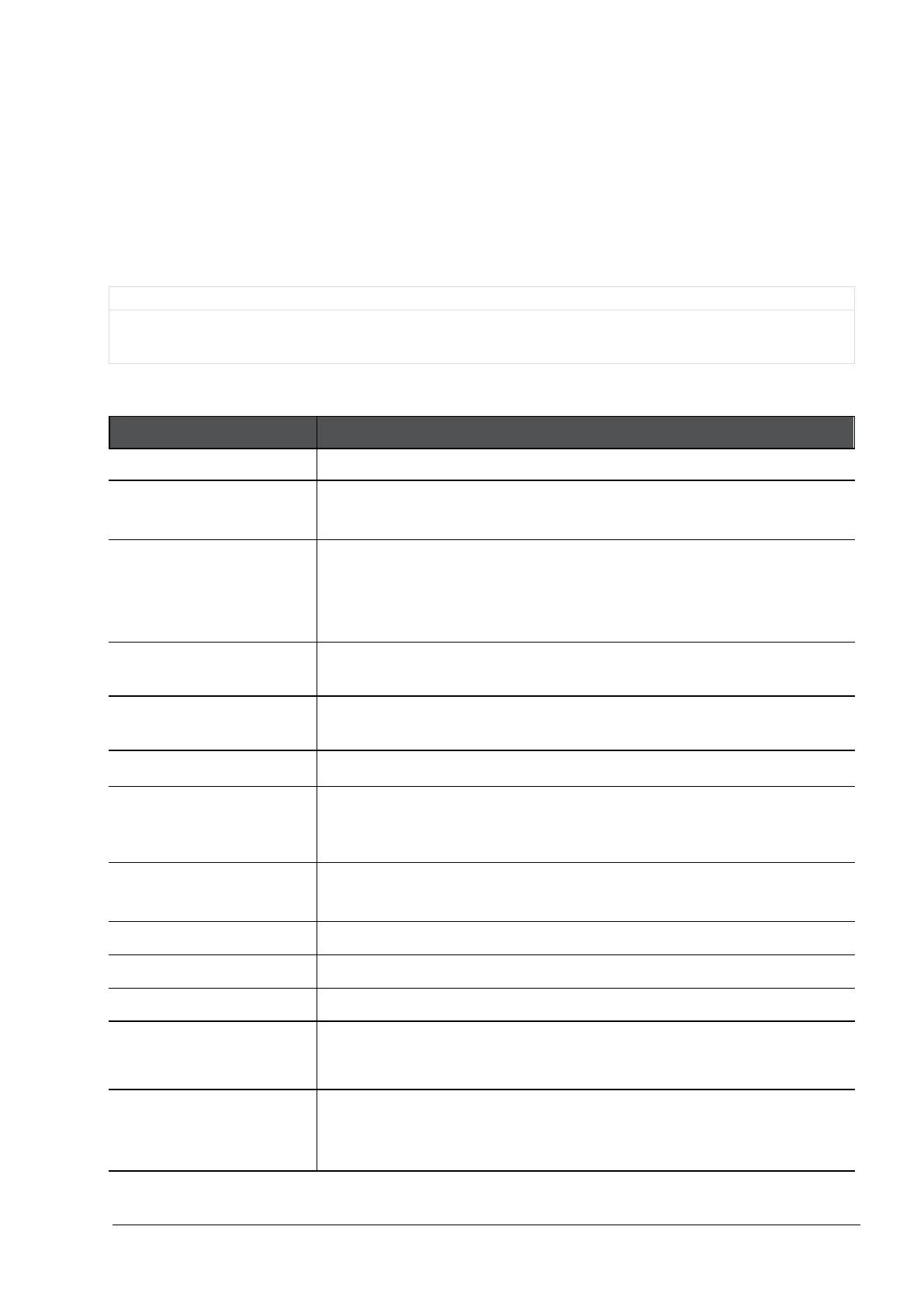
Parameter Description
Shows the applicable built-in usage.
-d
Runs the command in debug mode.
Use only if you troubleshoot the command itself.
{-o | -overwrite}
On a Security Management Server, this erases all existing licenses
and replaces them with the new licenses.
On a Check Point Security Gateway, this erases only the local
licenses, but not central licenses that are installed remotely.
{-c | -check-only}
Verifies the license. Checks if the IP of the license matches the Check
Point computer and if the signature is valid.
{-s | -select}
Selects only the local license whose IP address matches the IP
address of the Check Point computer.
Output File
Saves the command output to the specified file.
{-P | -Pre-boot}
Use this option after you have upgraded and before you reboot the
Check Point computer. Use of this option will prevent certain error
messages.
{-K | -kernel-only}
Pushes the current valid licenses to the kernel.
For use by Check Point Support only.
License File
Name of the file that contains the license.
Host
Hostname or IP address of Security Management Server.
Expiration Date
The license expiration date.
<
Signature
>
The signature string within the license.
(Case sensitive. The hyphens are optional.)
<
SKU/Features
>
The SKU of the license summarizes the features included in the
license.
For example:








 To Next Page