Mirror and Decrypt
Next Generation Security Gateway Guide R80.20 | 45
Mirror and Decrypt Logs
To Mirror and Decrypt the desired traffic, you create special rules in the Access Control Policy.
The Mirror and Decrypt feature adds the applicable information to the regular Security Gateway
logs.
To see the Mirror and Decrypt logs in SmartConsole:
1 Click Logs & Monitor > Logs tab.
2 In the search field, enter:
3 Double-click on the log and refer to the More section.
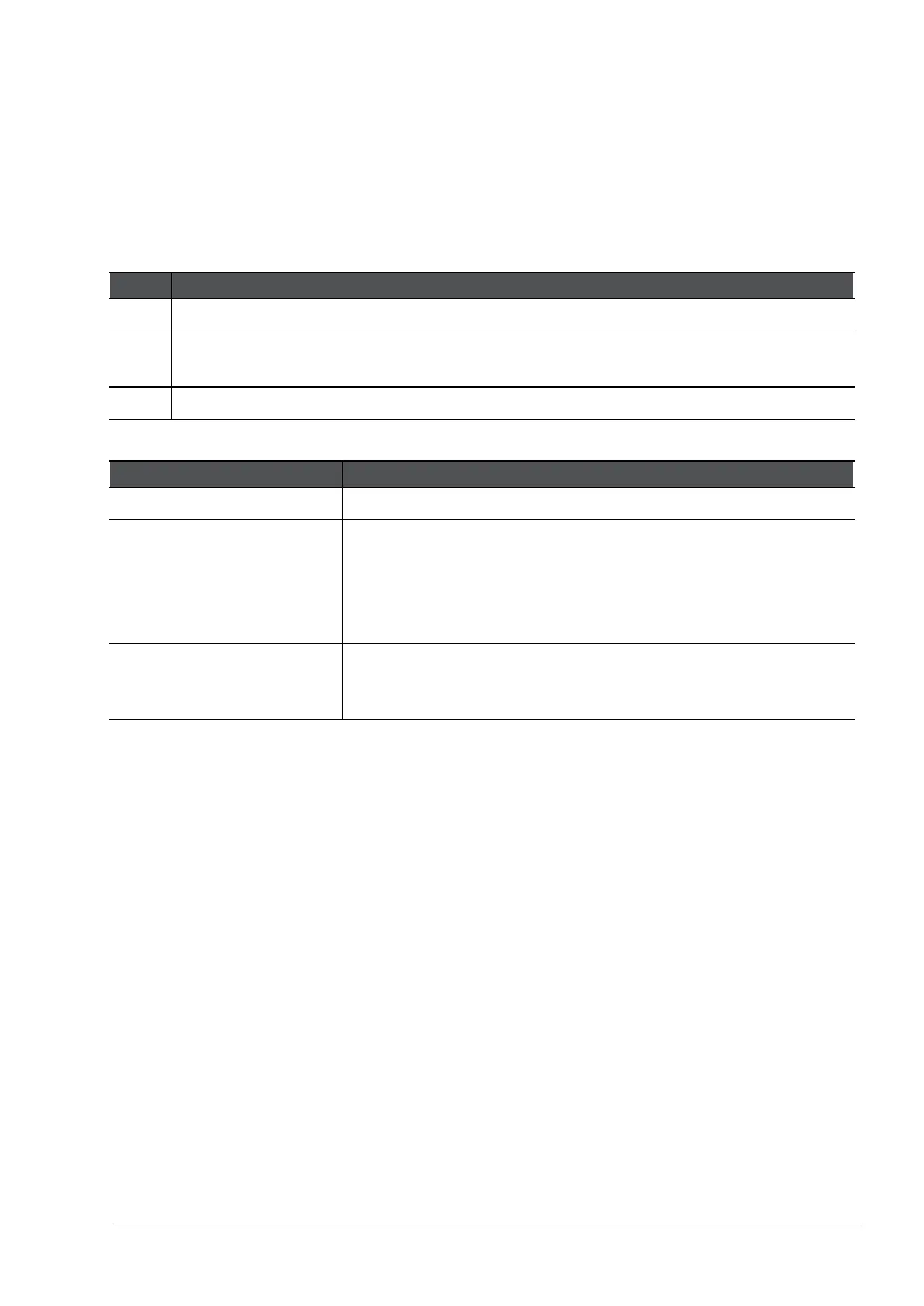
The Mirror and Decrypt logs show this information in the More section > Mirror and Decrypt field:
Mirror only Security Gateway only mirrored the traffic.
Decrypt and mirror Security Gateway decrypted and mirrored the HTTP / HTTPS
traffic
Note - This can be the case even for a clear-text HTTP connection,
because the HTTPS Inspection inspects it first (example is all
connections that use proxy 8080).
Partial mirroring (HTTPS
inspection Bypass)
Security Gateway started to decrypt the traffic, but stopped later
due to a Bypass rule (for example, a rule with a Category).
Therefore, the mirrored connection is not complete.








 To Next Page