4204
FLOW METER
TECHNICAL MANUAL P/N XXX-0000 Rev. 5 Ver. 3.4
14
4 OPERATING MODE – GENERAL
This chapter describes the procedures that must be followed to enable all the functions of the
programme. The description is distributed between text and Figures:
• The Figures show all the menus and submenus as they appear on the display when enabled.
• The text analyses all items of the various menus and showing, for each of them, the enabling
procedures, functions they perform and range of values that can be set, whenever requested to
enter numeric values.
• All settings under the control of the Programme are described in a specific paragraph listed in
the index.
This editorial technique, even though makes numbering paragraphs complex, it offers a
noticeable advantage of transforming the index in a simple and powerful tool for the search
because it lists all the subjects and it indicates where they are discussed.
4.1 DISPLAYING SYSTEM
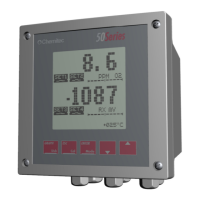
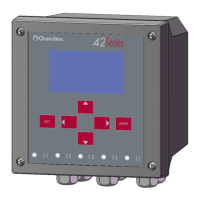
The displaying of the system is done through graphic displays, which allows viewing all the various
programming menus and, in operating mode, (“RUN”), the display of operating settings inputted
and their operating status.
• The operative methods related to activation of the System are described in Chapter 5.
• The operative methods related to the "RUN” menu are described in Chapter 6.
• The operative methods related to the “SETUP” menu are described in Chapter 7.


 To Next Page