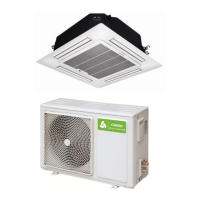
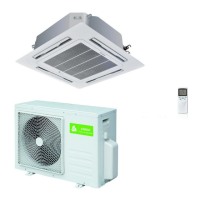
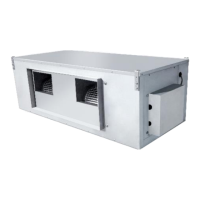
R3250Hz Universal Outdoor Series Technical Manual
GD Chigo Heating & Ventilation Equipment Co., Ltd.
1)The remote controller is equipped with 15 buttons, and the LCD is newly made. All the icons are kept in
touch with the touch-screen remote controller.
2)At the first power on, the LCD of the remote controller displays all the icons first and then enters the
standby state, displaying only the clock 12:00 and the light icon.
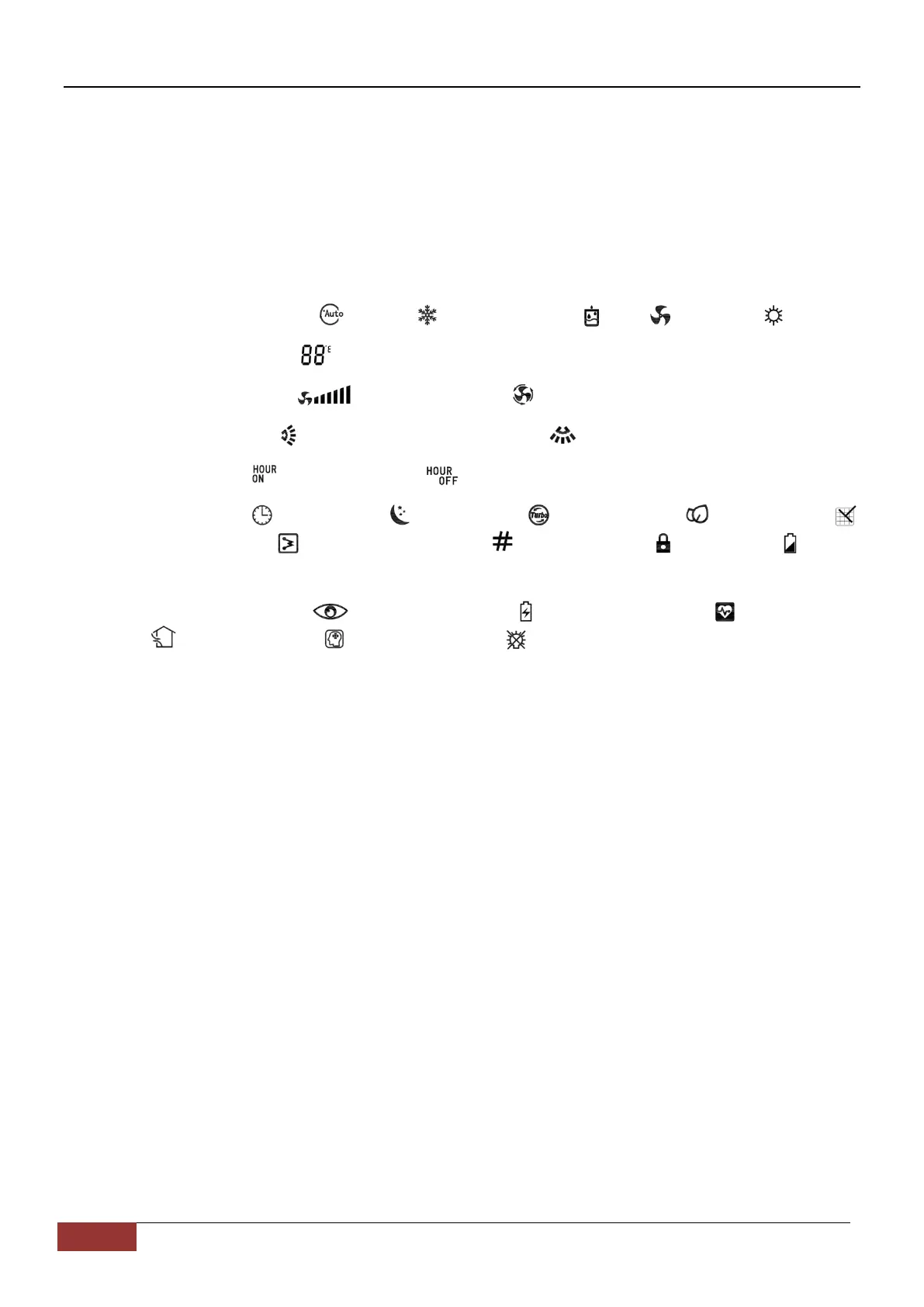
3)Introduction of LCD screen icon:
• Mode display: automatic 、cooling 、dehumidification 、fan and heating .
• Temperature display: displays temperature, which range between 16 ~ 32˚C or 61 ~ 90℉.
• Wind speed display: means wind speed. means automatic wind speed.
• Swinging display: means external pendulum wind. means internal pendulum wind.
• Timer display: means TIME ON. means TIME OFF.
• Other display: means clock. means sleep. means TURBO. means ECON.
means cleaning. means electric heating. means address. means lock. means
lack of electricity.
• Reservation function: means Auto Config. means power saving. means healthy.
means new wind. means intelligence. means lamplight.
1.3 Button function of remote controller
1
ON/OFF
① When pressing this key, the remote controller switches by "on, off, on" circularly.
② When the first power on, the working state is set by default: setting temperature 25℃ (77℉),
automatic mode, automatic fan speed, internal and external pendulum wind, no TURBO, no sleep,
no timer, no lock).
③ When the power on is not the first time, the state before shutdown is recovered. After shutdown,
the sleep, TURBO, ECON and timer functions will be canceled.
2
Mode
① When pressing this key, the remote controller switches by "automatic, cooling, dehumidification,
fan, heating, automatic" circularly.
② The dehumidification mode is locked at 25℃ and the temperature can not be adjusted. The


 To Next Page