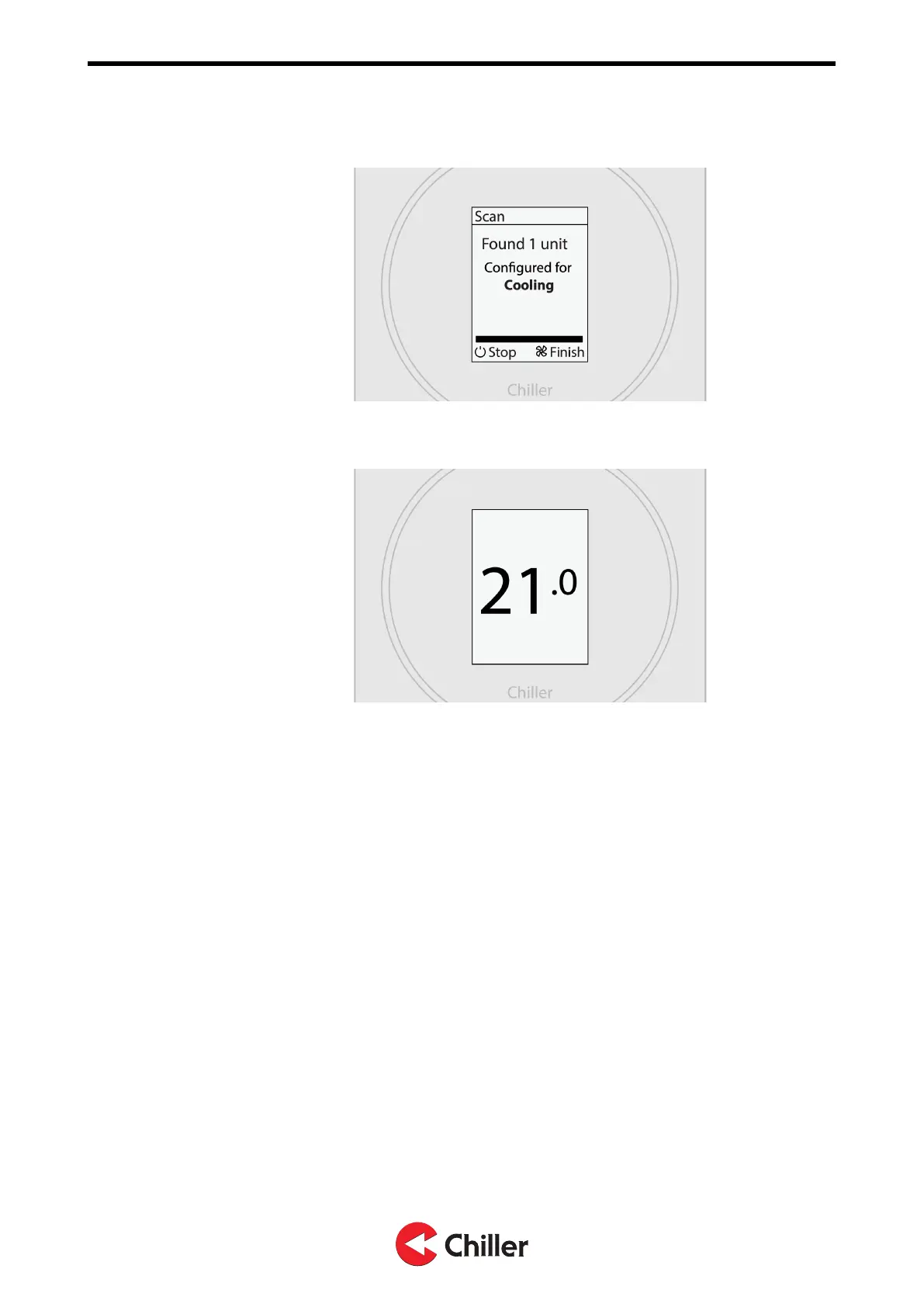
3. Verify that all the installed units were found. Select FAN to finish setup.
4. The system is now ready for use.
6.1.1 Scanning units manually
A manual scan is needed if units are added to or removed from the system. A manual
scan is also recommended in case there is a problem with the connected units that
requires troubleshooting.
1. Enter the main menu by selecting Menu.
2. Select Unit settings.
3. Select Scan.
6.2 Configurations
When the controller informs that it has detected XX units, it configures its
operation mode according to the unit configuration.
• Cooling: Unit(s) configured for cooling.
• Heating: Unit(s) configured for heating.
• Cooling & heating: Unit(s) configured for cooling and heating.
• Cooling & rad. heating: Unit(s) configured for cooling, with external radiator
heating.
Copyright © 2021. All rights reserved.
21 (37)
N03104128 Rev. A VariPro Room controller – Installation and Operation Manual


 To Next Page