DESIGN | MANUFACTURE | SUPPORT
10
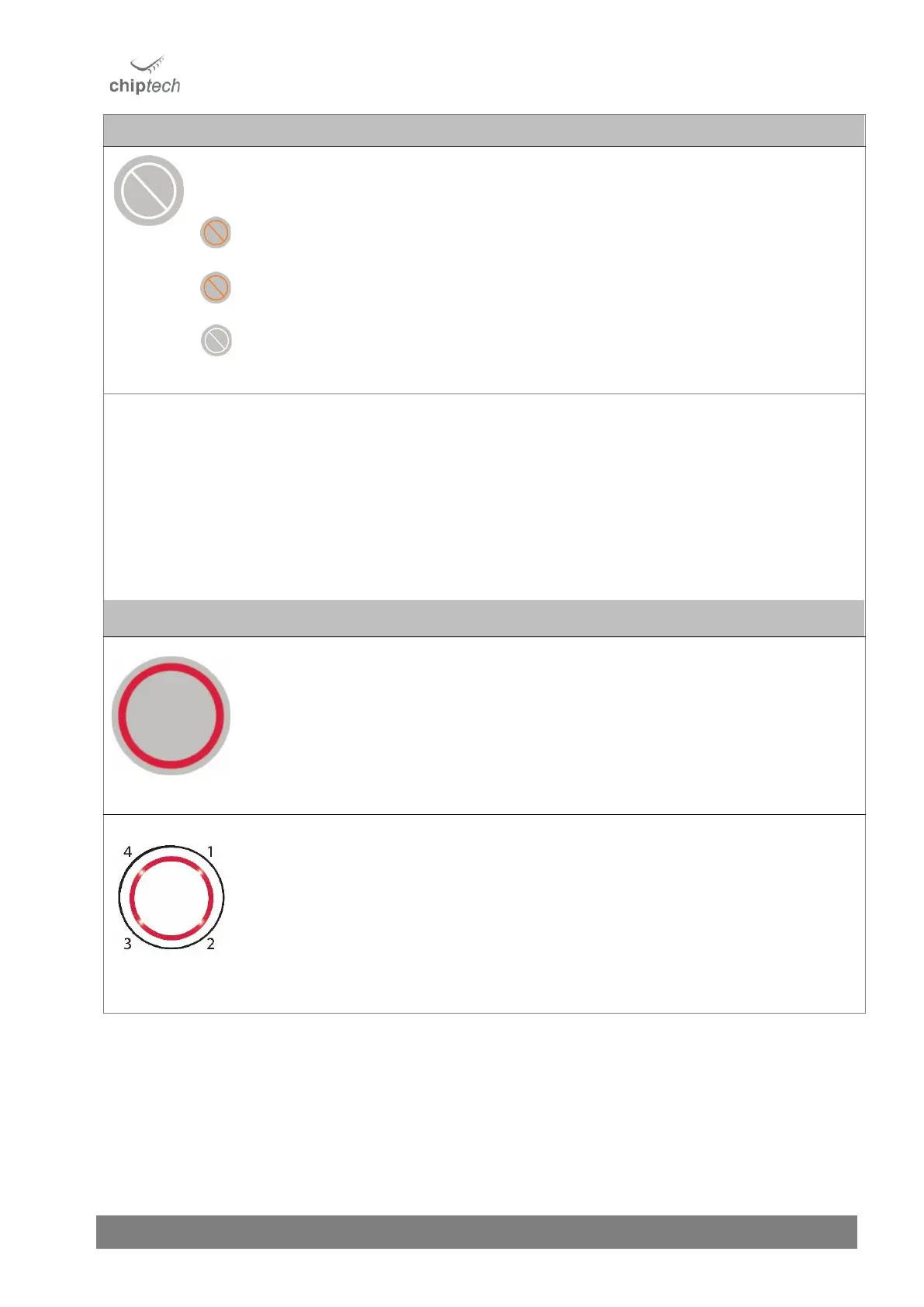
Press to cancel any operation, including voice notifications, and to cancel an alert during the pre-alarm.
The Cancel button will illuminate solid orange when an activity (such as pre-alarm) can be
cancelled or when reminders and messages can be cleared.
Reminders and messages can be cleared by pressing the Cancel button while they are playing.
The Cancel button is also used to enable and disable the ‘Away Function’ by holding it during
normal operation. Flashes left to right when the ‘Away Function’ is enabled.
No light – normal operation.
The Cancel button will light up when an operation can be cancelled. If the Cancel button does
not have any lights showing, this indicates that it cannot be used to cancel a current function.
The Cancel button behaves differently when using Installer Mode. In the Installer Setup menu,
press the Cancel button to move to the next setting option.
NOTE: The Cancel button cannot be used to exit the Installer Setup. To exit, press the Power
Button, or leave to time out after two minutes.
Press the Help button to send an emergency alert to monitoring. The lights under the Help
button will rotate while the alert is in progress.
The Help button is subtly backlit with four LED lights during normal operation, so it can be easily
located in the dark.
The lights on the Help button display the cellular signal strength on SEVEN during various
operations, such as when the Connect button is pressed. The number of lights showing indicates
the cellular signal strength from the current location. The lights displayed are accompanied by a
voice announcement. See Section 13, for more information.
During normal operation, the lights on the Help button DO NOT display signal strength, but are
subtly lit to make the Help button visible in the dark.



 To Next Page