DESIGN | MANUFACTURE | SUPPORT
4
2 SEVEN - Overview
This section of the product manual outlines the overall functions of the SEVEN and associated telecare products.
Please note: SEVEN labelling and settings will depend on the customised choices selected by your organisation and
some features may vary. SEVEN can be supplied with one or both SIM cards fitted at factory, depending on your
organisation’s requirements.
2.1 Top Panel
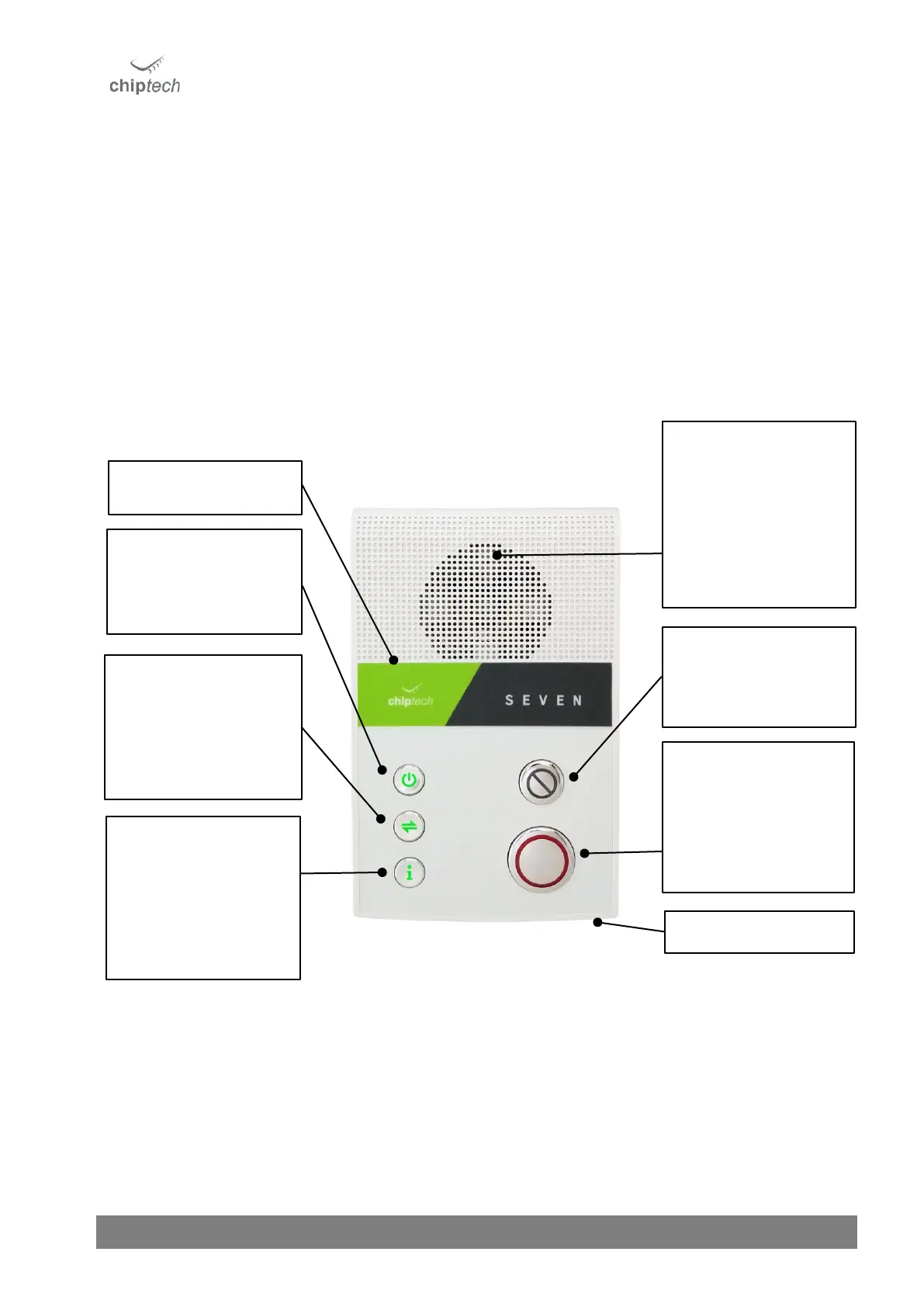
SEVEN provides information to end users via voice messages and light indicators under the buttons. SEVEN has five
buttons, four of which are multifunctional. The three buttons on the left; Power, Connect, and Info, all have
associated notifications. If there is a message to be heard, or an action required, these buttons will change colour to
orange, red, or blue.
Speaker and Ambient
Light Sensor
Located under the speaker
grill is a sensor that
adjusts the brightness of
all SEVEN lights to suit the
environment. Please do
not cover.



 To Next Page