Wound Component EST Scanner 19035/19035-M/19035-S
Quick Start Guide
■ Plug in the high voltage test cable to high voltage output terminal.
■ At last connect the RTN/LOW test cable to the unit under test
and then connect high voltage test cable.
5. End the test
When the test is end or the Scanner is not in use or is in use but
needs to leave it unattended for a while, it is necessary to toggle the
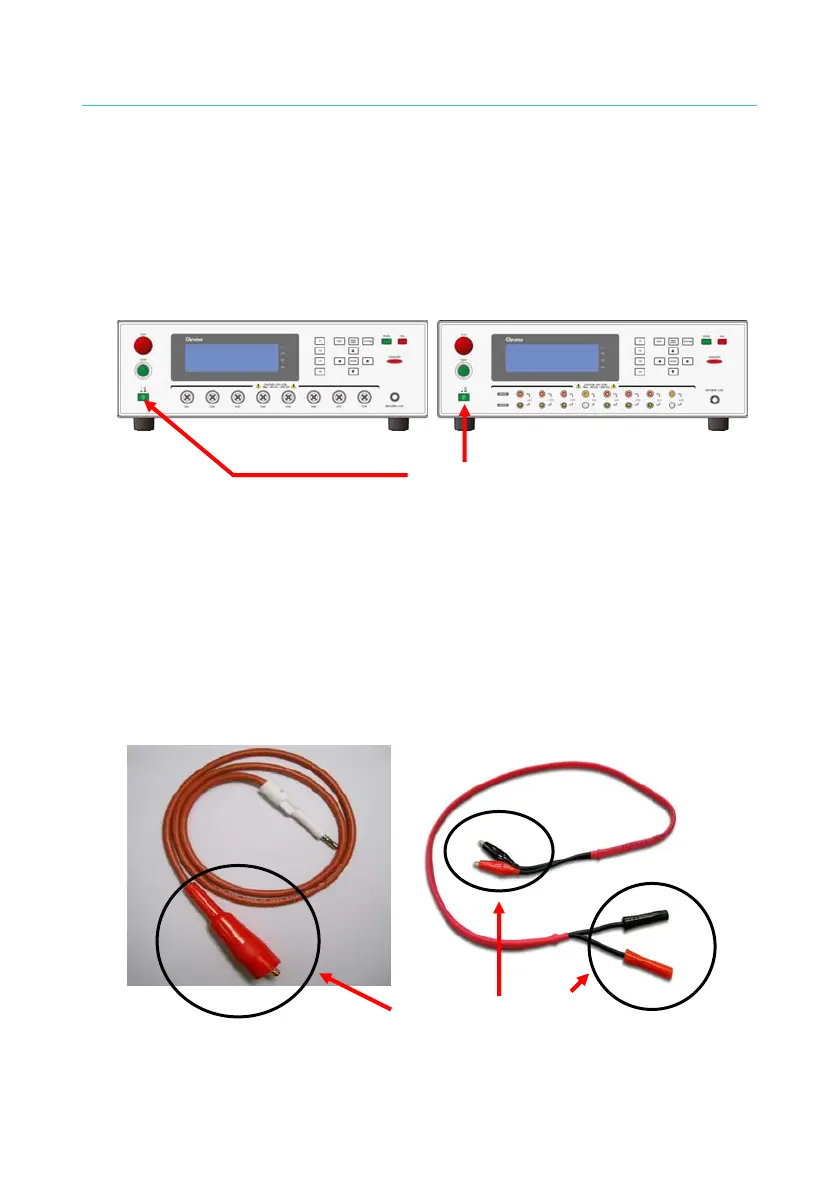
power switch to O (i.e. to shut off the power) as Figure 2-3 shows.
19035 or 19035-S 19035-M
Power Switch
Figure 2-3 POWER SWITCH OFF
6. Hazard areas when the Scanner is in test mode
When the Scanner is in use, touching the areas of DUT, test cable,
probe and output terminal that contain high voltage is a very
dangerous thing.
∗ Do not touch the alligator clip on the test cable as Figure 2-4 shows.
When the host is in test state the insulation of rubber shield on it is not
enough; therefore it is hazardous to touch it.
Do not touch here when
outputting high voltage.
Figure 2-4
6



 To Next Page