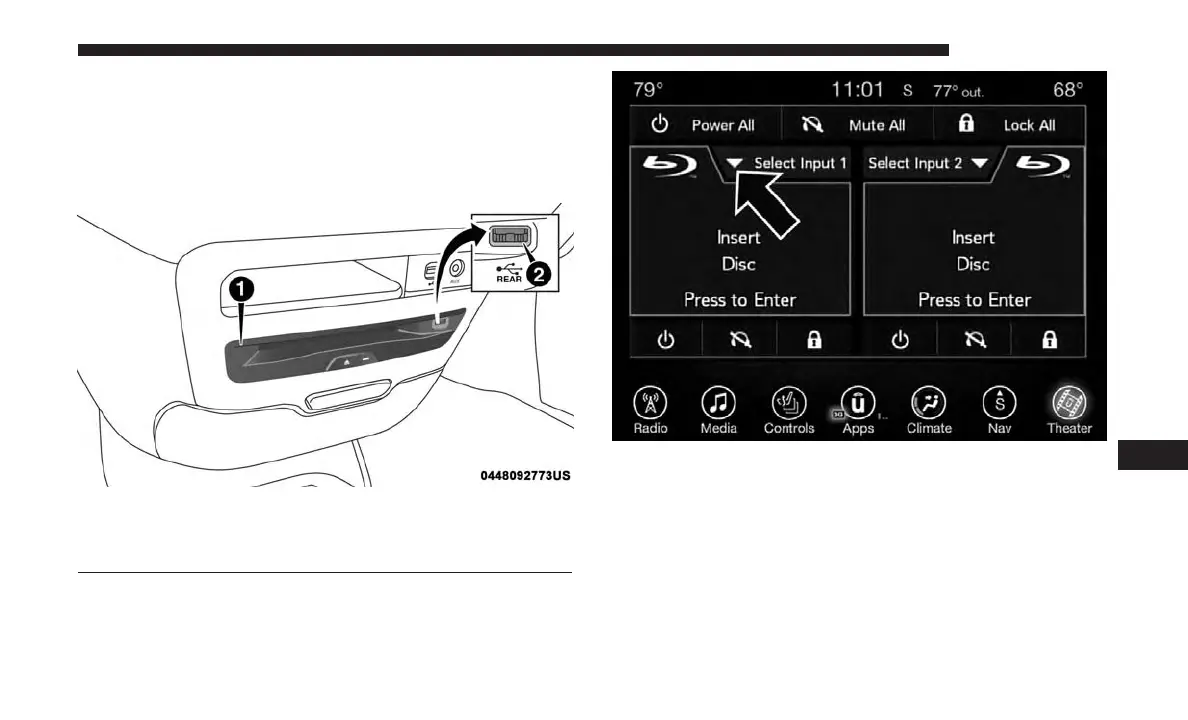
4. For DVD/Blu-ray disc – press Movie Snapshot on radio
touchscreen, then press “OK” on following screen. For
USB Media Files - Press Music, Movie, or Folders, then
select media title from list(s).
DVD Blu-ray Disc Player
1 — Disc Player (Rear)
2 — Rear Video USB Port
Source Controls — Uconnect Radio
10
MULTIMEDIA 637















 To Next Page