1.5.3 Auto-induction Mode
Under the Auto-induction Mode. The users just need to move the
barcodes to be scanned in front of the light band of CT10X, no need
press the Scan Key, there will show a red light line. This indicates
the scanner could scan, the scanning will not stop until the scanner
under the following situation.
* Read a barcode successfully;
*The pre-set timeout expires (the default time is 2s).
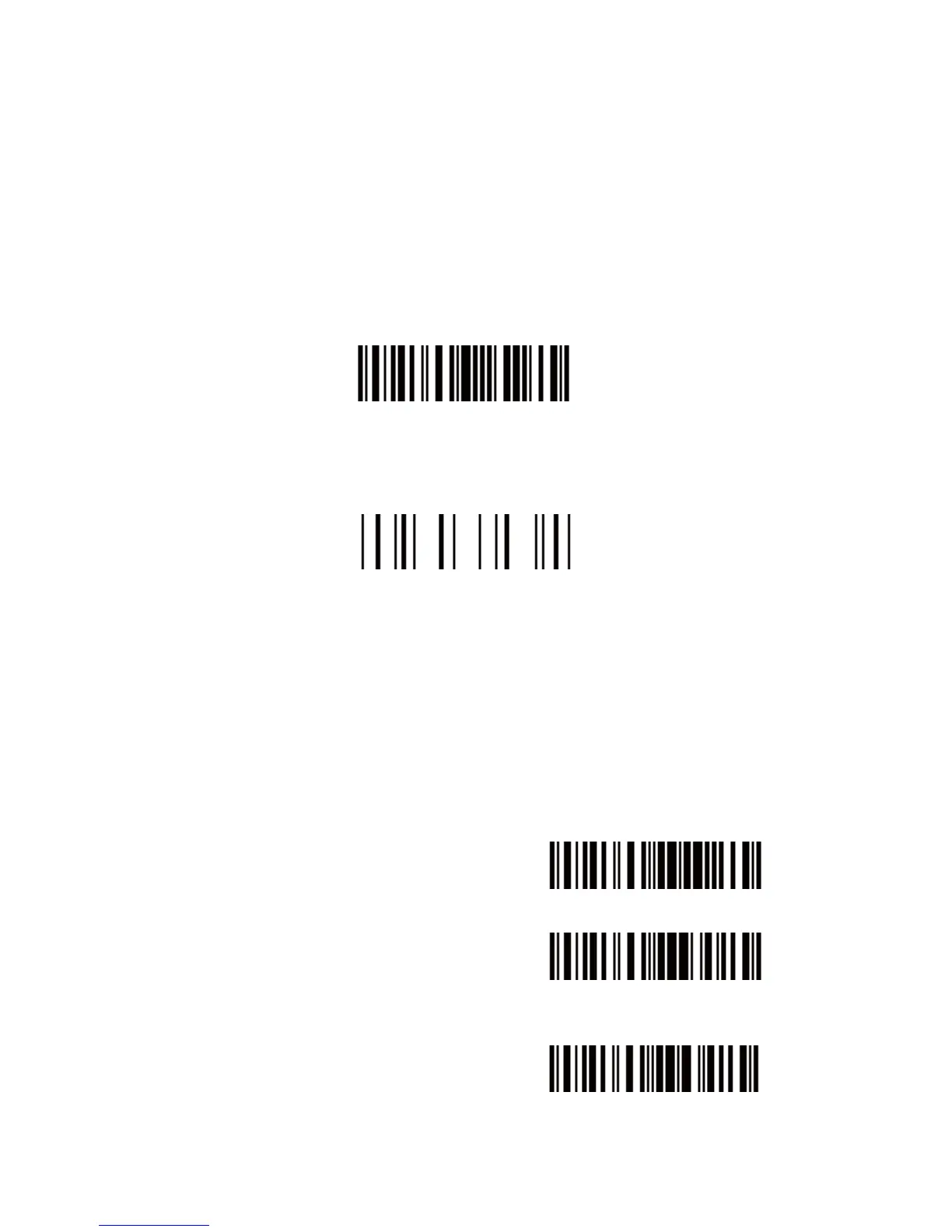
induction Mode
You also can setup the best auto-induction distance according to
actual demand, read the following barcode for setup.
Setup Auto-induction Distance
For Example:
1. Read the "Enter Setup" barcode;
2. Read the "Auto-induction Mode" barcode;
3. Read the "Setup Auto-induction Distance";
4. Read the numeric barcode in Appendix I; (0 means farthest, 9
means nearest)
5. Read the "Exit with Save" barcode.
Then enter the Auto-induction Mode.
Enter Setup
Exit with Save


 To Next Page