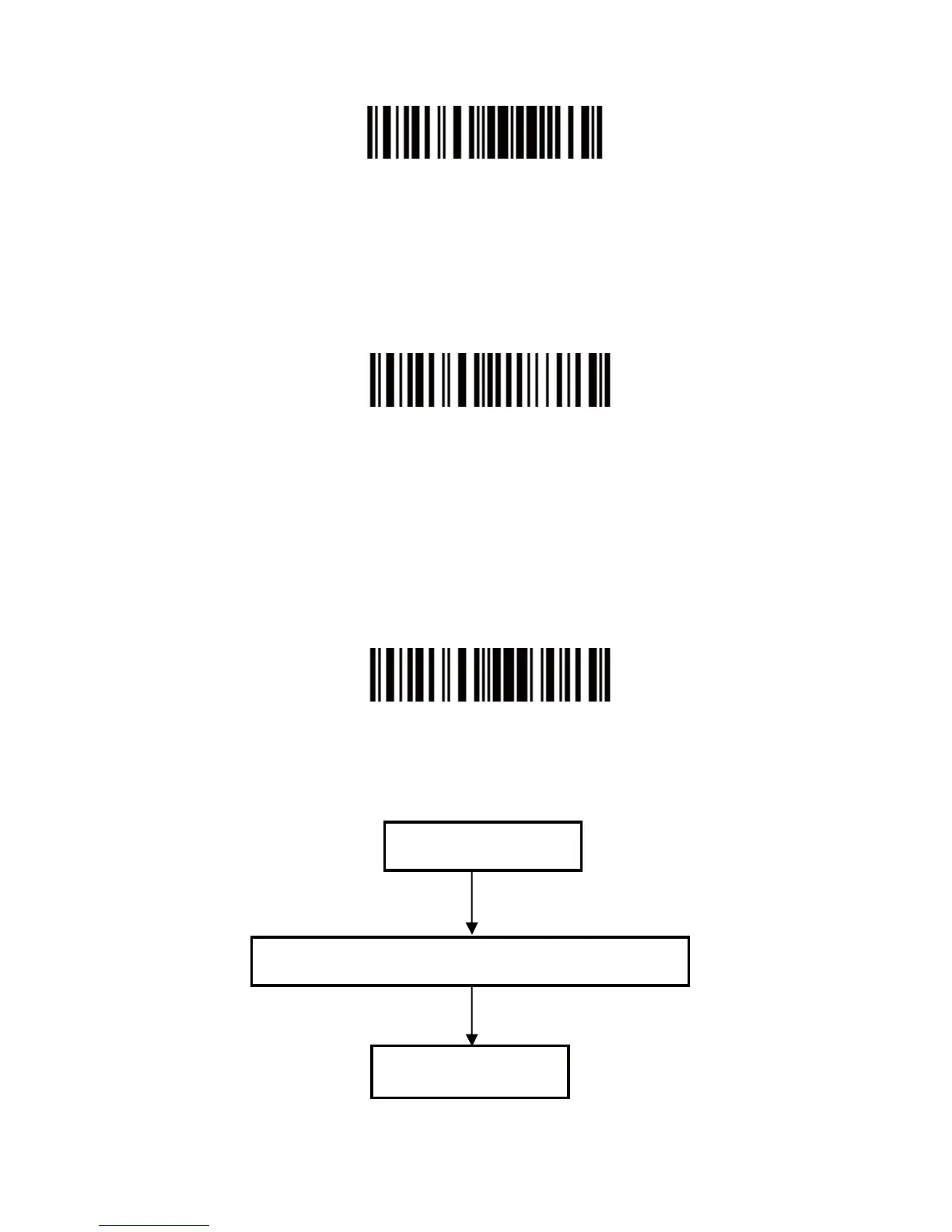
Enter Setup
Step 3: Read a Setup barcode. The CT10X Barcode Scanner will
response three beeps (tone ascending from low to high),
and its LED indicator will flashing purple.
For Example:
Enable Codabar
Step 4: Exit the Setting Mode. The CT10X Barcode Scanner will
response three beeps (tone descending from high to low),
and its LED indicator will not flashing purple and power off.
Note: When any setup error occurs, the CT10X Barcode
Scanner will respond with a long beep (low tone), and its
LED indicator will flashing purple.
Exit with Save
Steps of Setup


 To Next Page