90
Enter Setup
1662 L/1664 Barcode Scanner User Guide
2.6.1 ACTIVATE USB HID & SELECT KEYBOARD TYPE
When USB HID interface is activated, please select a keyboard type to complete this
setting.
Act
vate
Direct USB HID &
Select Keyboard
Type…
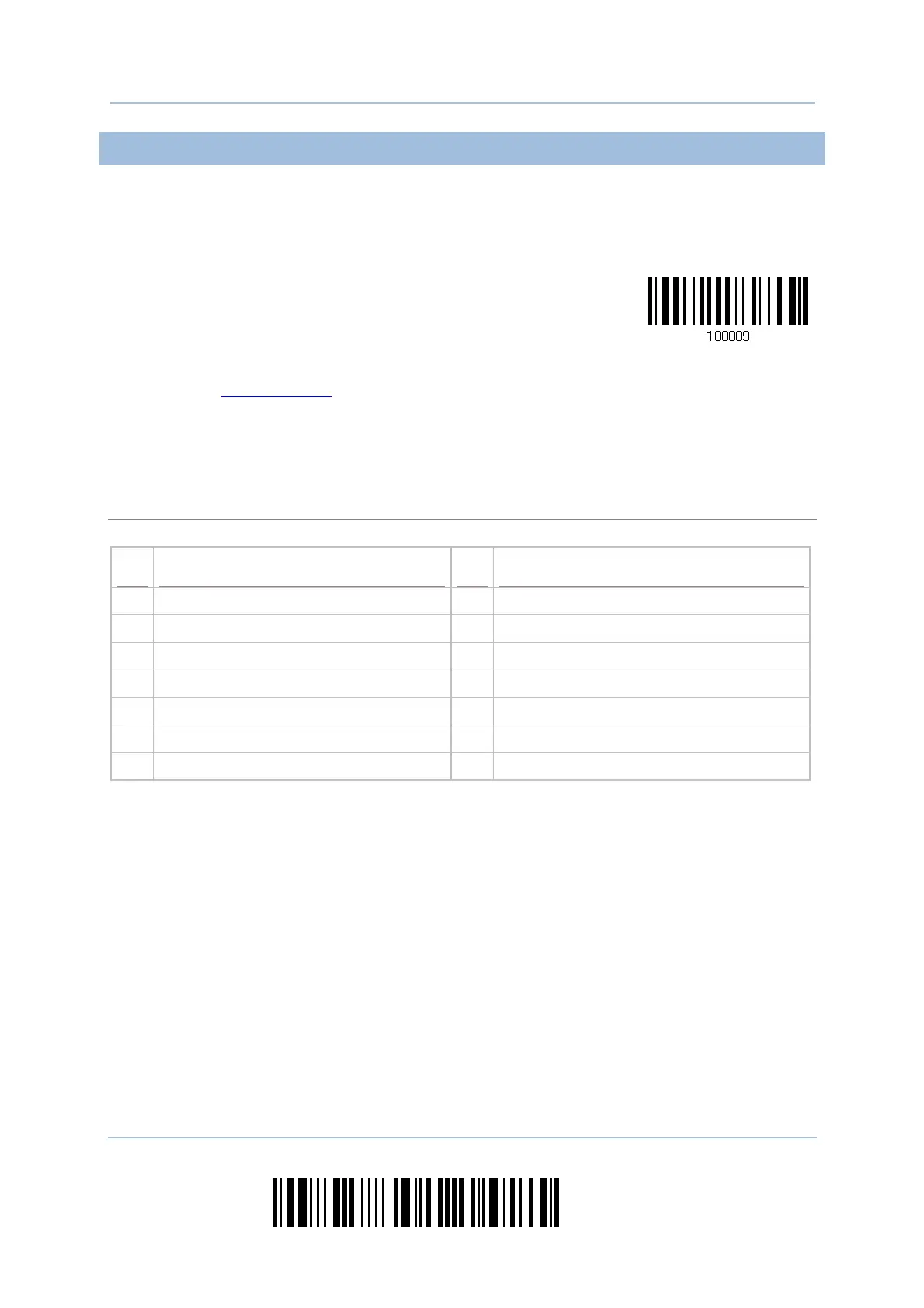
1) Read the barcode above to activate USB HID and select a keyboard type.
2) Read the “Decimal Value
” barcode page 錯誤! 尚未定義書籤。 . Refer to the table below
for the number of desired keyboard type.
3) Read the “Validate” barcode on the same page to complete this setting.
USB HID
By default, the keyboard type is set to PCAT (US). The following keyboard types are supported —
No. Keyboard Type No.
Keyboard Type
64 HID PCAT (US) 71 HID PCAT (Belgium)
65 HID PCAT (French) 72 HID PCAT (Spanish)
66 HID PCAT (German) 73 HID PCAT (Portuguese)
67 HID PCAT (Italy) 74 HID A01-2 (Japanese)
68 HID PCAT (Swedish) 75 User-Defined Table
69 HID PCAT (Norwegian) 76 HID PCAT (Turkish)
70 HID PCAT (UK) 77 HID PCAT (Hungarian)



 To Next Page