5
Update
Introduction
USE 3610
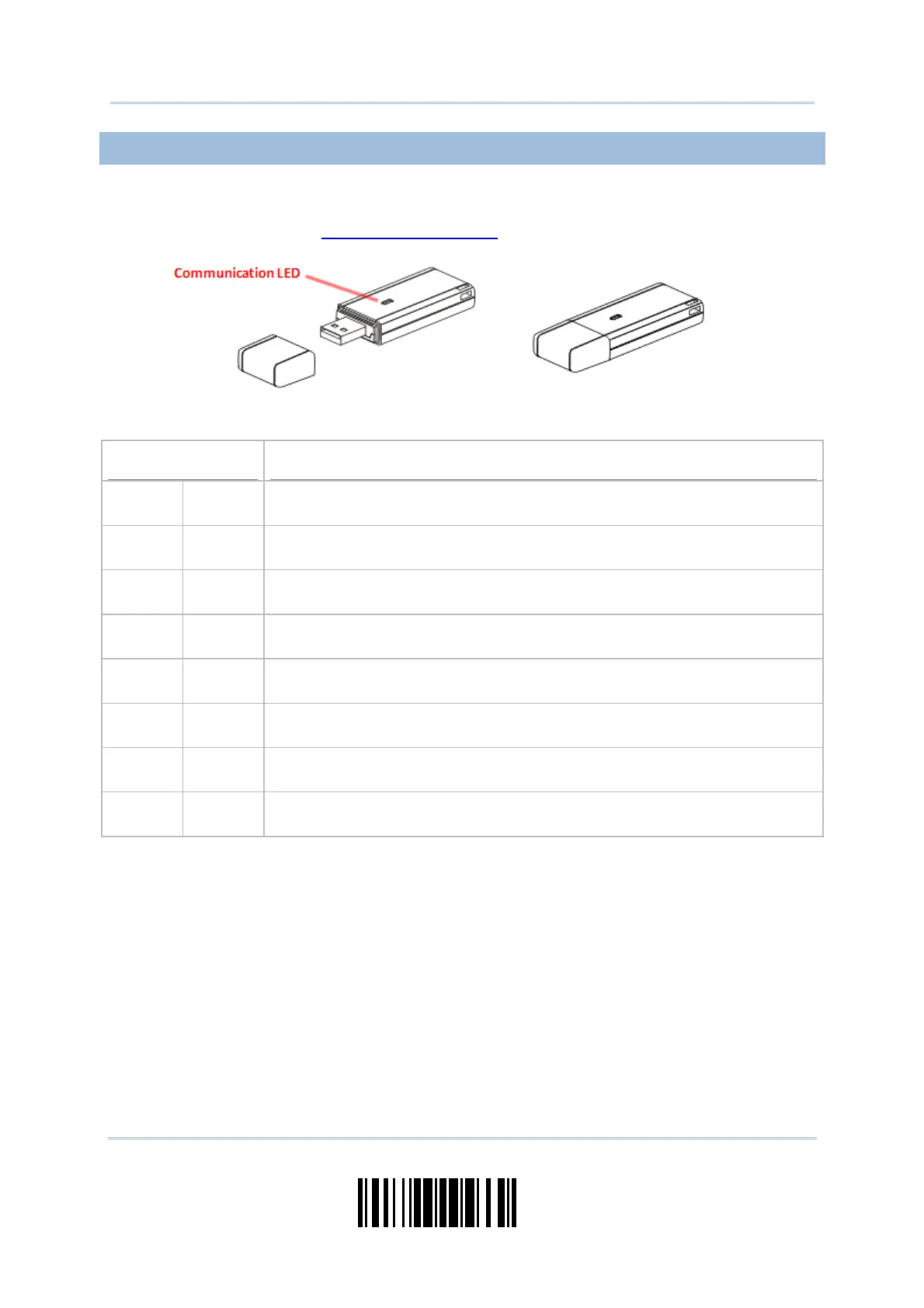
The CipherLab Dongle (3610) is specifically designed for the scanner to communicate
with a host computer cordless. The connection between the scanners and 3610 is made
easy and reliable. Refer to 3.1.1 Connect to 3610
.
There is one LED indicator provided for communications status.
Communication LED
Meaning
--- Blue,
solid
Initialize
Red,
solid
--- Failed to establish a USB connection
Red,
solid
Blue,
flashing
Serial command mode with USB Virtual COM: wait 3 seconds for starting a
serial command
Red,
flashing
Blue,
flashing
Serial command mode with USB HID: wait 3 seconds for pressing [Num
Lock] or [Caps Lock] 5 times via keyboard
--- Blue,
flashing
Wait for connection request from the scanner (Slow flash at 0.5 Hz)
--- Blue,
flashing
Connected with the scanner (Fast flash at 1 Hz)
Red,
solid
Blue,
flashing
Failed to send data to host via USB Virtual COM (Fast flash at 1 Hz)
Red,
flashing
--- Enter Download Mode



 To Next Page