70
Enter Setup
1662 L/1664 Barcode Scanner User Guide
2.2 BLUETOOTH
®
SPP SLAVE
For Bluetooth
®
SPP Slave, refer to Chapter 3 – Setting up a WPAN Connection for related
connection settings.
2.2.1 ACTIVATE BLUETOOTH
®
SPP SLAVE MODE
This is SPP Slave Mode.
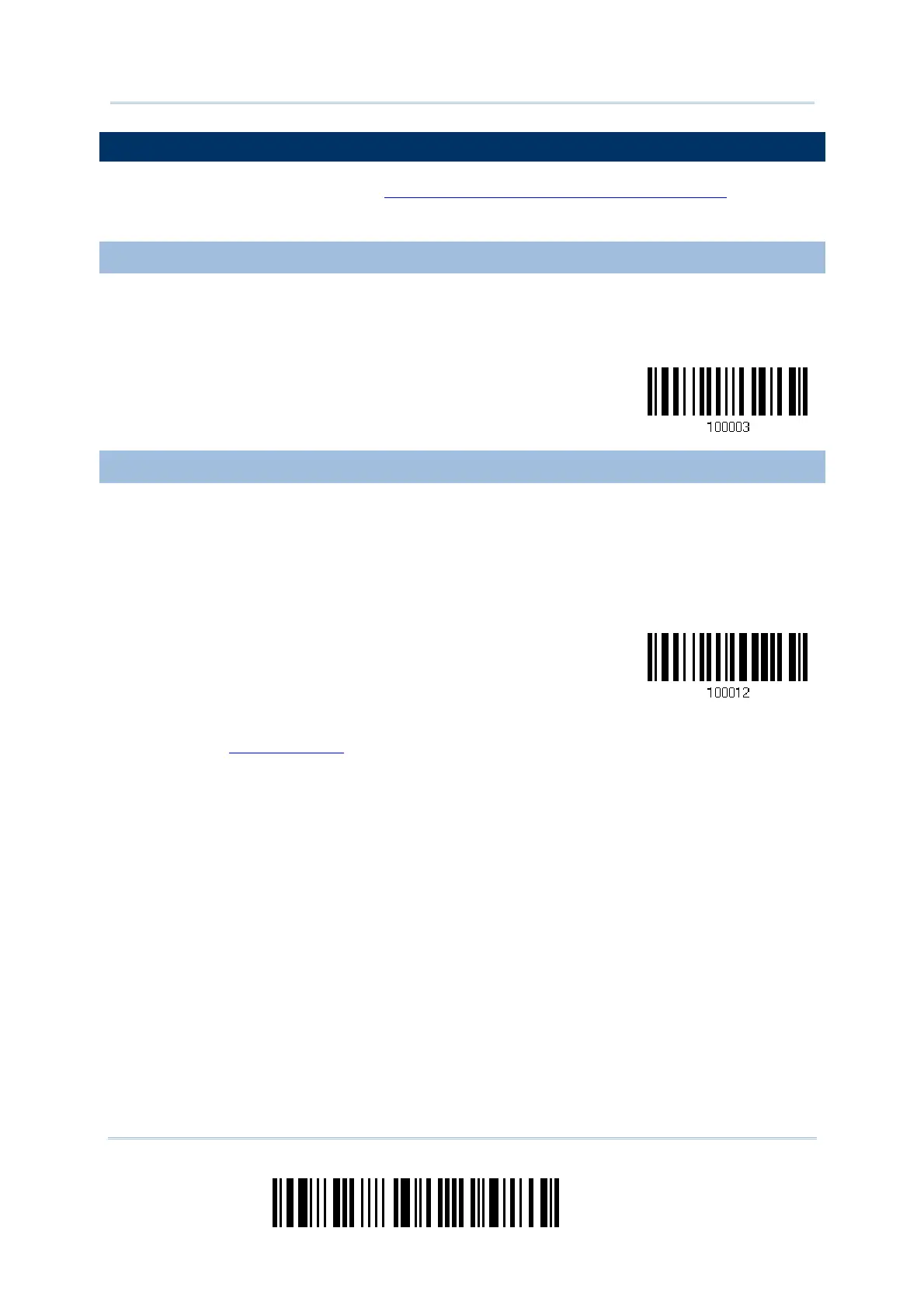
Activate Bluetooth
®
SPP, Slave Mode
2.2.2 INTER-FUNCTION DELAY
By default, the inter-function delay is set to zero. Specify a value, ranging from 0 to 254
in units of milliseconds, to match the computer response time of the keyboard interface.
Such delay time is inserted between every function code (0x01 ~ 0x1F) being
transmitted. The longer the delay time is, the slower the transmission speed will be.
Inter-Function
Delay… (*0~254)
1) Read the barcode above to specify the inter-function delay.
2) Read the “Decimal Value
” barcode on page 錯誤! 尚未定義書籤。 for the desired
inter-function delay (in milliseconds).
3) Read the “Validate” barcode on the same page to complete this setting.



 To Next Page