29
Update
Chapter 1
Understanding the Barcode Scanner
1.2.2 MEMORY MODE
When the scanner is in memory mode, it means any real-time connection established
with the host is disabled. 1662 L/1664 scanner keeps 4MB flash memory for memory
mode operation, which can store over 240,000 scans based on EAN-13 barcodes.
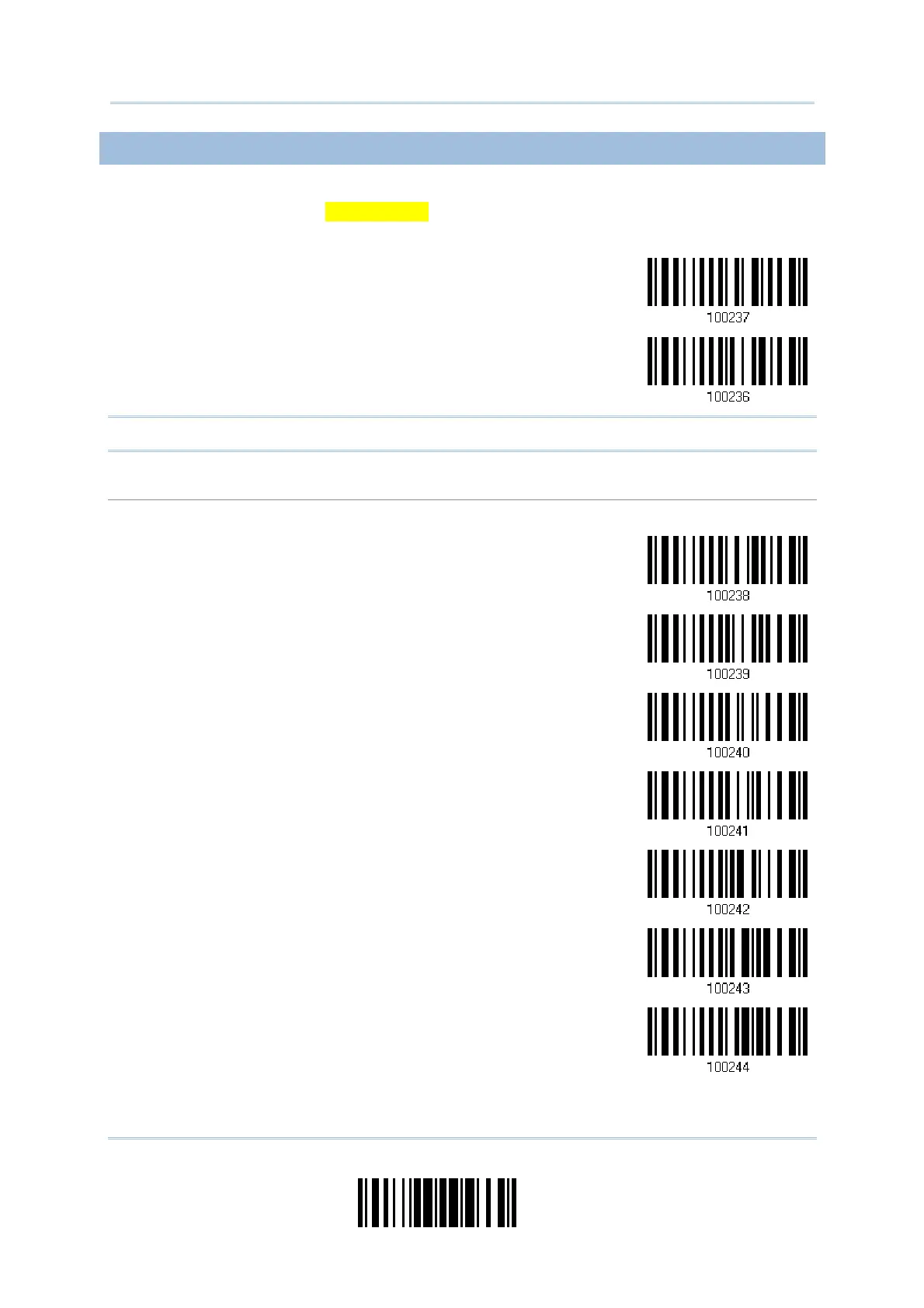
Enable
*Disable
Warning: No real-time connection is allowed unless the memory mode is disabled.
Memory Data Delay
You may set a delay between each data record while transmitting data back to the host.
*None
250 ms
500 ms
1 sec
2 sec
3 sec
5 sec



 To Next Page