20
Enter Setup
1662 L/1664 Barcode Scanner User Guide
Update
Now, it requires only one read:
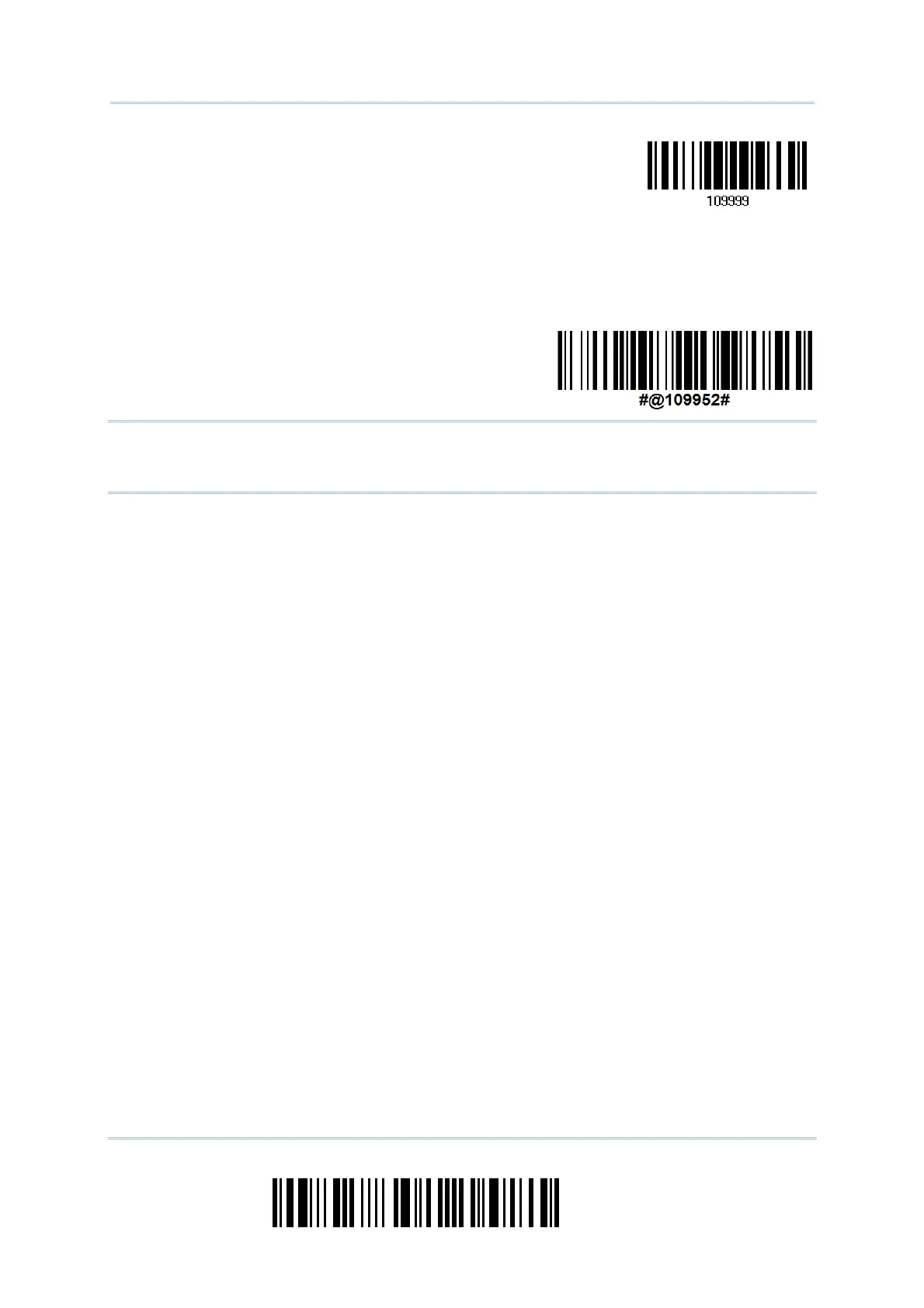
One-Scan Setup Barcode
for 109952
Note: The scanner will restart automatically upon reading the One-Scan setup barcode
for (1) changing the interface or (2) setting memory mode, enable or disable. It
will respond with a long beep and its LED will come on-off.



 To Next Page