Turn Your Headset On and Off
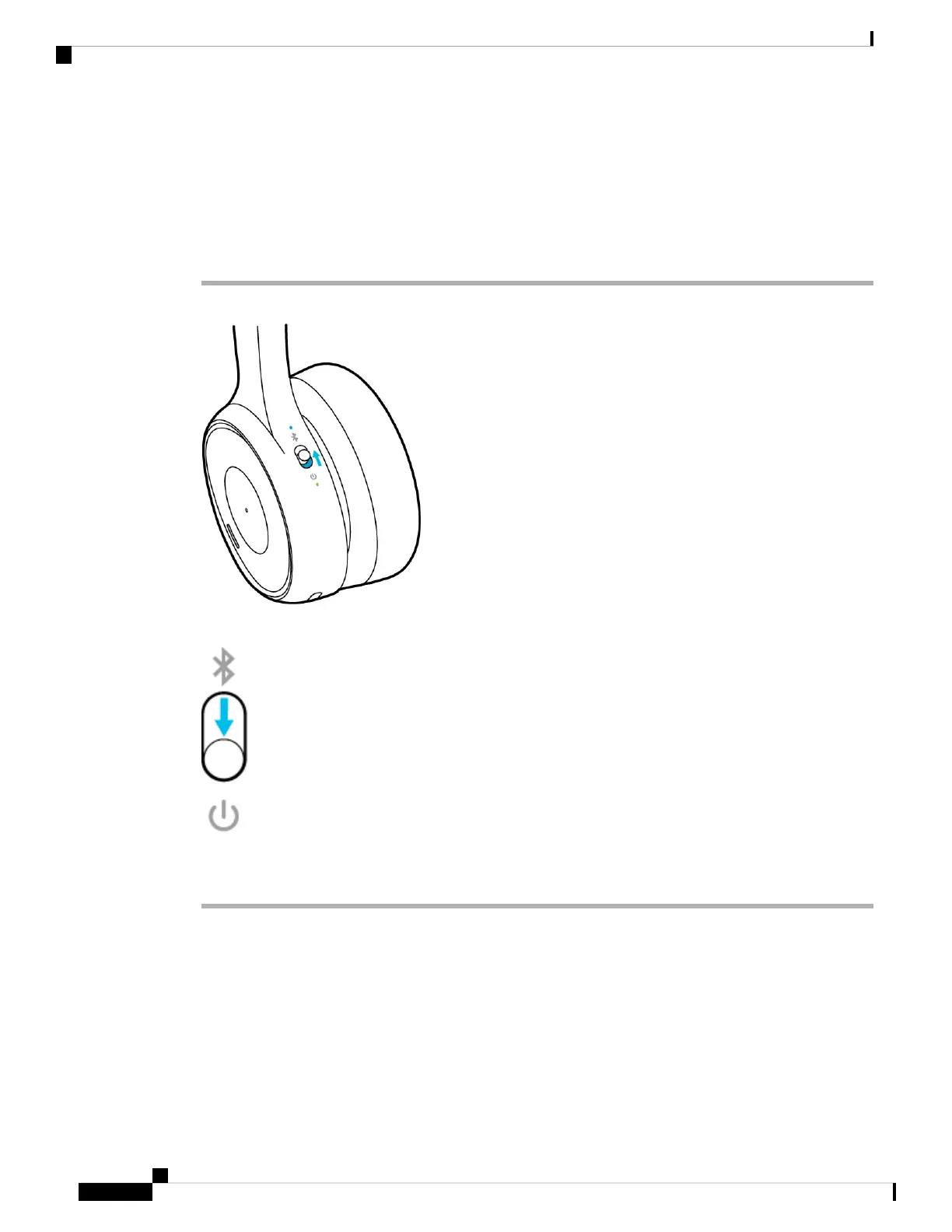
The Power/Bluetooth switch is located on the back of the left ear cup.
Procedure
Step 1 Slide the Power/Bluetooth switch up to turn on the headset.
Step 2 Slide the Power/Bluetooth switch down to turn off the headset.
It takes about 5 seconds for the headset to fully power down.
Note
Cisco Headset 730 User Guide
4
Your Headset
Turn Your Headset On and Off



 To Next Page