Skip a Track
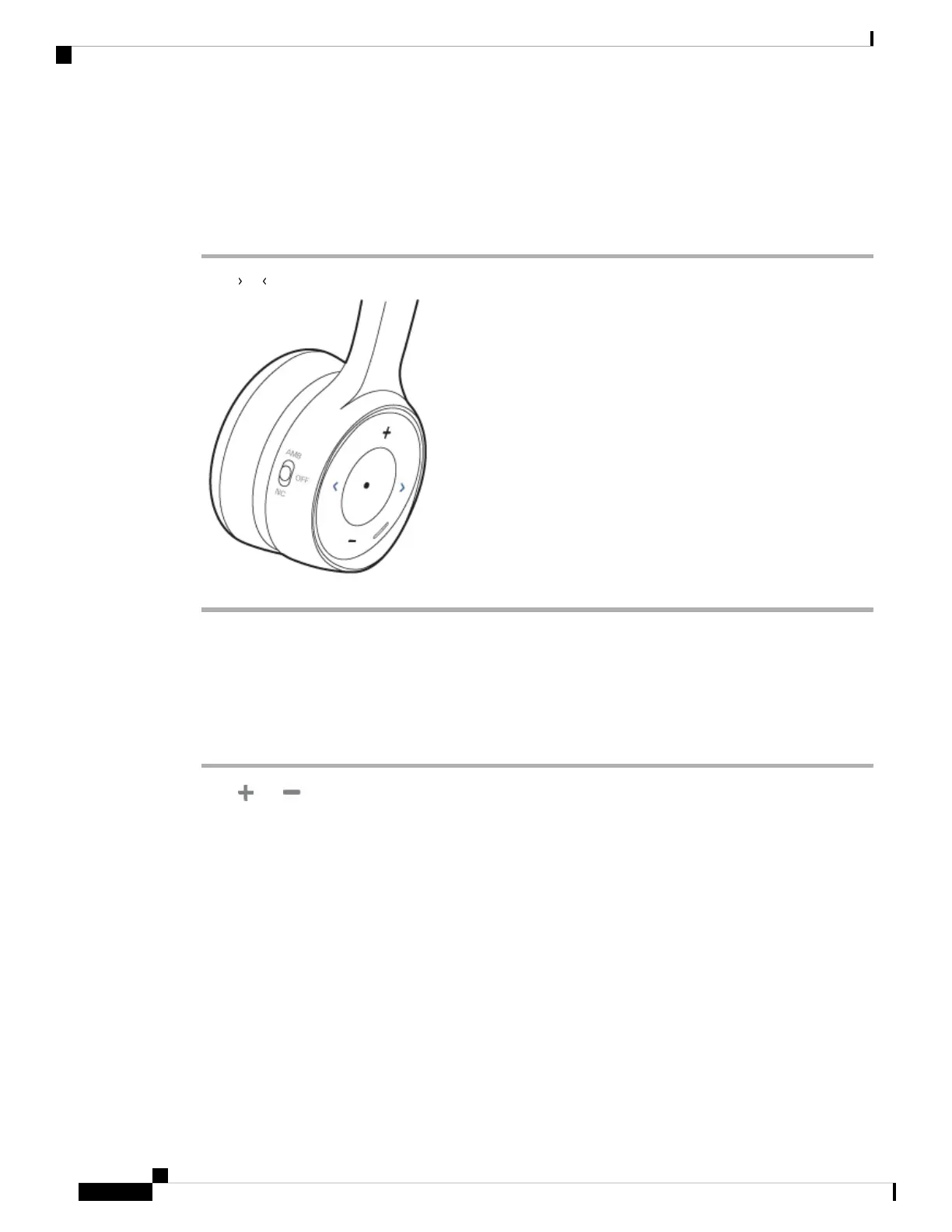
Your headset's music controls are located on the face of the right ear cup.
Procedure
Press or to skip a track.
Adjust Your Headset Volume
The volume buttons are located on the face of the right ear cup.
Procedure
Press and to adjust your headset volume.
Cisco Headset 730 User Guide
22
Music Playback and Audio Settings
Skip a Track



 To Next Page