Procedure
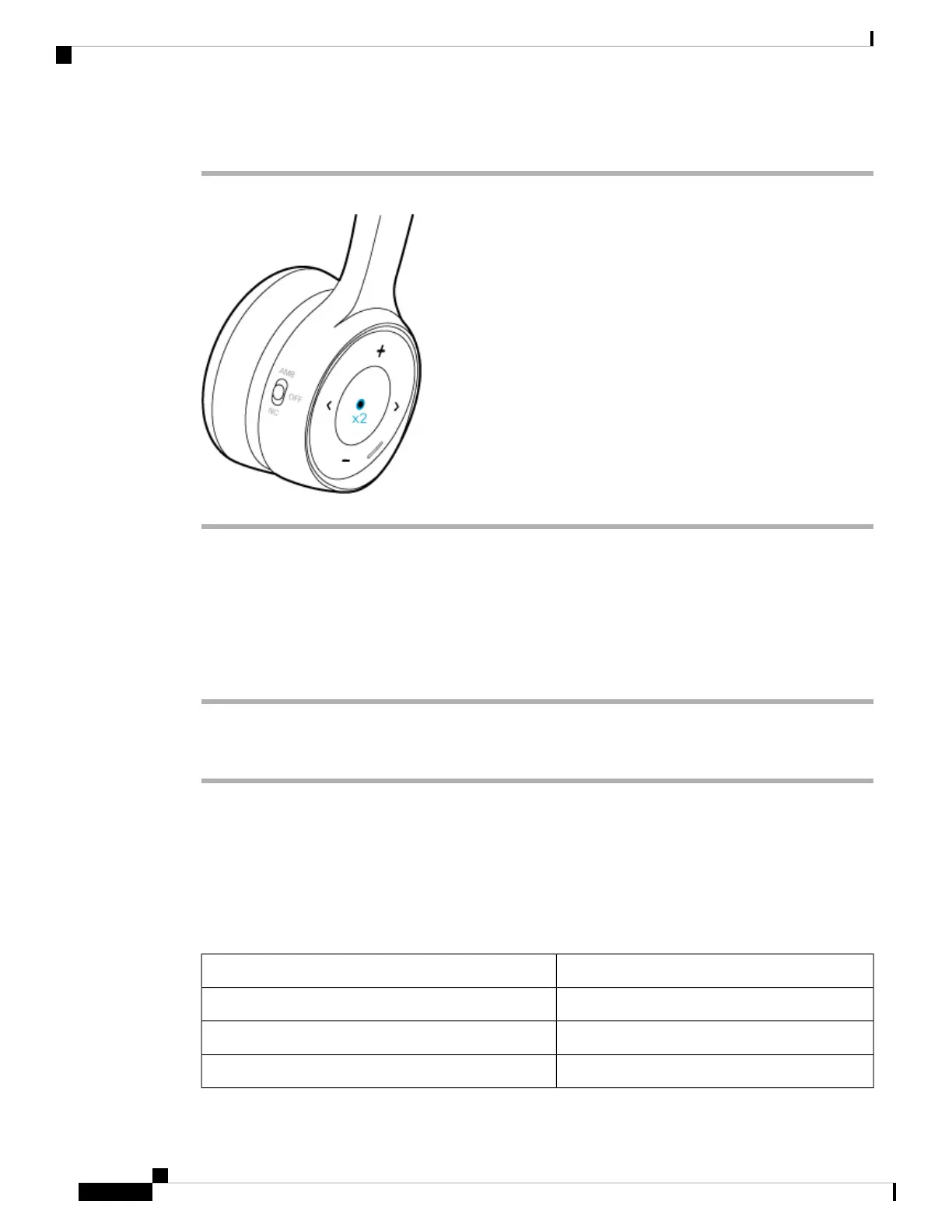
On the right ear cup, press the Play button twice.
Enable Your Voice Assistant in the Cisco Headsets App
You can enable and disable the voice assistant feature on your Cisco Headset 730 through the Cisco Headsets
mobile app.
Procedure
Step 1 On your mobile device, open Cisco Headsets and tap Settings > General
Step 2 Toggle Enable voice assistant on or off.
About Audio Notifications
By default, your headset plays audio notifications for a number of activities and scenarios. The following
table shows the situations associated audio messages.
Table 3: Headset Audio Notifications
Audio PromptAction
"Battery charge: high."The headset battery has more than 15 hours of talk time.
"You have [X] hours of talk time remaining.The headset battery has less than 15 hours of talk time.
"You have an incoming call."You have an incoming call.
Cisco Headset 730 User Guide
12
Your Headset
Enable Your Voice Assistant in the Cisco Headsets App



 To Next Page