CHAPTER 2
Make Calls
• Call Functions, on page 15
• Presence LED Lights, on page 18
• Adjust How Much Voice Feedback You Hear in Your Headset, on page 19
Call Functions
Answer a Call
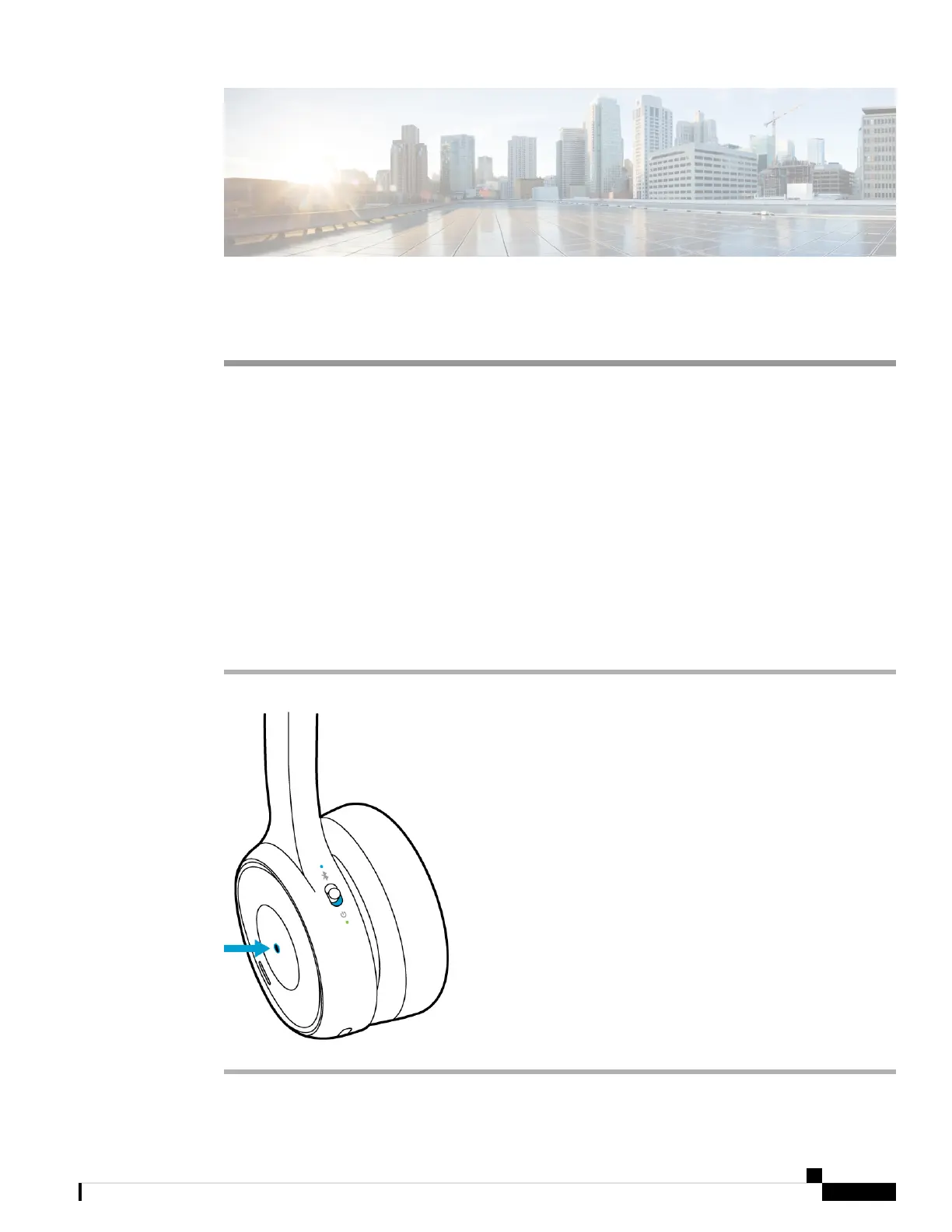
The Call button is located on the face of the left ear cup.
Procedure
Press the Call button once to answer a call.
Cisco Headset 730 User Guide
15



 To Next Page