CHAPTER 3
Music Playback and Audio Settings
• Music Controls, on page 21
• Turn Noise Cancellation On and Off, on page 23
• Turn Ambient Mode On and Off, on page 24
• Customize Your Headset Equalizer Settings, on page 24
• Reset Your Headset Settings, on page 25
Music Controls
Play and Pause Music
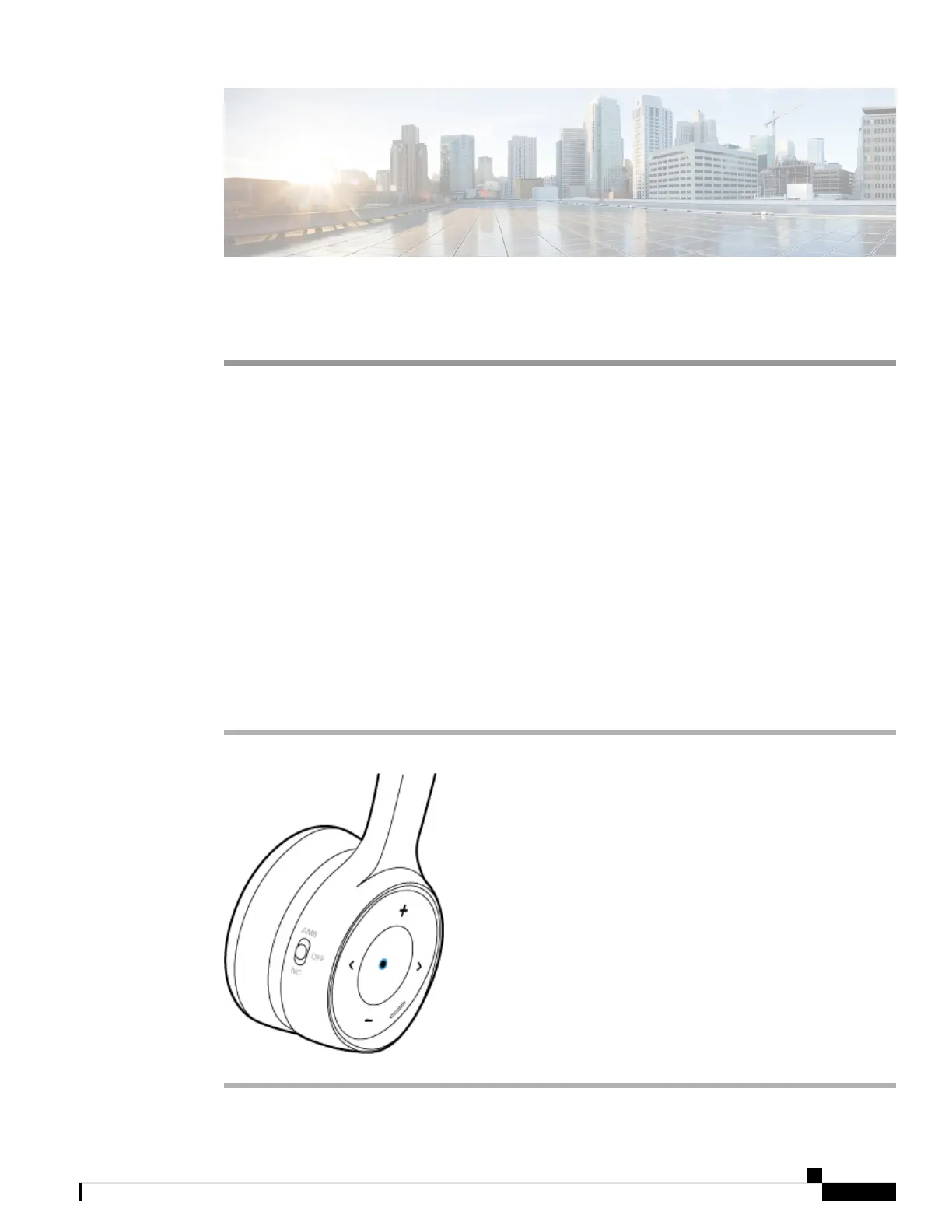
You can control music playback on the face of the right ear cup. Music playback automatically pauses when
you have an incoming call and resumes after the call ends.
Procedure
Press the Play button in the center of the right ear cup to pause and play music with your headset.
Cisco Headset 730 User Guide
21



 To Next Page